:quality(50))
What Is DevOps Workflow Automation?
DevOps workflow automation is the use of scripted, scheduled, or event-triggered processes to run tasks across development and operations, including code integration, testing, provisioning, deployment, and monitoring, without requiring a person to manually kick each one off.
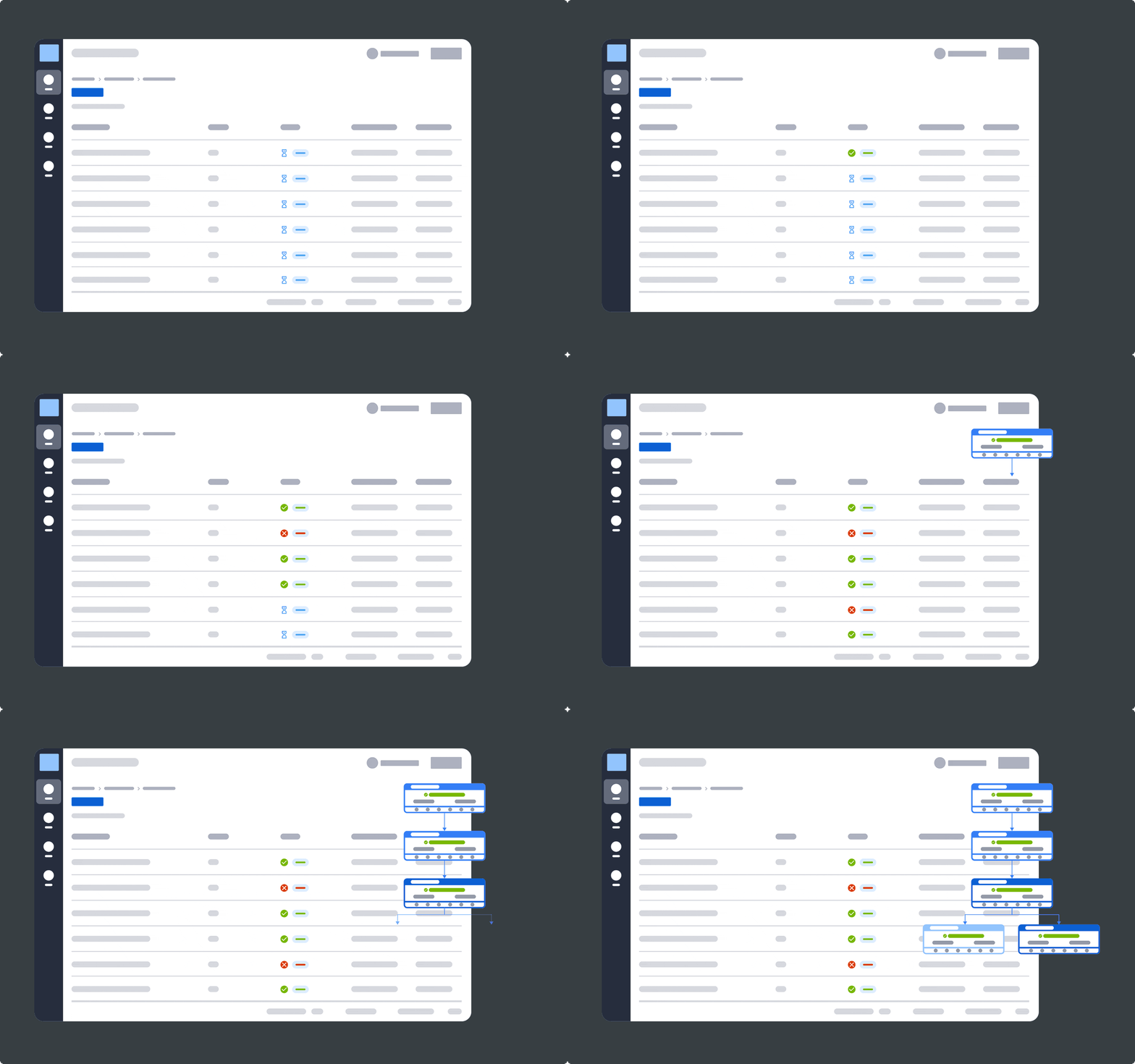
It goes beyond basic CI/CD automation, which typically stops at build-test-deploy; workflow automation also covers infrastructure provisioning, cross-system dependencies, and incident response.
Manual handoffs between these stages are where releases stall, and errors creep in.
Why DevOps Workflow Automation Is Critical in Modern Engineering
As release cadences shorten and infrastructure spans more clouds, containers, and legacy systems, manual coordination between them becomes the slowest and least reliable part of the pipeline.
Here’s why you should be considering integrating DevOps workflow automation into your processes today.
Reason #1: Speed Without Sacrificing Stability
Manually triggering builds and deployments caps how often a team can safely ship. Automation removes that ceiling, but the goal isn’t speed alone.
Google Cloud’s 2025 DORA research found that when teams pair automation with strong technical practices, faster releases and better stability go hand in hand rather than trading off.
Reason #2: Consistency Across Every Release
A manually run deployment is only as reliable as the person running it that day. Skipped steps or missed configuration checks are easy to make under deadline pressure.
Automated workflows apply the same checks, in the same order, on every single run, removing that variability entirely.
Reason #3: Faster Recovery When Things Break
Automated pipelines can detect a failed deployment, trigger a rollback, and alert the right team without waiting for someone to notice. That matters most outside business hours, when a broken release can sit unnoticed for hours if no automated safety net catches it first.
Did you know?
In GitLab’s 2024 Global DevSecOps Report, 64% of respondents said they want to consolidate their toolchain, a signal that fragmented, manually stitched pipelines are becoming a bigger pain point than the tools themselves.
This shift toward tighter, better-connected pipelines is part of a broader move toward enterprise automation, where individual point tools give way to coordinated systems that can be monitored and governed from one place.
Core Components of DevOps Workflow Automation
A complete DevOps automation strategy touches four layers of the delivery lifecycle.
Skipping any one of them tends to just move the manual bottleneck rather than remove it.
1. Source Control and CI
Every automated workflow starts with a trigger, usually a code commit or merge request, that kicks off a build and a suite of automated tests.
This is the layer most teams automate first, since platforms like GitHub Actions and GitLab CI/CD build it in by default.
2. Infrastructure Provisioning
Spinning up servers, containers, or cloud resources by hand doesn't scale past a handful of environments.
Infrastructure-as-code and configuration management tools let teams define environments once and provision them repeatedly, consistently, and on demand.
3. Deployment and Orchestration
This is where dependency management and cross-system sequencing come together to decide what runs, in what order, and what happens when something fails. Workflow orchestration at this layer is what separates a basic pipeline, which can only run one linear sequence, from one that can coordinate parallel, conditional, and cross-system dependencies without manual intervention.
Pro Tip
Teams that already run workload automation for batch jobs, SAP processes, or data pipelines often don’t need a separate orchestration tool for DevOps workflows. Several modern platforms coordinate CI/CD-triggered jobs alongside the rest of the enterprise IT estate.
4. Monitoring and Observability
Automation only pays off if you can trust it to run unattended, and that trust comes from visibility, not hope.
This layer captures logs, metrics, and traces across every stage of the pipeline, detects anomalies before they become outages, and feeds the alerting that triggers rollbacks or pages the right team.
Without it, teams end up automating their way into failures they can't diagnose. Strong observability is what makes the other three layers safe to run at scale.

DevOps Workflow Automation Tools
No single tool automates the entire DevOps lifecycle end-to-end.
Most enterprise teams run a small stack: something that handles CI/CD, something that manages infrastructure, and, increasingly, something that orchestrates all of it across systems.
Here’s a quick breakdown of each tool and what it’s best for.
Tool | Primary Layer | Best For | Limitation Outside That Layer |
|---|---|---|---|
ANOW! Suite | Cross-system orchestration | Coordinating DevOps, SAP, data, and mainframe workflows | Not a CI/CD or config management tool by design |
GitLab CI/CD | CI/CD | Build-test-deploy within the GitLab ecosystem | Limited cross-platform, enterprise-wide orchestration |
Ansible | Infrastructure provisioning | Configuration management and infrastructure-as-code | No event-driven, dependency-aware orchestration |
1. Beta Systems’ ANOW! Suite
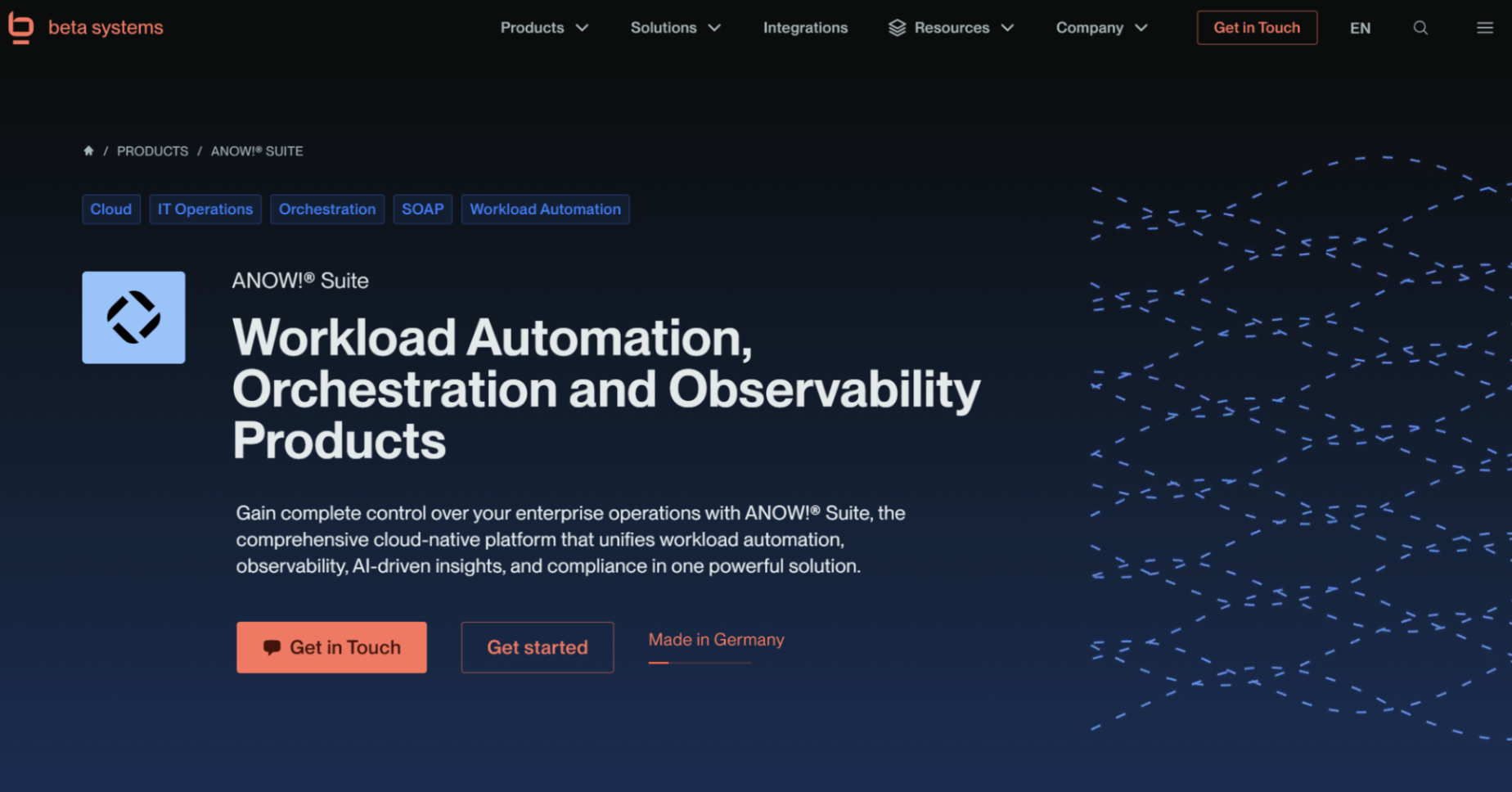
ANOW! Suite is a cloud-native workload automation and orchestration platform, not a CI/CD tool in itself, that sits above the pipeline layer to coordinate jobs across DevOps, SAP, data, and mainframe systems from a single control point.
The ANOW! Automate component uses a jobs-as-code approach, managing artifacts as Git-compatible definitions with native support for GitHub, GitLab, and Bitbucket, so that CI/CD-triggered jobs plug directly into broader enterprise workflows rather than running in isolation.
With 500+ native integrations and built-in observability, it gives teams a single place to see and control dependencies that would otherwise be scattered across separate DevOps and IT operations tools.
Best for: Enterprises whose DevOps pipelines need to coordinate with SAP, mainframe, or hybrid cloud workloads, rather than run as a standalone island.
Bring your DevOps and enterprise workflows together in one place
See how one platform can coordinate complex workflows across cloud, DevOps, SAP, data, and mainframe environments.
2. GitLab CI/CD
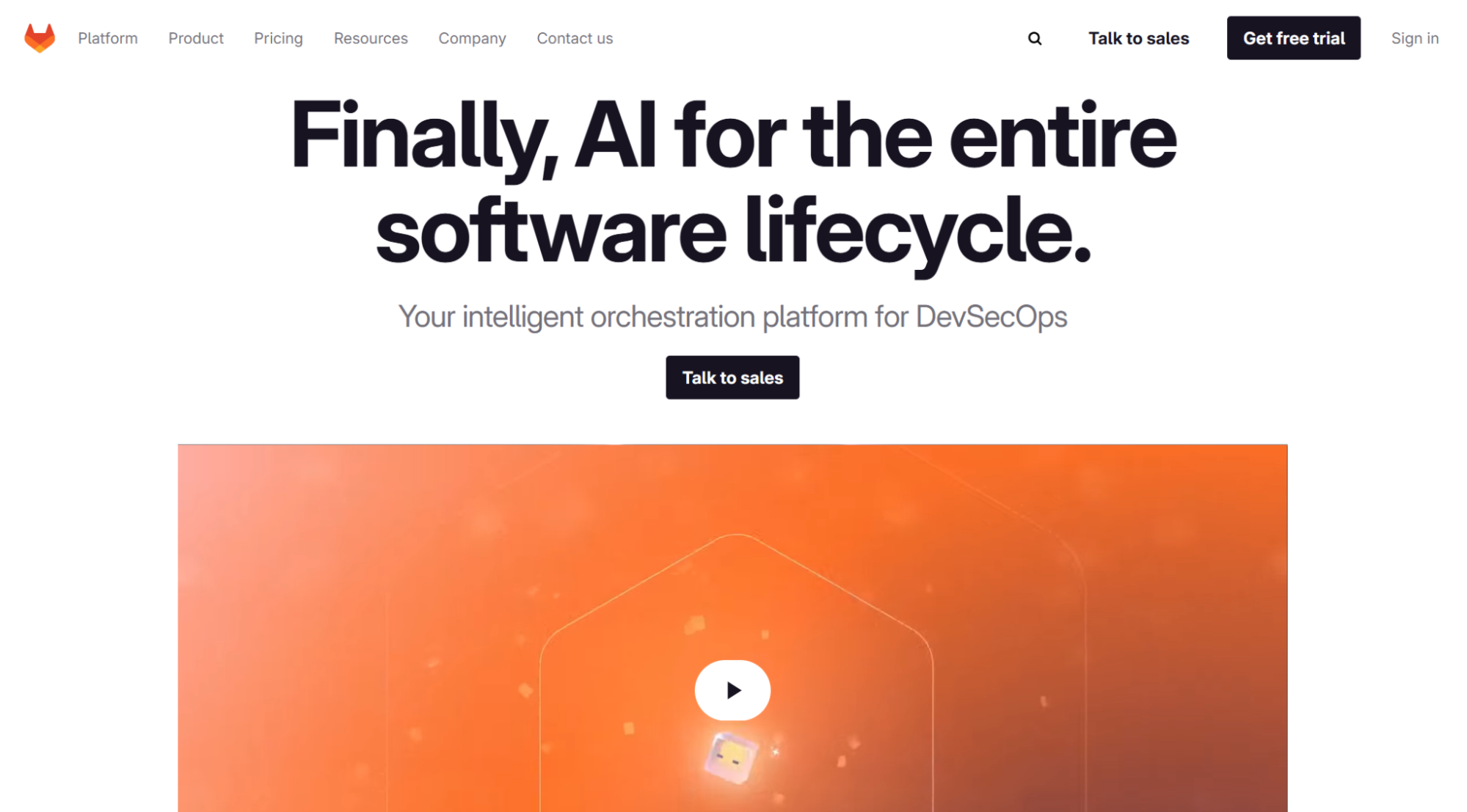
GitLab CI/CD is the automation engine built into the GitLab DevSecOps platform, covering source control, pipeline execution, and testing within a single system.
It’s one of the most widely adopted CI/CD platforms in enterprise environments and is explicitly supported as a native integration in ANOW! Automate, alongside GitHub and Bitbucket, letting teams keep GitLab as their pipeline trigger while extending orchestration beyond it.
GitLab CI/CD is strong within its own ecosystem, but it isn't built to manage dependencies or scheduling for systems outside the code repository, which is where a broader orchestration layer becomes necessary.
Best for: Teams standardized on GitLab who need reliable build-test-deploy automation within that ecosystem.
3. Ansible
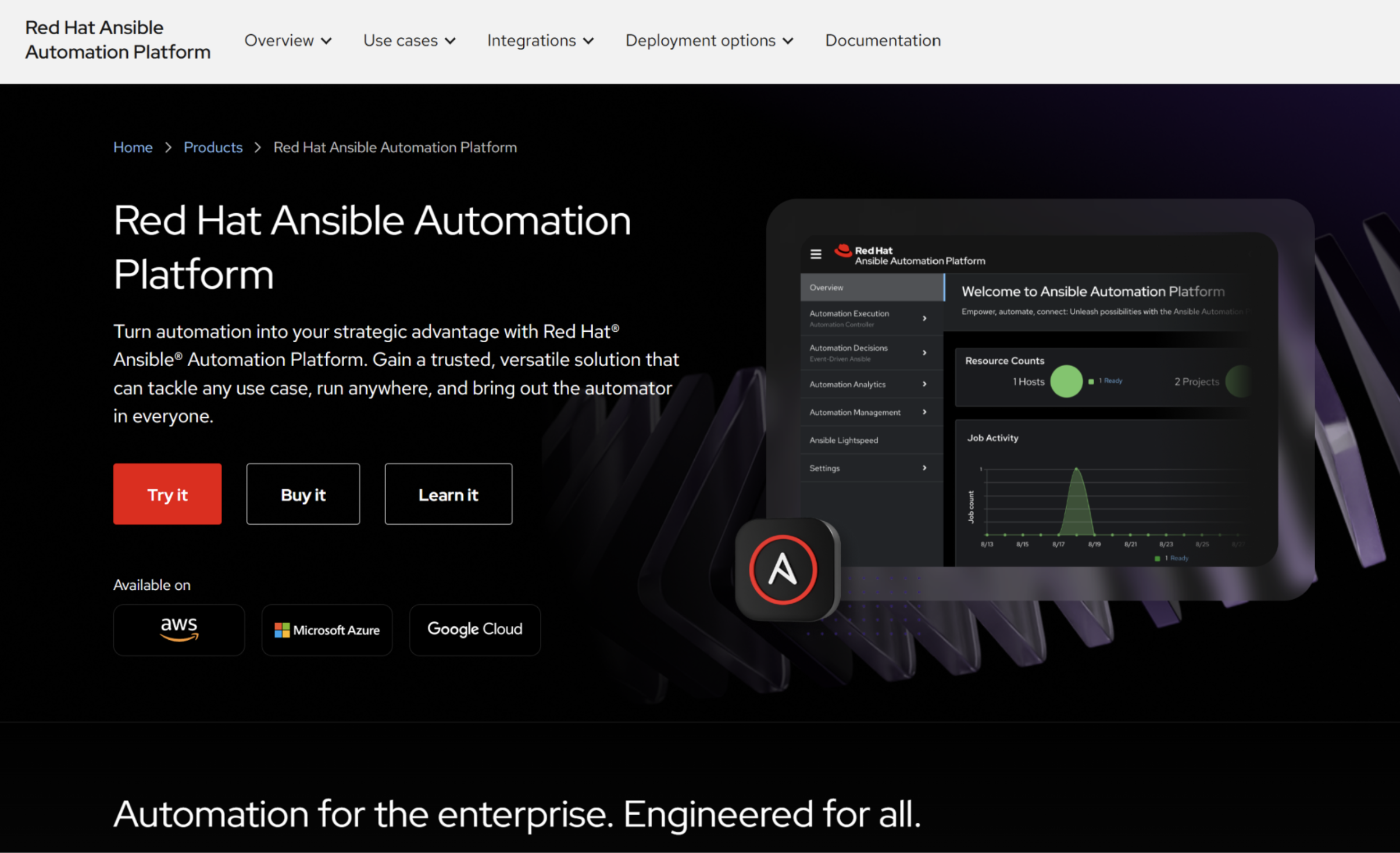
Ansible is one of the most widely recognized infrastructure automation tools among IT Operations and infrastructure teams, used to configure servers, deploy applications, and manage infrastructure state through simple, human-readable playbooks. Its agentless architecture and large module library make it a common default for infrastructure-as-code work.
Ansible automates infrastructure tasks procedurally and on a defined schedule or trigger, but it doesn't provide event-driven, dependency-aware orchestration across systems outside the infrastructure layer, which is where enterprise workload automation platforms operate instead.
Best for: Infrastructure and configuration management tasks within a defined environment, typically paired with a CI/CD tool and, for cross-system workflows, an orchestration layer.
Step-by-Step: How to Implement DevOps Automation
Rolling out DevOps automation works best as a phased process rather than a single cutover.
Step #1: Map Your Current Workflow and Manual Touchpoints
Before automating anything, document every manual step in your current pipeline, who triggers it, what it depends on, and how long it takes.
This map becomes the blueprint for what to automate first and surfaces hidden dependencies teams often don't realize exist until they're written down.
Step #2: Automate the CI/CD Layer First
Start with source control triggers, automated builds, and automated testing, since this layer typically has the clearest starting point and the fastest payoff.
Getting this right builds the confidence and track record needed before automating riskier, higher-stakes stages.
Step #3: Extend Automation to Infrastructure and Cross-System Orchestration
Once CI/CD is reliably automated, extend it outward to include infrastructure provisioning, deployment sequencing, and dependencies on systems outside the code repository. This is typically where teams introduce a dedicated orchestration layer, since managing cross-system dependencies within a CI/CD tool alone quickly becomes brittle.
Our guide to migrating without regret covers how to do this without disrupting pipelines already in production.
Pro tip:
Test failure scenarios intentionally, such as missing dependencies, timeouts, and malformed inputs, before going live, not after. Confirming that retries, rollbacks, and alerts behave as expected in a non-production environment helps catch issues that don't show up until a pipeline encounters real-world conditions.
Common Challenges in Automating DevOps Workflows
Automation removes manual bottlenecks, but it introduces its own set of risks if implemented without the right guardrails.
Here are the main challenges to look out for.
Challenge #1: Tool Sprawl
Most enterprise teams don’t run one DevOps tool but resort to running a combination of:
A CI/CD platform
A configuration manager
Monitoring tools
Several point solutions layered on top
As previously mentioned, 64% of respondents want to consolidate their toolchain, reflecting how common this fragmentation has become.
Every additional tool adds another integration point that can break.
Challenge #2: Security and Access Control Gaps
Automated workflows often run with elevated permissions to complete their tasks, which makes access control critical.
Without granular, role-based permissions and the principle of least privilege, an automated pipeline can become a larger attack surface than the manual process it replaced.
Challenge #3: Instability From Scaling Too Fast
Google Cloud’s 2025 DORA research found that AI-assisted development is increasing release throughput across the industry.
However, faster change volume without strong automated testing and fast feedback loops correlates with reduced delivery stability.
The same pattern applies to automation generally: scaling it faster than your testing and monitoring can support tends to trade one bottleneck for a new failure mode.
Best Practices to Automate Your DevOps Workflows
These practices separate teams that get lasting value from automation from those that end up managing a more complex version of the same manual firefighting.
1. Build Observability in From the Start
Define what “healthy” looks like, and what should trigger an alert, before a workflow goes live, not after the first incident.
Consistent logs, metrics, and traces across every automated stage make root-cause analysis dramatically faster when something does go wrong.
Our guide on observability covers how this layer typically gets structured.
2. Apply Least-Privilege Access to Every Automated Job
Automated workflows should run with only the permissions each specific task requires, not broad, standing access.
This limits the blast radius if a workflow is compromised or misconfigured. It’s also a baseline expectation under most modern compliance frameworks.
3. Choose an Orchestration Layer That Matches Your Environment, Not Just Your Pipeline
A CI/CD tool and a configuration manager cover the code and infrastructure layers well, but teams running hybrid environments, SAP, mainframe, and multi-cloud workloads alongside DevOps pipelines eventually need a layer that coordinates all of it together.
ANOW! Automate is built for exactly that: connecting DevOps pipelines to the rest of the enterprise IT estate through native jobs-as-code integrations rather than custom-scripted glue.
Beta Systems Software is Recognized as a Leader in the 2026 Gartner® Magic Quadrant™
Discover why analysts trust Beta Systems to deliver enterprise-grade workload automation and observability at scale.
:quality(80))
Take Control of Your DevOps Pipelines Now with Beta Systems
Automating individual pipeline steps gets you partway there. Coordinating those steps with everything else running in your IT estate, SAP, data pipelines, and mainframe batch jobs is what actually removes the manual firefighting for good.
ANOW! Automate connects your CI/CD pipelines to the rest of your automation strategy from one platform, without forcing a rip-and-replace of the tools your teams already use.
Talk to our team about where DevOps automation fits into your broader IT operations, or learn more about Beta Systems and our four decades of enterprise automation experience.
:quality(50))
:quality(50))
:quality(50))