:quality(50))
7 Most Essential Features of a Good Enterprise Automation Software
Without any further ado, let’s look into the features, functions, and tools that you should look for and use in your enterprise workload automation software.
1. Cloud Orchestration
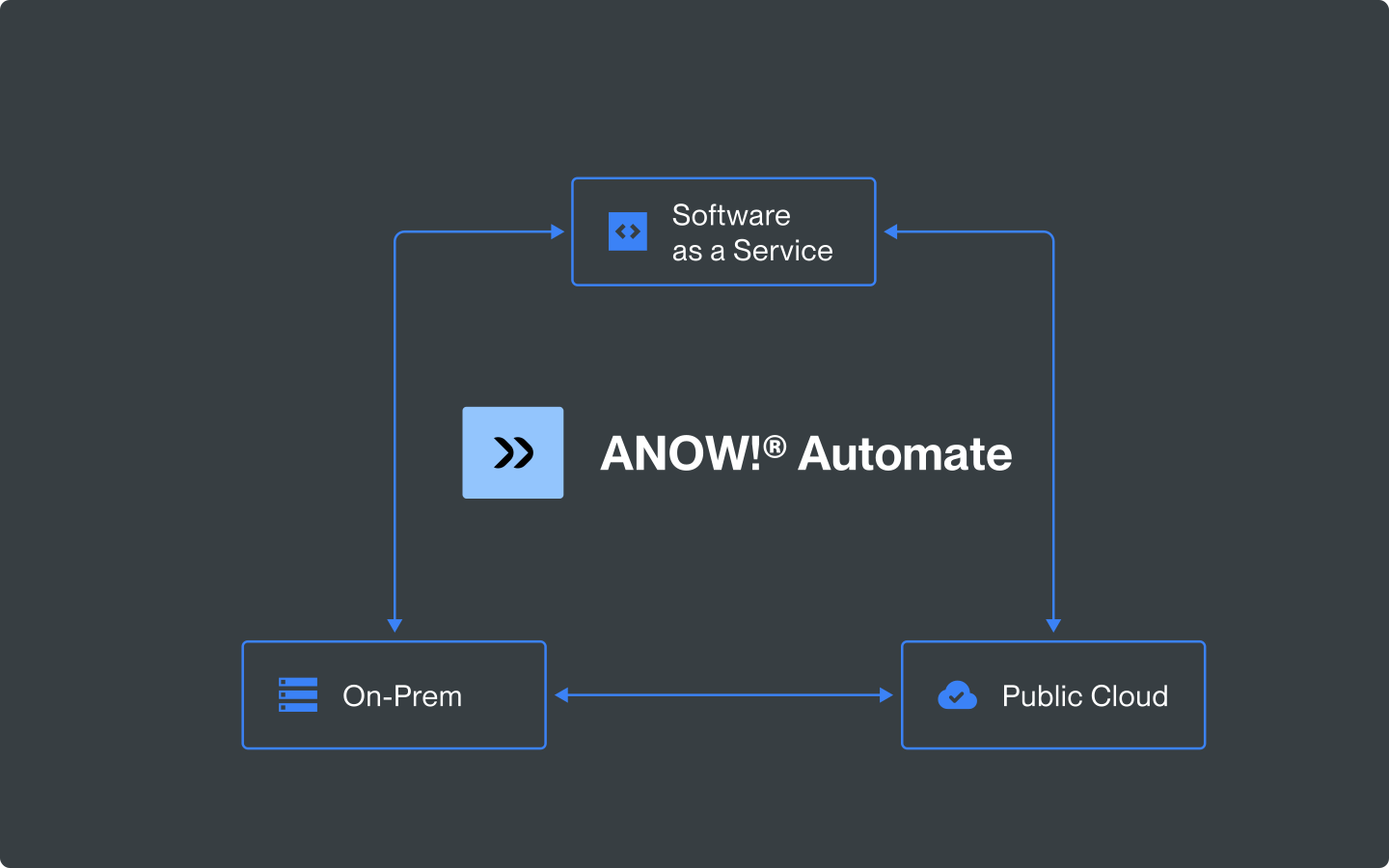
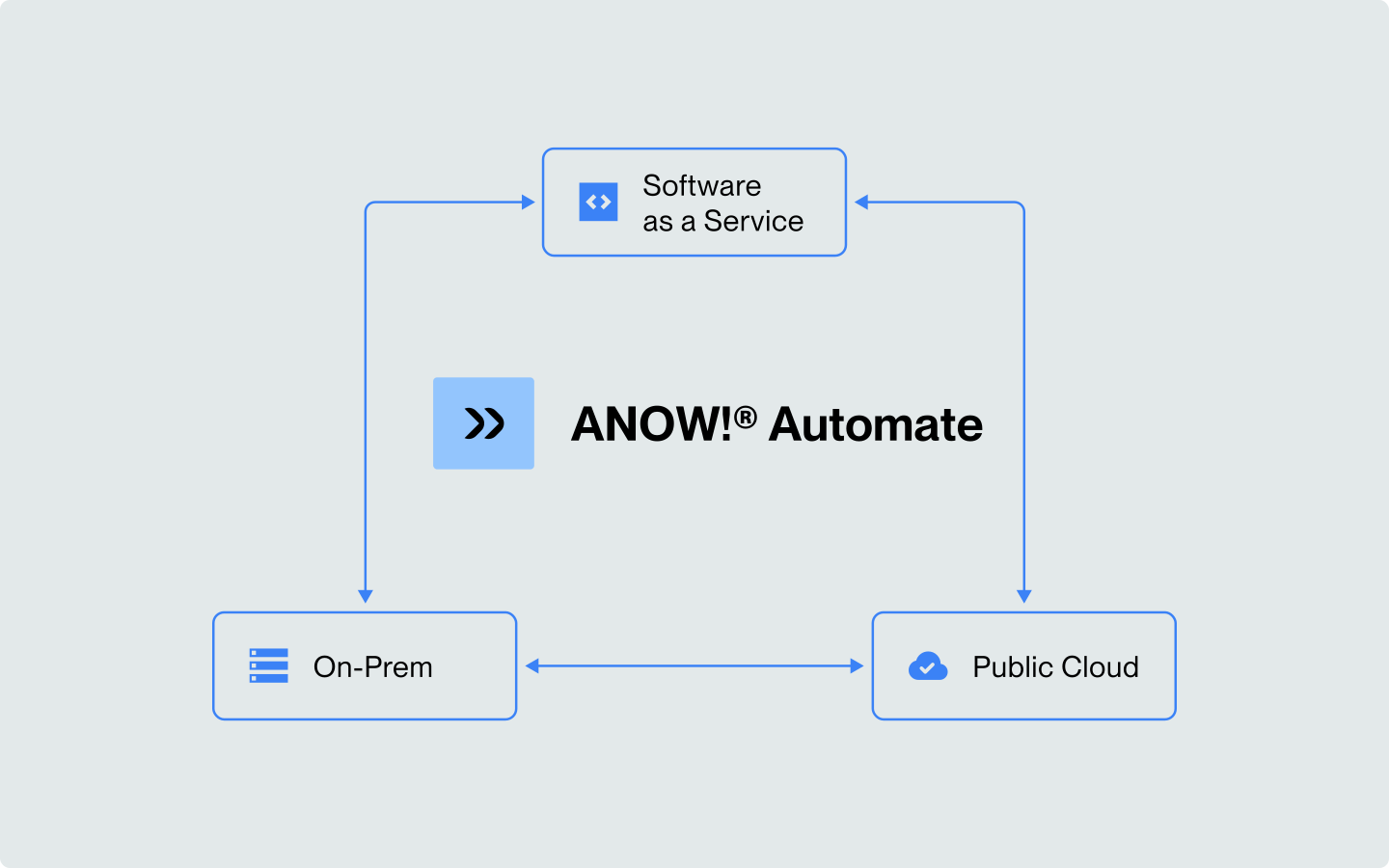
Does your business combine cloud-based solutions with on-premise software components? If yes, you need to integrate them and be able to streamline processes that go through both the cloud and on-site environments. This is why the first crucial feature of enterprise automation software is cloud orchestration.
While this may sound like a purely cloud-related functionality, it is not. On the contrary, cloud orchestration enables you to unify management across multiple environments, including:
on-premise solutions,
private cloud environments,
public cloud environments.
Since many processes are multi-faceted and travel across different platforms, taking data from all of them, this feature is essential in any enterprise automation software.
2. Data Pipelines Orchestration
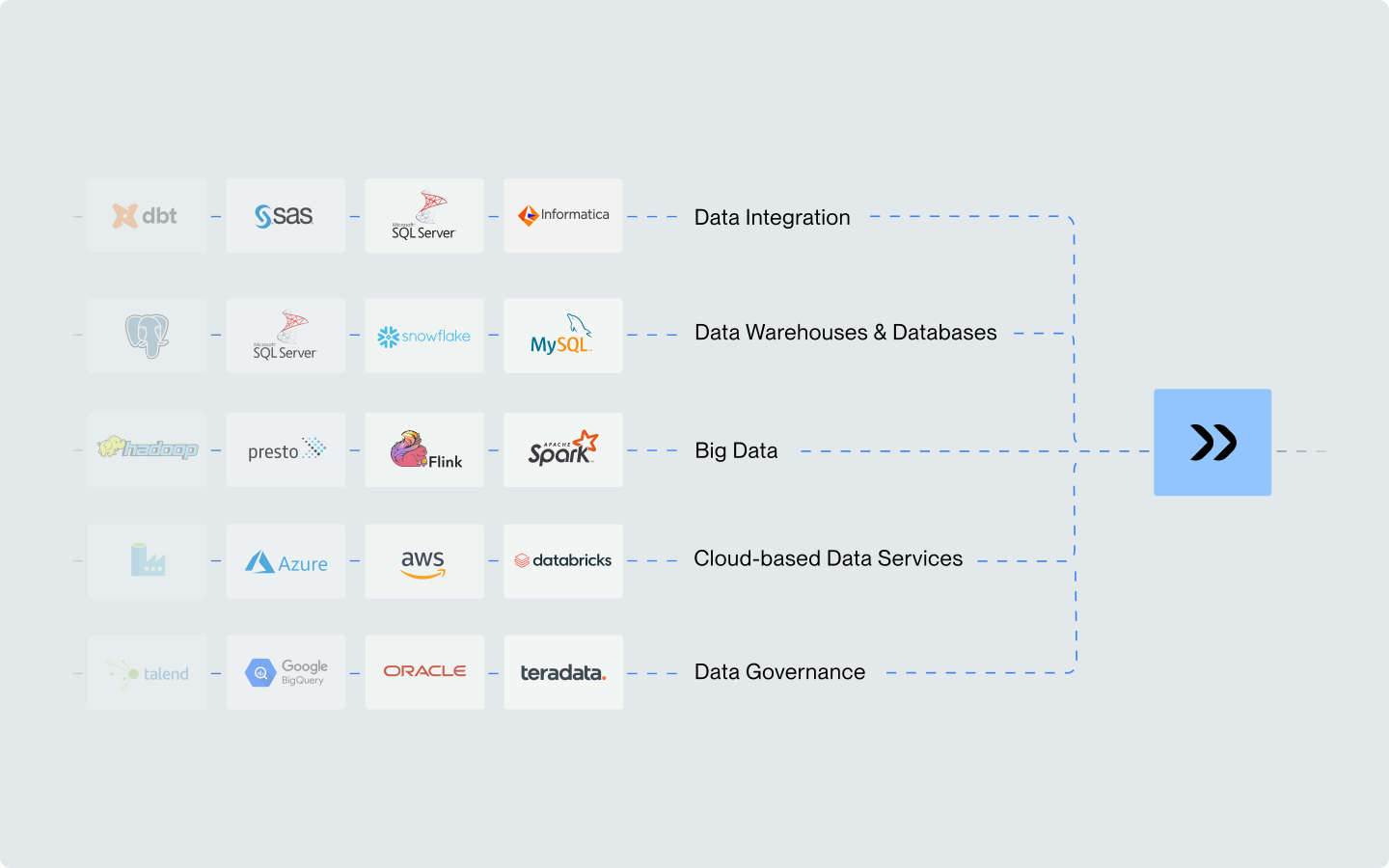
What is data pipeline orchestration? It involves the automation of data exchange and data transformation between various systems and software components, to unify the data you work on into a single source of truth. The larger your enterprise the more important it becomes, since you have more potential silos that could keep you from working on complete information.
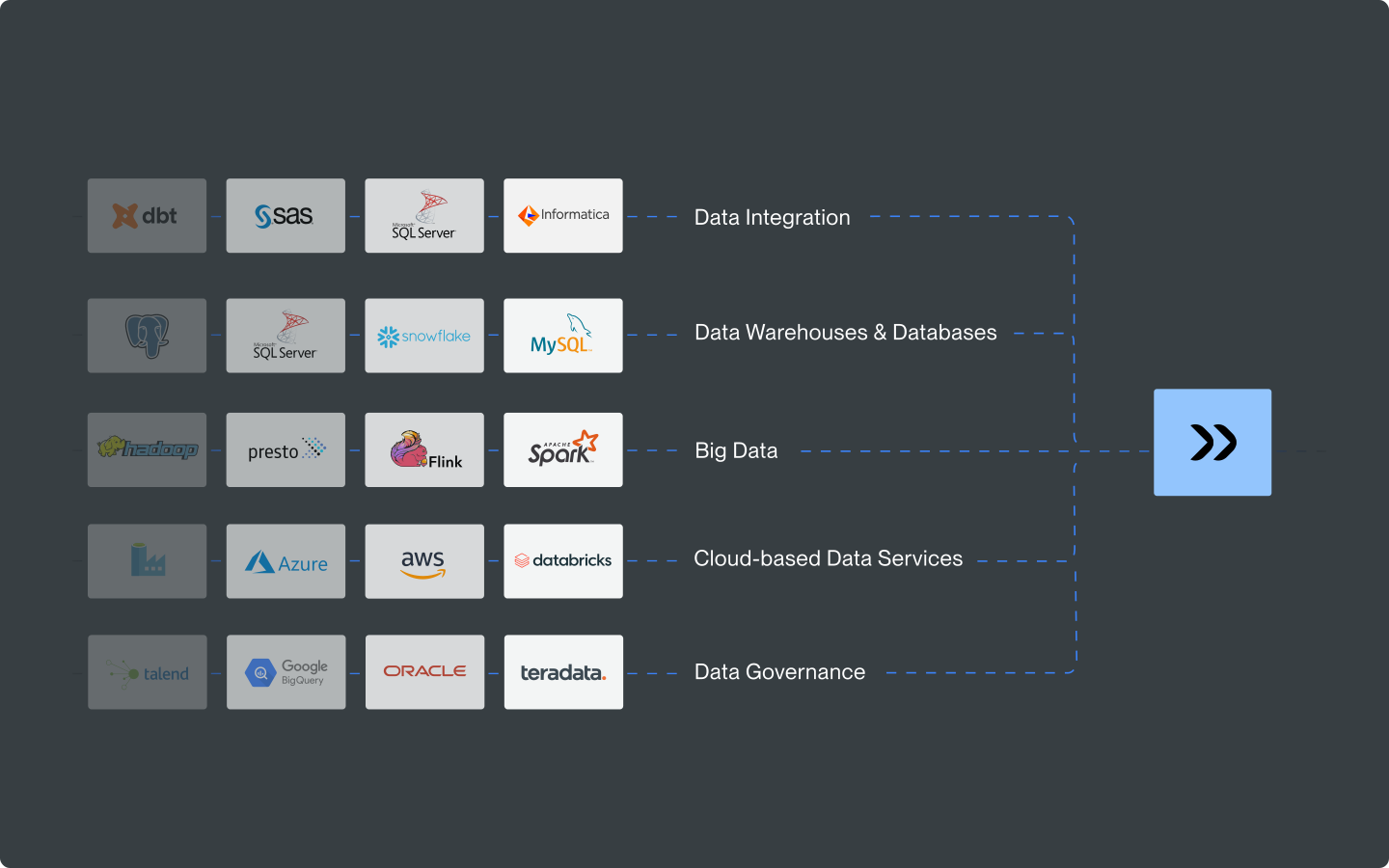
Each data pipeline has its own mechanism, which defines:
data formats,
data processing mechanisms,
trigger events,
and response to triggers.
A data pipeline orchestration module lets you do more than just automate data exchange; it integrates all data pipelines into a single, large mechanism that ensures swift, accurate and efficient data flow across your whole organization. Therefore, if you ask us what features enterprise automation software should have, this one undoubtedly tops our list.
3. Automation of Application Processes
While enterprise automation is a large concept, covering the smaller segments is a crucial part of it. Therefore, enterprise workflow automation software needs to come with modules designed for specific processes, one of which is the automation of application processes.
This particular feature is designed to streamline your IT operations. It involves automating repetitive tasks that are part of the application deployment and design within your company, such as:
code compilation,
application testing and deployment.
The automation of application processes offers several advantages to your enterprise, namely:
reduced number of human errors,
enhanced procedural consistency,
higher productivity within your development teams,
accelerated application deployment,
increased control over business applications and critical systems.
This type of automation enables you to streamline the tiniest elements in your workflow, building the basis for large-scale automation.
Pro Tip: Look Beyond Individual Features and Evaluate Operational Fit
When choosing enterprise automation software, a long feature list is not enough. What matters most is whether the platform can operate reliably across your real IT environment – connecting hybrid systems, supporting critical processes in real time, and giving your teams the visibility and control they need to scale automation with confidence.
This is why operational fit should be a core selection criterion. A solution that combines orchestration, integration, security, and specialized enterprise automation capabilities will deliver far more value than isolated tools that only solve one part of the problem. The right platform helps reduce complexity, accelerate modernization, and turn automation into a strategic advantage across the business.
4. Real-Time Automation of Business-Critical Processes
Business-critical processes are vital for your organization; disrupting them might lead to far-reaching consequences, including financial losses. Yet such processes also need to be flexible—a new dynamic trend, a change in the market, or even a faulty product release might force you to change your organization’s focus rapidly. This is why you need to automate your response, and you have to be able to adjust in real time.
This automation first enables you to carry out these critical processes without (or with little) human input, allowing you to scale your business effortlessly. With real-time management, you will be able to adapt to changing circumstances swiftly, ensuring that your business focus is always set on the right goal or tasks. This way, you will be able to maintain business continuity without delay and the need to have a large team dedicated purely to monitoring the situation and adjusting your operations, which makes it an essential enterprise automation software feature.
5. Integration Connectors
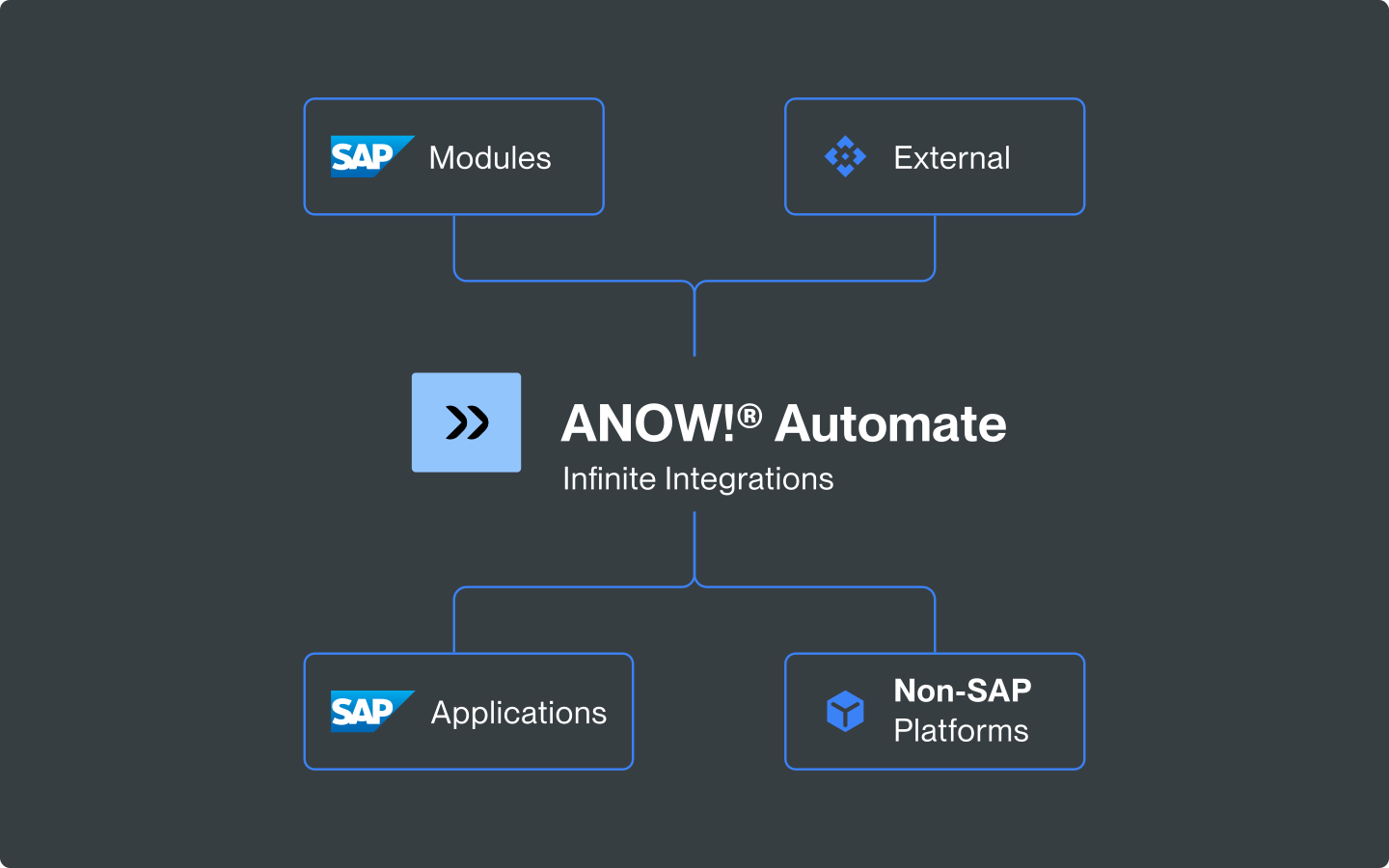
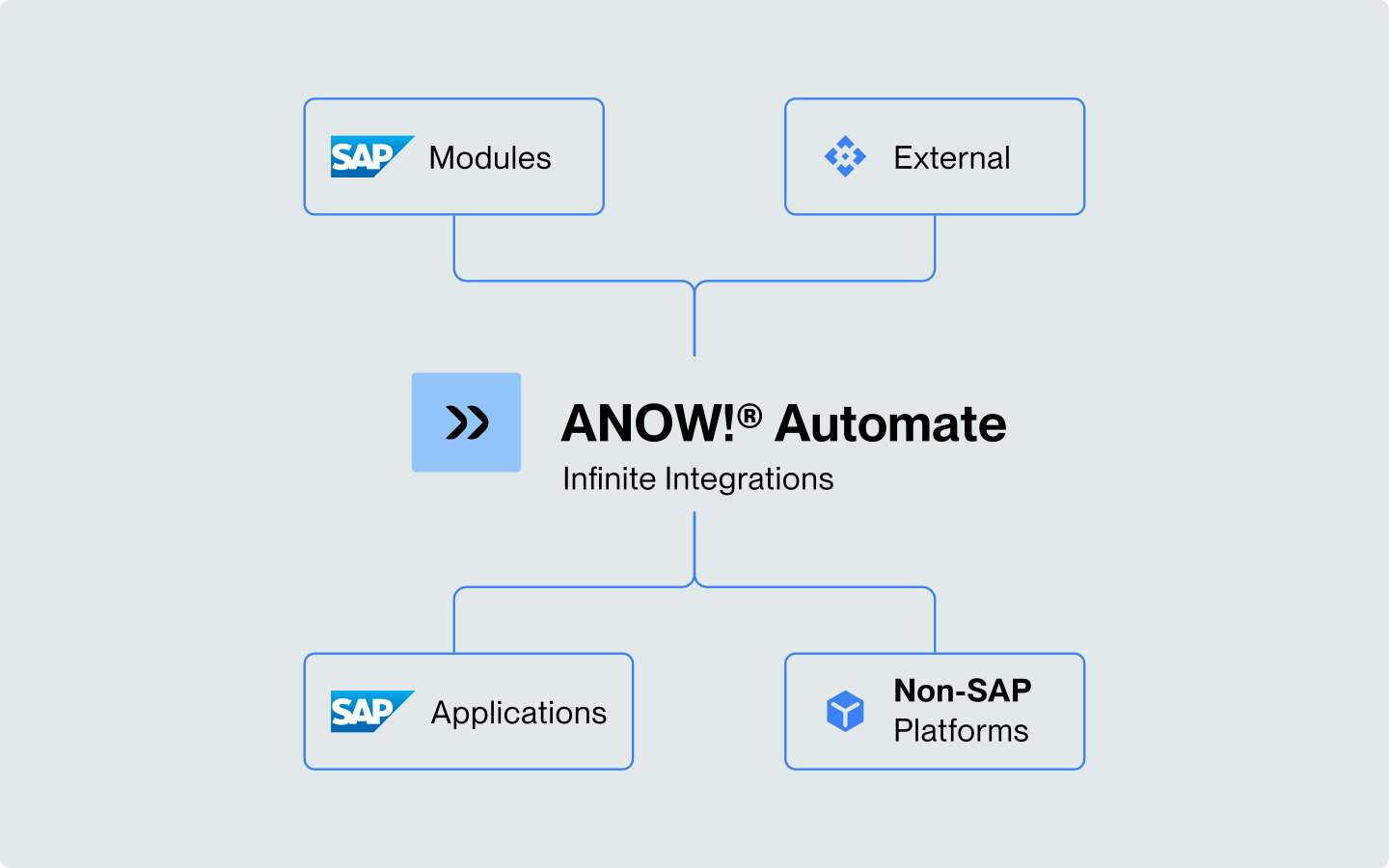
Many of the abovementioned features will simply not work if your enterprise automation software does not have multiple integration connectors. They are what truly enable you to link your software with all the other components within your IT ecosystem.
You should aim for software with pre-built connectors. The best enterprise automation software can have over 600 of them, making it easy to link it with other components in your infrastructure. If there are fewer connectors, but it is possible to customize the software, this might still be a good choice. However, you have to remember that this will increase the deployment cost and require IT expertise for maintenance and monitoring.
:quality(50))
:quality(50))
6. File Transfer Management Module
While integrating your software components & data pipelines, and orchestrating the workload and workflow between them are all crucial, they won’t save your company if it is vulnerable to data breaches. Therefore, you need a solution that enables your employees and systems to exchange files effectively, efficiently, and securely.
A file transfer management module is the enterprise automation software feature that makes it possible. It provides you with a centralized interface for managing, monitoring and controlling file transfers, enabling your cybersecurity team to spot anomalies and react quickly if a breach occurs.
Additionally, a centralized file transfer control panel makes it considerably easier to introduce automated monitoring systems that will search for anomalies for you. Since such systems can be AI-powered (which means that they are much better at spotting patterns), they increase your overall cybersecurity. Simply said, you want them in your company, and you can implement them with the file transfer management module.
7. SAP Automation Module
SAP systems bring your business operations together, but typically require significant manual effort. In a regular environment, your employees:
enter data,
generate reports,
approve workflows.
All of the above can be automated, but for that, you need an enterprise automation software that contains a tailored feature. Thanks to this, you will shift the focus on your teams; from pointless, time-consuming and repetitive manual work to brainstorming and generating true value for your organization.
Discover ANOW! Beta Systems Enterprise Automation Software with All the Essential Features
Designed and developed by Beta Systems, ANOW! Suite is a next-generation enterprise automation software that offers you all the essential features, and more. The platform comes with multiple modules, such as:
cloud orchestration,
data pipelines orchestration,
application process automation,
real-time automation of business-critical processes,
over 600 integrations and (custom connector creation is also possible),
managed file transfer module,
SAP automation,
robust cybersecurity that complies with GDPR, ISO 27001, TISAX and SOC 2,
container-based deployment to accelerate the process,
a web-based interface that is accessible from any location you wish.
Conclusion: Enterprise Automation Software Has to Offer Multiple, Complex Features
Knowing the features enterprise automation software must have, it is clear you need a complex, robust solution—a first-come, first-served system won’t cut it. Therefore, we encourage you to dedicate your time to research, explore the possibilities, and select a platform that can truly elevate your operational efficiency, while maintaining high-quality standards and security; a solution such as ANOW! Automate.
Ready to See ANOW! In Action?
Contact our experts today and see how ANOW! Suite can optimize your processes.
:quality(50))
:quality(50))
:quality(50))