:quality(50))
What are Infrastructure Automation Tools?
Infrastructure automation tools, also called workload automation (WLA) or service orchestration and automation platforms (SOAP), let DevOps and IT operations teams define, schedule, and monitor complex jobs across on-premises, cloud, and hybrid environments without manual intervention.
Modern platforms go beyond simple time-based scheduling, supporting event-driven triggers, cross-system dependency management, and jobs-as-code definitions that plug directly into CI/CD pipelines.
➜ Read more: The future of workload automation: key insights from EMA's latest study
Gartner's 2025 Magic Quadrant for Service Orchestration and Automation Platforms puts the market at $3.8 billion in 2024, growing to $4.9 billion by 2028, a sign that organizations are consolidating point schedulers into unified platforms rather than managing automation tool by tool.
Benefits include:
Fewer manual handoffs between DevOps, data, and operations teams
Faster incident recovery through automated error handling and retries
Cross-system visibility into job dependencies and SLA risk
CI/CD-native workflows via jobs-as-code and Git-based version control
Reduced operational risk from legacy, undocumented scripts
5 Best Infrastructure Automation Tools: A Quick Overview
| Best For | Standout Features | |
|---|---|---|---|
Beta Systems ANOW! Suite | Enterprises replacing legacy WLA with a sovereign, cloud-native platform | 500+ out-of-the-box integrations + Infinite Integration framework | |
BMC Control-M | Traditional enterprise batch/job scheduling at scale | Jett, BMC's GenAI troubleshooting advisor | |
Apache Airflow | Data-pipeline-centric DevOps/data engineering teams | Python-native DAGs with dynamic pipeline generation | |
Stonebranch Universal Automation Center | Teams wanting DevOps-native, API-first orchestration | Universal Portal for self-service, no-code automation | |
Redwood RunMyJobs | SAP-heavy enterprises modernizing batch automation | 1,000+ pre-built SAP templates, SAP Endorsed App status |
Today's infrastructure automation platforms don't just run jobs on a schedule, they orchestrate complex, event-driven workflows across hybrid environments while improving visibility and reliability.
1. Beta Systems: Best for Enterprise IT & Infrastructure Automation
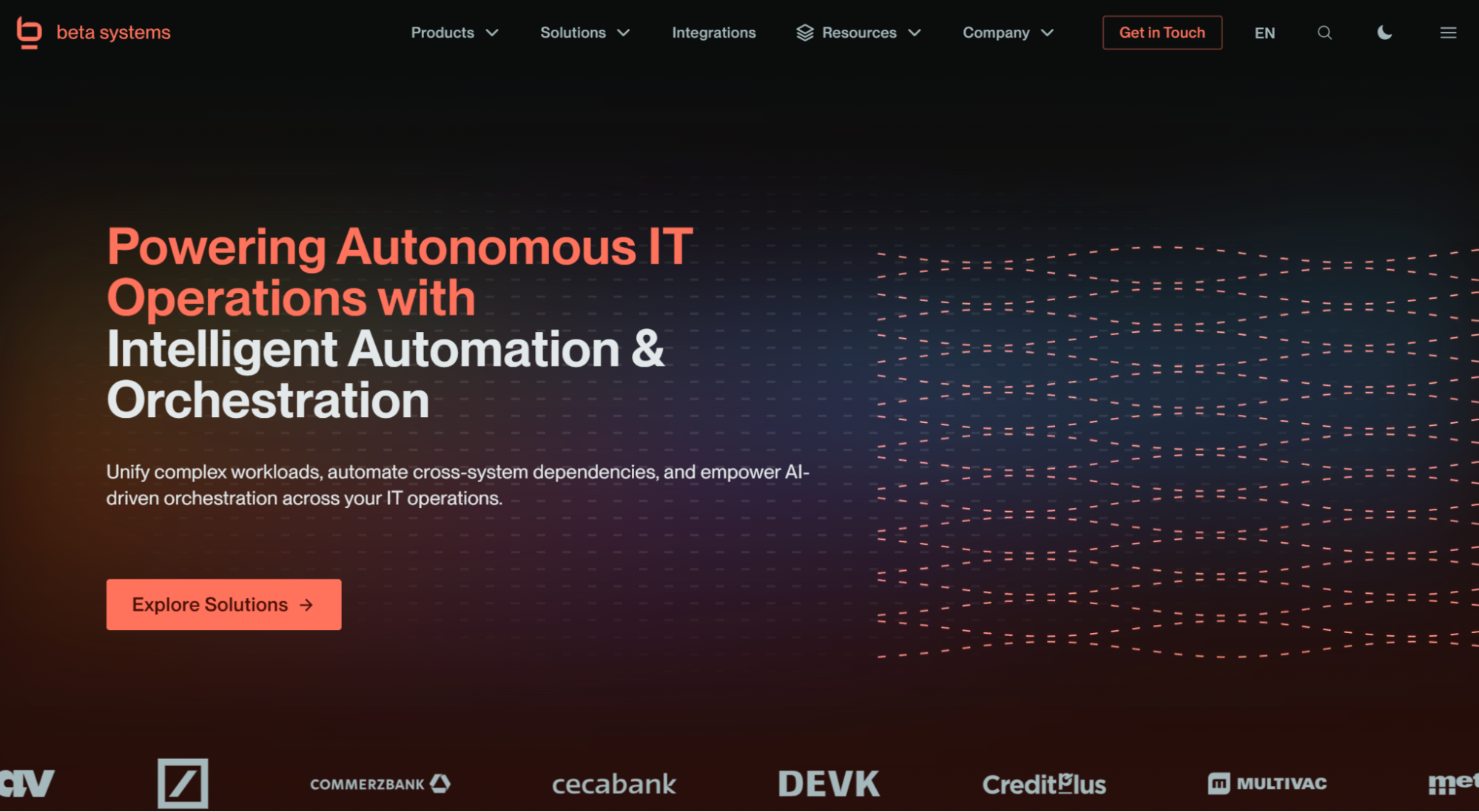
Beta Systems’ ANOW! Suite unifies workload automation, orchestration, and observability into a single cloud-native platform. It’s also the only tool on this list built specifically around European digital sovereignty.
Gartner named Beta Systems a Leader in its 2025 Magic Quadrant for Service Orchestration and Automation Platforms, citing above-average customer retention and a product strategy spanning Snowflake and Databricks to IBM Z mainframe environments.
Beta Systems’ ANOW! Suite Key Features
Here are the key features that make the ANOW! Suite stand out.
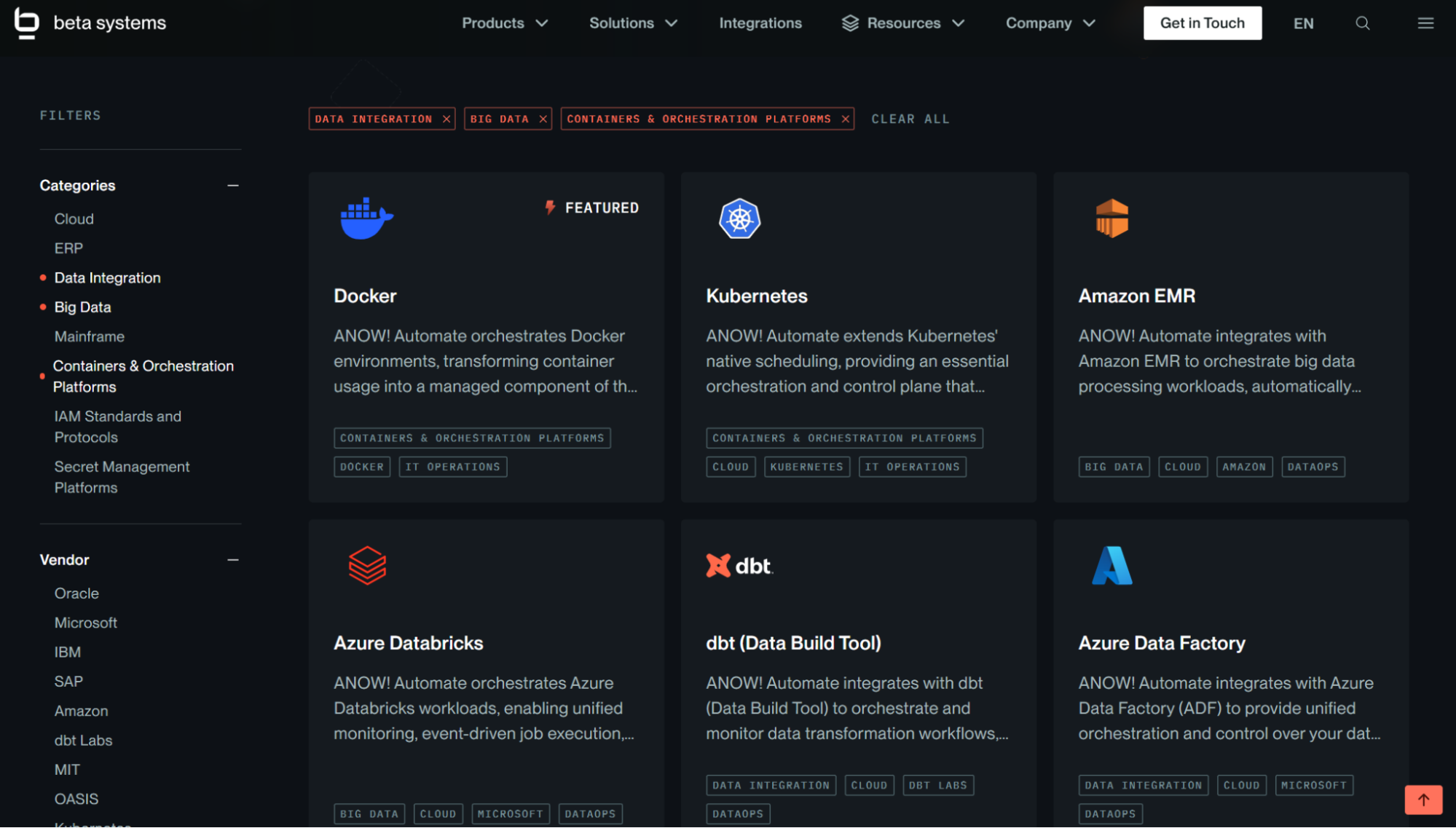
Infinite Integration framework
Beyond its 500+ out-of-the-box connectors, ANOW! Automate lets teams build custom integrations via API, CLI, or JavaScript for any system outside the standard library with no waiting on vendor roadmaps.
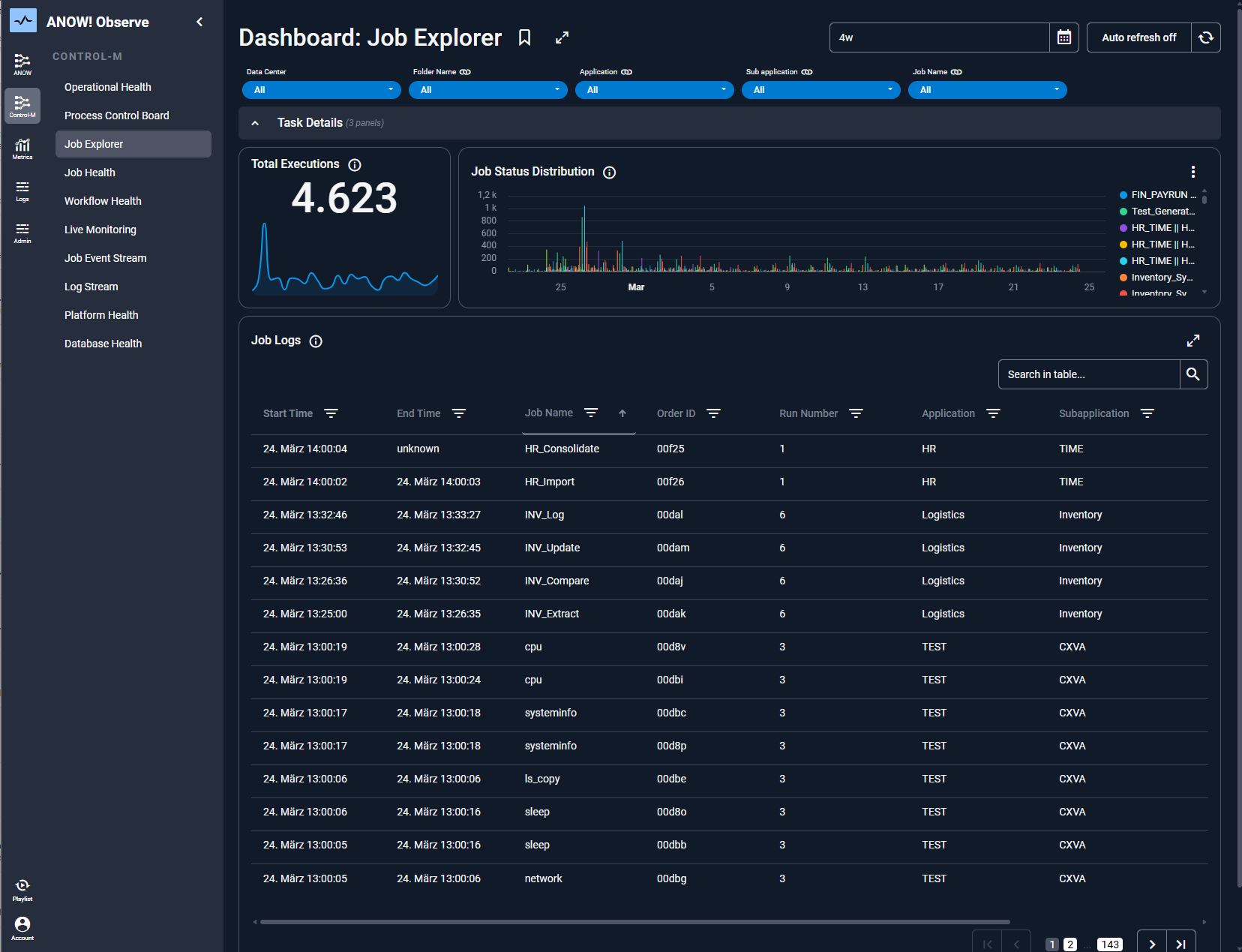
OpenTelemetry-native observability
ANOW! Observe embeds OTEL directly into the orchestration engine, giving DevOps teams real-time anomaly detection and SLA-risk forecasting from a single pane of glass. This centralized visibility is a capability that Gartner identified as a key differentiator.
Jobs-as-code for CI/CD
Automation artifacts are managed as standardized JSON definitions that are fully compatible with Git-based systems, enabling DevOps teams to merge, branch, tag, and diff automation workflows just like application code.
Where Beta Systems’ ANOW! Suite Shines
Migration from legacy schedulers: Zero-touch migration toolkits are built specifically for teams moving off BMC Control-M, Broadcom Automic/AutoSys, or similar platforms, without requiring them to rewrite workload definitions from scratch.
Data sovereignty and unified platform: As a European vendor, ANOW! Suite supports full data residency (GDPR, DORA) while combining workload automation, observability, and compliance into a single suite rather than three separate tools.
Where Beta Systems’ ANOW! Falls Short
Limited UI language support: The interface currently supports only English, German, Japanese, and Polish; a broader redesign is underway. This should be a consideration for globally distributed teams.
Best suited to complex environments: Organizations with simple, single-system scheduling needs may find ANOW!'s full set of capabilities more than they require.
Customer Reviews
A verified user praises, “I use ANOW! Suite as a centralized platform to manage and streamline my daily workflows. It helps me organize tasks, track progress, and maintain better visibility across ongoing activities. What I like most about ANOW! Suite is its ability to bring everything into one centralized platform. It makes task management and tracking very intuitive, improves visibility across workflows, and helps me stay organized.”
Another user also praises, saying, “I really like that everything is in one place. It gives me a 'single point of control' for all my tasks and workflows, which makes it much easier to see what is happening in real-time.”
Who Beta Systems’ ANOW! Suite Is Best For
Head of IT Operations/I&O: Managing hybrid environments spanning mainframe, on-prem, and multicloud, who need one point of control
Enterprise Automation Lead: Consolidating multiple legacy schedulers into a single, governed platform
CIO/Chief Data Officer: Prioritizing European data sovereignty alongside operational efficiency
2. BMC Control-M: Best for Traditional Enterprise Batch Scheduling at Scale
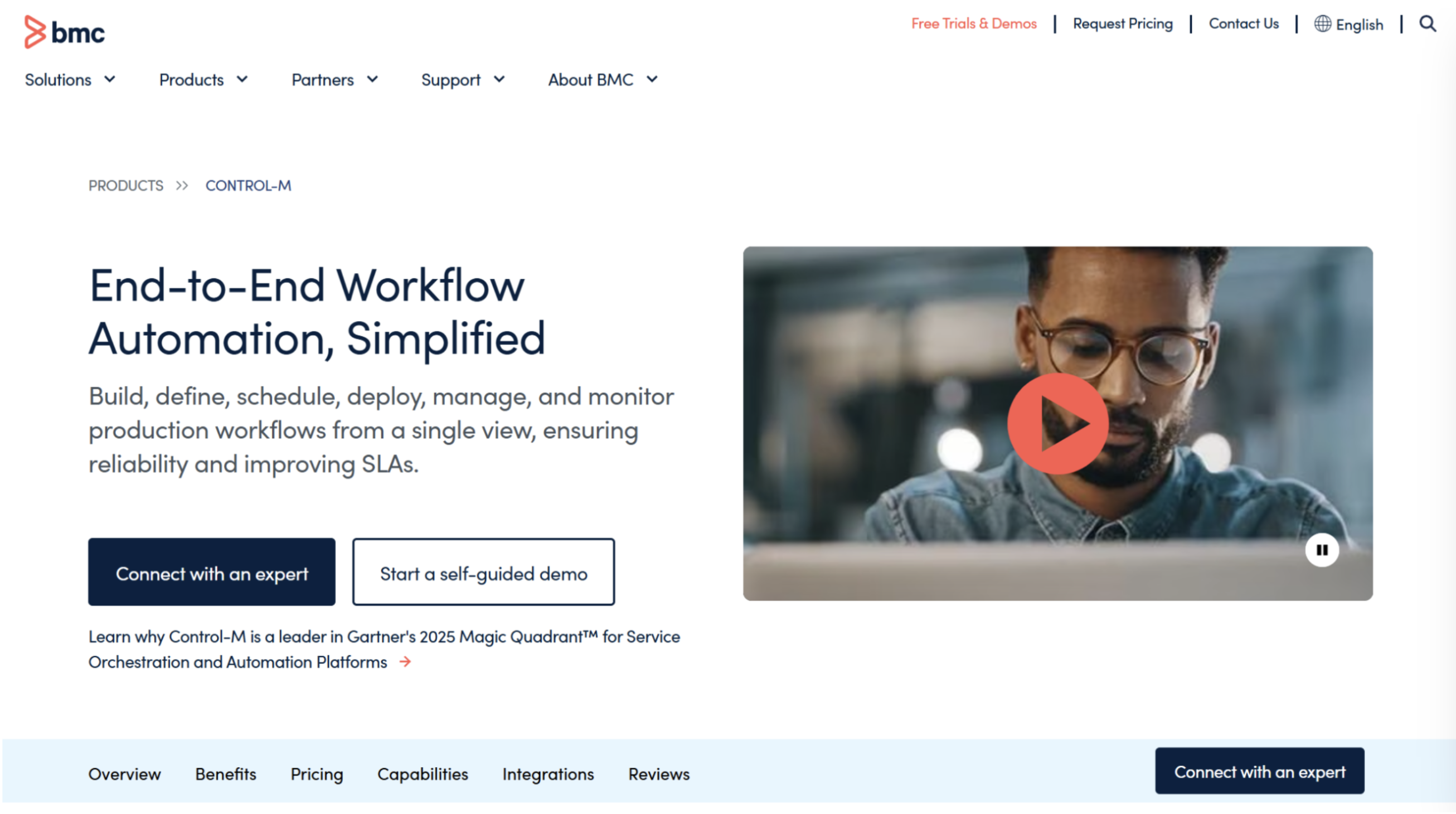
BMC’s Control-M is one of the most established names in workload automation, with deep roots in mainframe batch scheduling that have since expanded to multicloud and DataOps pipelines. It's a natural reference point for teams currently running Control-M and evaluating whether to renew, expand, or migrate toward jobs-as-code models as they modernize.
Key Features
Jett, BMC’s GenAI advisor: Lets users ask natural-language questions about workflows and get graphical or textual answers, aiding troubleshooting and compliance checks.
Unified View: A single interface to build, run, and manage workloads across self-hosted and SaaS deployments.
Mainframe-to-multicloud orchestration: Native support spanning IBM mainframe, AI/ML pipelines, and DataOps workflows.
Where Control-M Shines
Enterprise-grade reliability: Decades of production use across finance, healthcare, and telecom.
GenAI-assisted troubleshooting: Jett is one of the more mature AI assistants in this category.
Where Control-M Falls Short
High total cost of ownership: Licensing plus administrator overhead can be difficult to justify for mid-market teams with simpler needs.
Post-split uncertainty: BMC's 2025 split into BMC and BMC Helix had then raised customer questions about the continuity of long-term support. Most recently, in June of 2026, BMC Helix was again acquired by Montagu. These changes in stakeholders and ownership can cause uncertainty.
Customer Reviews
Shaik A. says, “What I like best about Control-M is its powerful automation and centralized workflow management. It allows me to schedule, monitor, and manage jobs across multiple systems from a single interface, which makes operations much easier and more efficient.”
Shivaji B. warns, “The initial setup and configuration process can be somewhat complicated for new users. Additionally, the licensing costs are significantly higher compared to other tools.”
Who Control-M Is Best For
Enterprises already invested in BMC's ecosystem that need proven, large-scale batch orchestration and have the budget and admin resources to support it
3. Apache Airflow: Best for Data-Pipeline-Centric DevOps Teams
Apache Airflow is the tool most DevOps and data engineering teams reach for as a “build-your-own” orchestration layer. As a community-maintained framework rather than a commercial product, it's Python-native and DAG-based, which is a natural fit for teams already thinking in CI/CD pipelines and infrastructure-as-code.
Key Features
Python-native DAGs: Workflows are authored as code, enabling dynamic pipeline generation and tight integration with existing Python tooling.
Extensive operator library: Plug-and-play operators for major cloud platforms, databases, and third-party services.
CI/CD-friendly deployment: DAGs can be version-controlled and deployed via standard Git-based pipelines with tools such as GitHub Actions or Jenkins.
Where Airflow Shines
Deep data pipeline fit: Purpose-built for ETL/ELT and data engineering use cases, with a large ecosystem of pre-built operators.
Developer-friendly: Python-based, version-controlled, and CI/CD-native by design, backed by an active community.
Where Airflow Falls Short
Operational overhead: Self-hosting requires real DevOps investment; scheduler, workers, and Kubernetes infrastructure all need active management.
Narrower scope than enterprise WLA platforms: Airflow is strong for data pipelines but wasn’t built for broader orchestration spanning SAP, mainframe, and business-critical scheduling with SLA guarantees. This is the gap that pushes many teams toward a full SOAP platform once needs grow past pure data engineering.
Customer Reviews
Sachin G. praises, “The UI is also incredibly detailed; when a complex pipeline fails at 3:00 AM, the tree view and the ability to dig directly into the logs of a specific failed task save us an immense amount of troubleshooting time. The open-source community is massive, so if you are trying to connect Airflow to a database or a cloud service, chances are a robust provider package already exists.”
Akash M. warns, “For beginners, Apache Airflow can be complex to set up, especially with Docker. At times when a DAG is updated, the UI can feel slow.”
Who Airflow Is Best For
Data engineering and DevOps teams building custom, Python-native pipelines that have the in-house capacity to manage (or pay to manage) the underlying infrastructure
4. Stonebranch Universal Automation Center: Best for DevOps-Native, API-First Orchestration
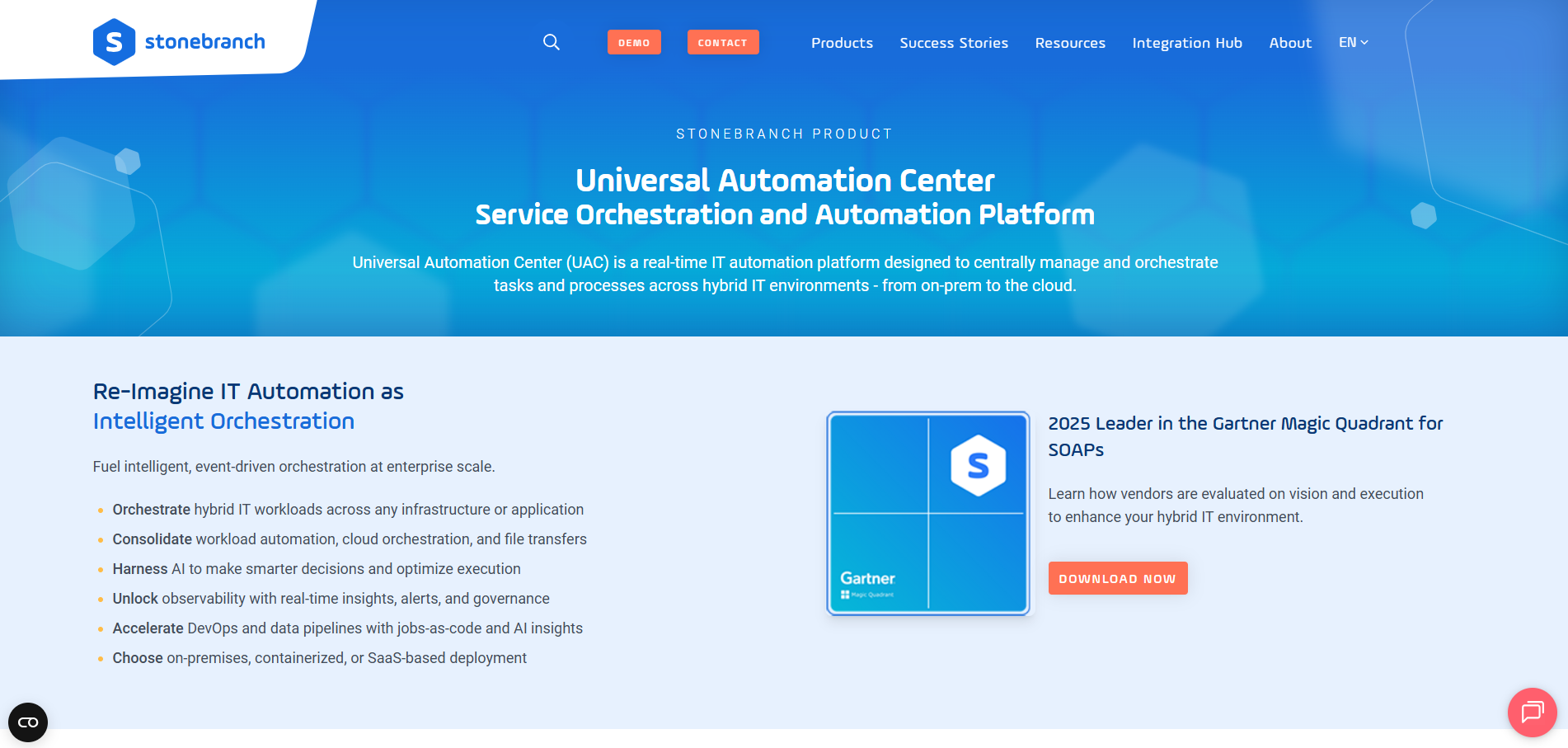
Stonebranch’s Universal Automation Center (UAC) markets itself heavily on DevOps and CI/CD integration, making it a frequent shortlist item for teams evaluating modern orchestration platforms.
Key Features
Self-service automation: Universal Portal lets end users of varying technical skill levels build and run automations without deep scripting knowledge.
Data Pipeline Orchestration: Purpose-built capabilities to manage modern data stack tools such as Snowflake, Databricks, and dbt.
Low-code, drag-and-drop designer: Enables non-developers to build complex automations alongside code-first DevOps workflows.
Where Stonebranch Shines
Modern user experience: Reviewers consistently praise UAC's intuitive, web-based interface.
Data pipeline coverage: Purpose-built support for modern data stack orchestration (Snowflake, Databricks, dbt) alongside traditional job scheduling.
Where Stonebranch Falls Short
Lagging AI capabilities: Its Robi AI assistant has limited features to documentation and task generation, which is behind other Leaders that offer GenAI-assisted troubleshooting.
Lower brand awareness: A smaller market share than incumbents like BMC or Broadcom means some organizations may not have Stonebranch on their radar, despite a strong product fit.
Customer Reviews
Vinothkumar M. mentions, “The most valuable feature of the Stonebranch Universal Automation Center (UAC) is its superior scheduling and cross-platform integration capabilities, which have fundamentally transformed how we orchestrate our ETL workflows. Now, we have centralized, end-to-end control over every ETL job.”
Stephen E. warns, “My main problem was with the setup process. Although the knowledge base contains a lot of information, it can be somewhat difficult to navigate at times. There are definitely sections where, if you overlook something, you might find yourself stuck.”
Who Stonebranch Is Best For
DevOps and DataOps teams wanting a modern, API-first platform with strong self-service capabilities and a dedicated data pipeline orchestration layer
5. Redwood RunMyJobs: Best for SAP-Heavy Enterprises Modernizing Batch Automation
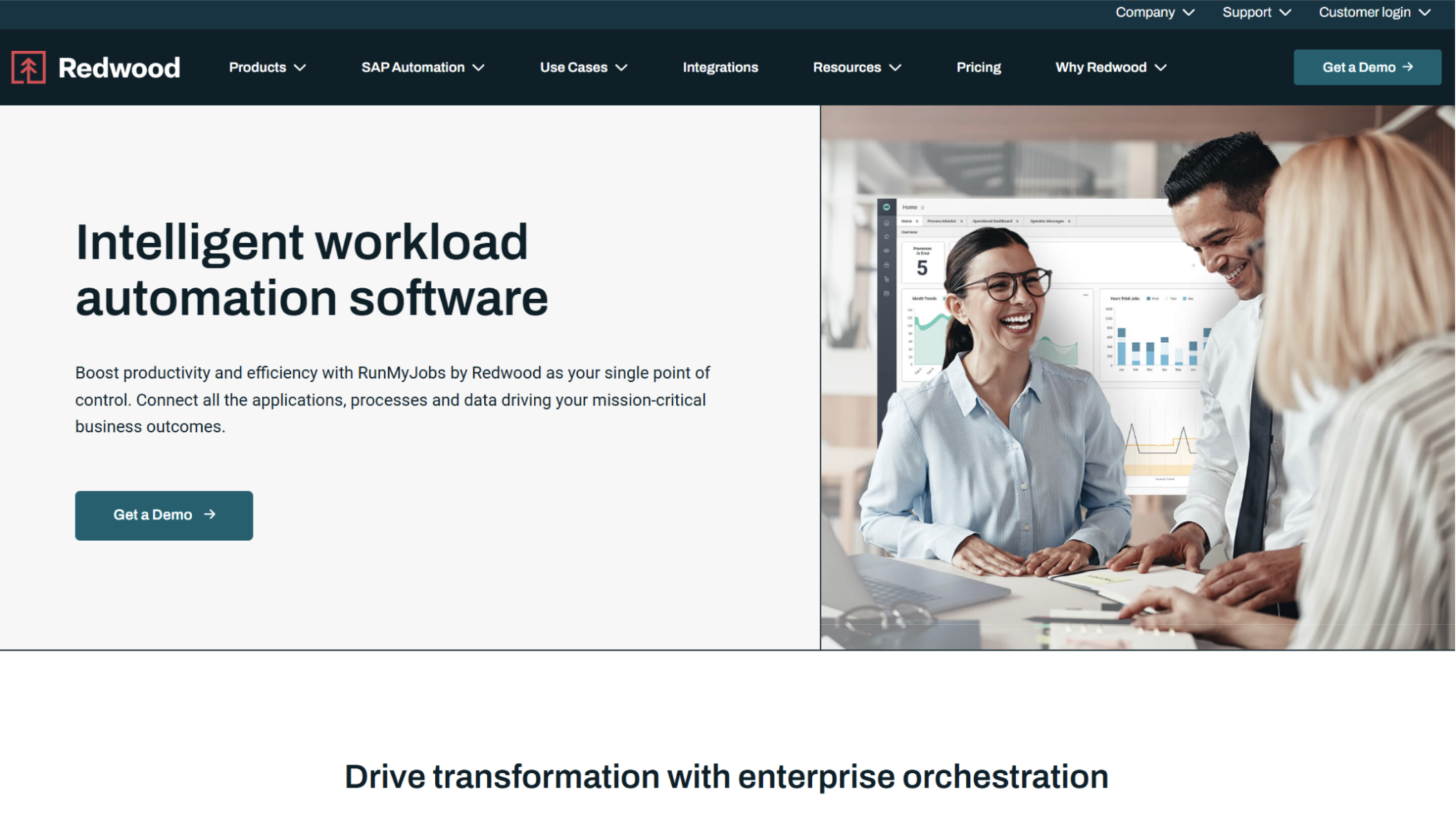
RunMyJobs by Redwood is a SaaS-first workload automation platform built around the deepest SAP integration on this list. It’s an SAP-endorsed app included in the RISE reference architecture. Gartner named Redwood a Leader in its 2025 Magic Quadrant, citing its 2025 launch of Redwood Insights, an AI-powered observability layer.
Key Features
1,000+ pre-built SAP templates: Deep integration with S/4HANA, SAP BTP, and other SAP modules, designed to support clean-core migration strategies.
Low-code visual editor: A drag-and-drop workflow designer that Gartner customers have specifically praised for accessibility.
Redwood Insights: An AI layer that predicts potential SLA misses and explains process behavior in plain language.
Where RunMyJobs Shines
SAP depth: Unmatched integration for organizations running SAP-heavy ERP landscapes.
Reliability and usability: A guaranteed 99.95% uptime SLA paired with a consistently well-reviewed low-code interface.
Where RunMyJobs Falls Short
SaaS-only default: Primarily delivered as multitenant SaaS, which isn't always a fit for highly regulated organizations with strict data sovereignty requirements.
Renewal pricing risk: Some customers report significant cost increases at contract renewal — worth clarifying up front during procurement.
Customer Reviews
Vandana S. praises, “I've been using RunMyjob Tool for a while now and I'm genuinely impressed with how smooth and efficient it makes managing tasks. The interface is clean, user- friendly and easy to navigate, even for those who are new to this tool.”
Ankush Y., on the other hand, warns, “The backend programming, which is not visible to us, hence makes it a bit difficult to identify the issue when there is a need to be and needs involving the support team.”
Who RunMyJobs Is Best For
SAP-heavy enterprises running RISE or S/4HANA migrations who want a SaaS-first scheduler with minimal custom scripting
How to Choose an Infrastructure Automation Tool
Beyond feature checklists, a few considerations separate a good fit from a costly re-platforming exercise a year later.
Integration Depth and Extensibility
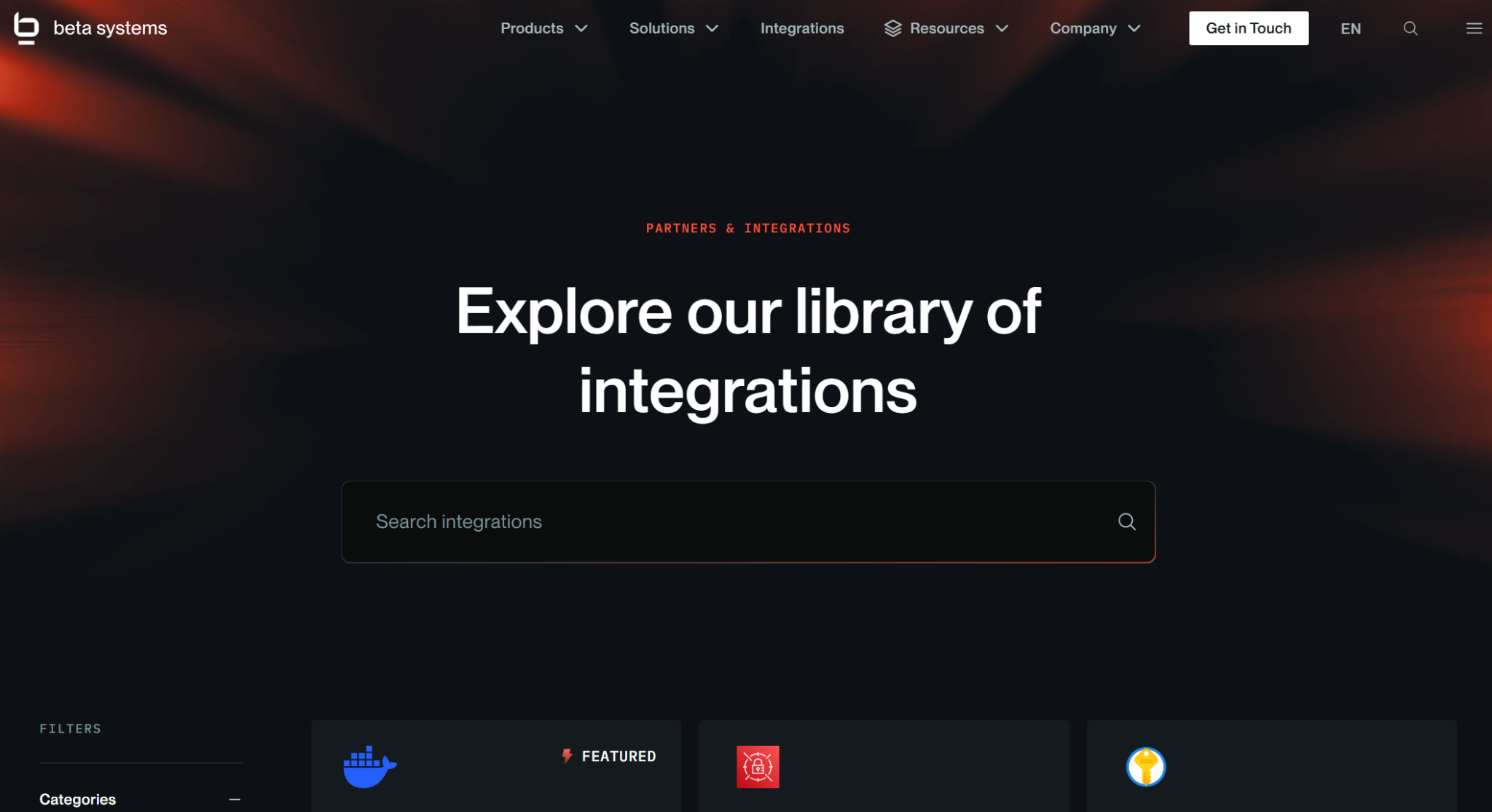
The integrations range from a fixed operator library (Airflow) to hundreds of prebuilt connectors plus an open framework for custom ones.
If your environment spans mainframe, SAP, and modern cloud data platforms, prioritize a tool with both breadth and a documented path to extend beyond the standard catalog. Beta Systems' Infinite Integration framework was purpose-built for exactly this kind of heterogeneous environment.

Integration Architecture
Discover Your Integration Possibilities
Connect your Beta Systems platform with the enterprise applications, APIs, and services that you already use. Streamline data exchange and orchestrate end-to-end workflows across your IT landscape.
Jobs-as-Code and CI/CD Fit
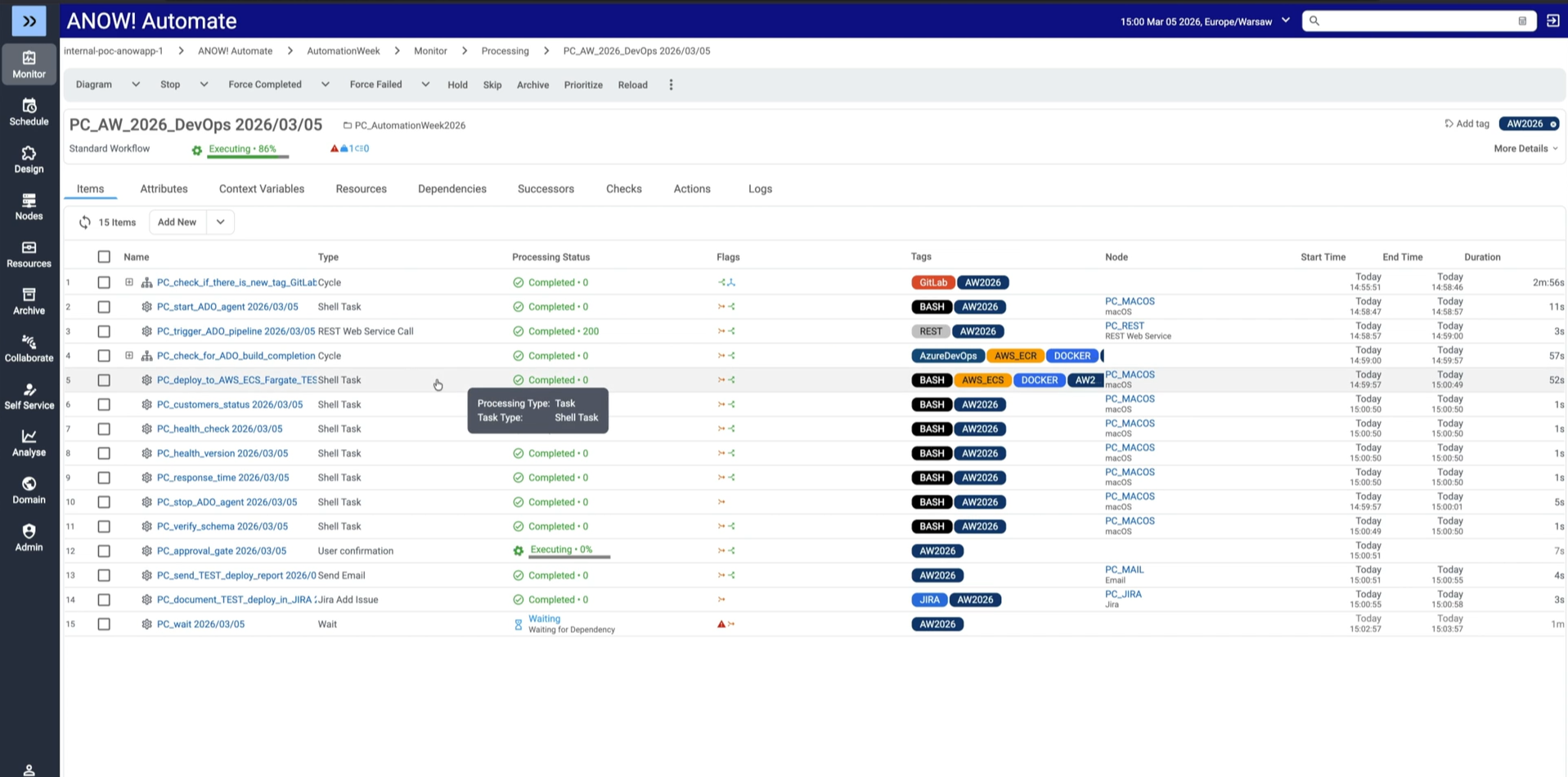
DevOps teams increasingly expect automation artifacts to behave like application code, with version control, diffable, and deployable through existing pipelines. Airflow offers this natively through Python; Control-M, Stonebranch, and Redwood have all invested in jobs-as-code capabilities to meet DevOps teams where they are.
ANOW! Automate’s stateless, JSON-based artifacts slot directly into Git-based CI/CD workflows without requiring a new scripting paradigm.
Total Cost of Ownership and Deployment Flexibility
Sticker price rarely tells the full story. You must factor in administrator overhead (a common Control-M pain point), renewal pricing risk (a recurring RunMyJobs theme), and whether a SaaS-only model fits your compliance requirements.
Platforms that support flexible SaaS, on-premises, and hybrid deployments, without forcing a re-architecture to switch, give you more room to adjust as requirements change.
Read more:
Learn how to maximize efficiency and lower costs with event-driven automation
Modernize Your Infrastructure Automation with Beta Systems
Every tool on this list solves a real problem: Airflow for Python-native pipelines, Control-M for entrenched mainframe shops, Stonebranch for API-first orchestration, RunMyJobs for SAP depth.
But if you're managing complex, cross-system workflows and want to consolidate workload automation, observability, and compliance into one modern, cloud-native platform with full European data sovereignty and a migration path that doesn't require rebuilding workload definitions from scratch, ANOW! Suite is built for exactly that transition.
Learn more about Beta Systems or explore the ANOW! Suite to see what a migration would look like in your environment.
Ready for Smarter Automation?
See how agentic automation enables workflows that can adapt, respond, and make smarter operational decisions.
FAQs
1. What's the difference between infrastructure automation tools and CI/CD tools?
CI/CD tools (like Jenkins or GitHub Actions) automate building, testing, and deploying code. Infrastructure automation tools orchestrate what happens after deployment, such as scheduling and monitoring production workloads and data pipelines across systems.
2. Can I use Apache Airflow for enterprise workload automation?
Airflow works well for Python-native data pipelines but wasn’t built for broader use cases like SAP orchestration or SLA-backed compliance reporting, areas where dedicated SOAP platforms typically offer more built-in coverage.
3. How do I migrate from a legacy scheduler without disrupting operations?
Look for vendors offering migration toolkits that translate existing job definitions without requiring a rebuild, as well as a deployment model that aligns with your current compliance requirements.
:quality(50))
:quality(50))
:quality(50))