What Is Batch Processing Software?
Batch processing software schedules, runs, and monitors groups of jobs without anyone starting each one by hand: end-of-day settlement at a bank, payroll, SAP material planning, nightly reports.
Jobs start on a time, an event, or another job's completion, and the software tracks every dependency between them.
It sits at the core of workload automation (WLA), which EMA's 2025 report on the future of workload automation finds moving beyond batch into event-driven orchestration. In process manufacturing, "batch software" means recipe control for production lines, a different category from the IT platforms below.
Further Reading:
For scheduling features in depth, from event triggers to self-healing reruns, see our guide to batch job scheduling.
Benefits of Batch Processing Software
Batch windows met: Jobs start the moment their inputs land, so the whole chain finishes before the business day opens.
Fewer manual handoffs: Operators stop launching jobs and moving files between systems by hand.
Automatic recovery: Failed jobs rerun or alert the right team before downstream jobs pick up bad data.
One audit trail: Every run, log, and dependency sits in one record that auditors can check.
Better use of capacity: Heavy jobs run off-peak on mainframe and cloud capacity that would otherwise sit idle.
7 Best Batch Processing Software at a Glance
| Best For | Standout Features | |
|---|---|---|---|
Beta Systems' ANOW!® Automate | Replacing a legacy scheduler for cross-system batch | 550+ native integrations, SAP orchestration, built-in managed file transfer | |
BMC Control-M | Enterprises standardized on BMC | Batch management across regions, mainframe-to-multicloud visibility | |
Redwood RunMyJobs | SAP-centric batch delivered as SaaS | SAP Endorsed App, prebuilt SAP templates | |
Stonebranch UAC | Self-service batch runs | Universal Portal for business users | |
Broadcom AutoSys | Existing AutoSys estates | Five-year support lifecycle, PostgreSQL database option | |
JAMS | Windows, PowerShell, and SQL Server jobs | Native PowerShell and SQL job types | |
AWS Batch | Compute-heavy jobs on AWS | Managed compute across ECS, EKS, Fargate, and EC2 |
1. Beta Systems' ANOW!® Automate: Best for Enterprises Moving Cross-System Batch Off Legacy Schedulers
ANOW!® Suite is Beta Systems' cloud-native product line for workload automation, orchestration, and observability. Batch runs on ANOW! Automate, its automation and orchestration platform. It starts jobs on events and schedules, and runs as SaaS, in a private cloud, or on-premises. You can switch between those models later, so your first choice doesn't lock you in.
Beta Systems has 40 years in enterprise IT and sells ANOW! Automate with transparent pricing, and as a European provider, it gives banks, insurers, and public-sector teams a path to keep automation infrastructure within EU jurisdiction.
Gartner named Beta Systems a Leader in the 2026 Gartner® Magic Quadrant™ for Service Orchestration and Automation Platforms (SOAP), its second year running. EMA also ranked ANOW! Suite #1 in its 2025 Radar Report for Workload Automation and Orchestration.
Beta Systems Software is Recognized as a Leader in the 2026 Gartner® Magic Quadrant™
Discover why analysts trust Beta Systems to deliver enterprise-grade workload automation and observability at scale.

Beta Systems' ANOW! Automate Key Features
These capabilities cover the places a batch chain usually breaks: platform handoffs, SAP, and file movement.
One Workflow Across Cloud, ERP, and Mainframe
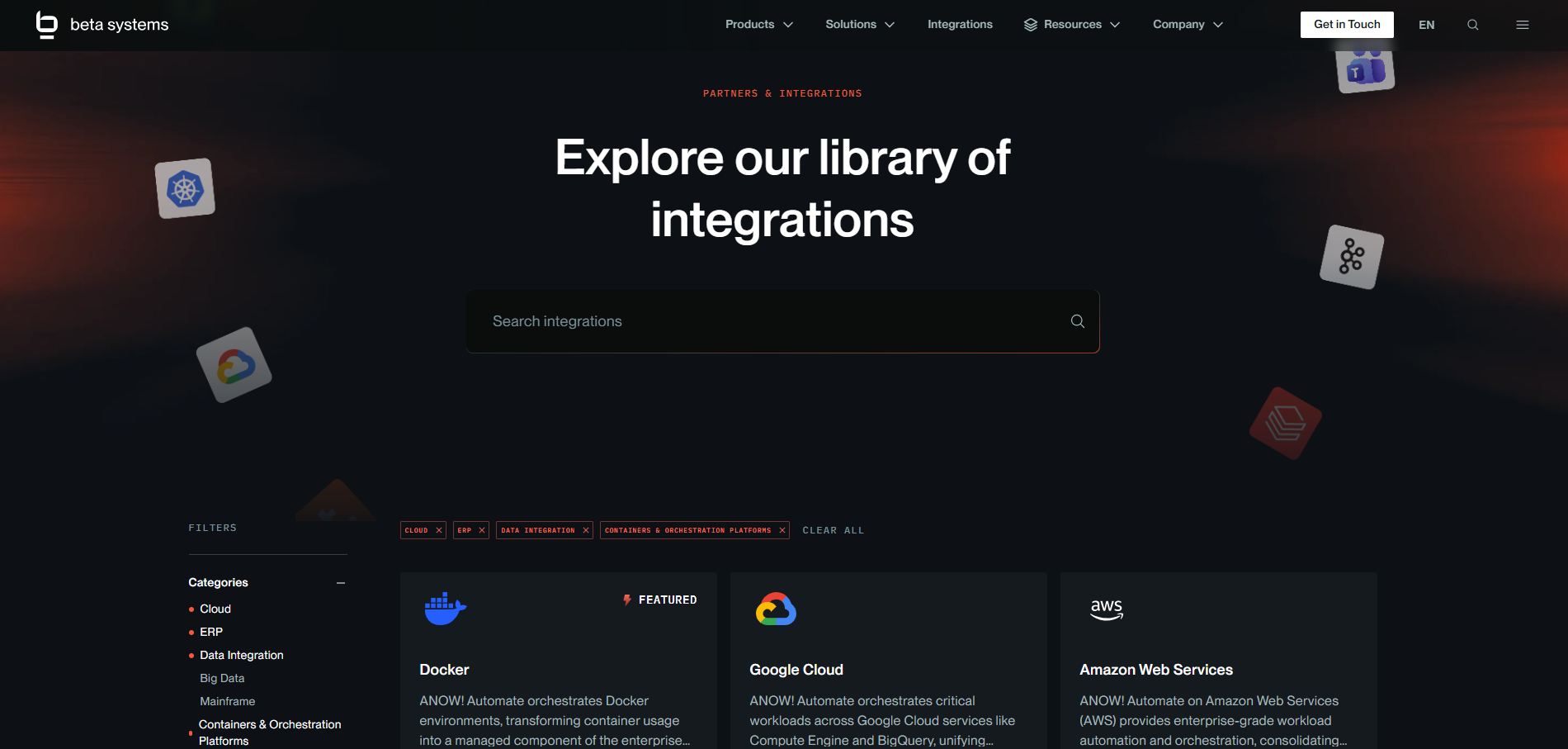
ANOW! Automate connects to cloud services on AWS, Azure, and Google Cloud, plus databases, ERP systems, ETL tools, and mainframes, through 550+ native integrations.
A batch chain that crosses those systems runs as one workflow with one set of dependencies.
SAP Batch Orchestration
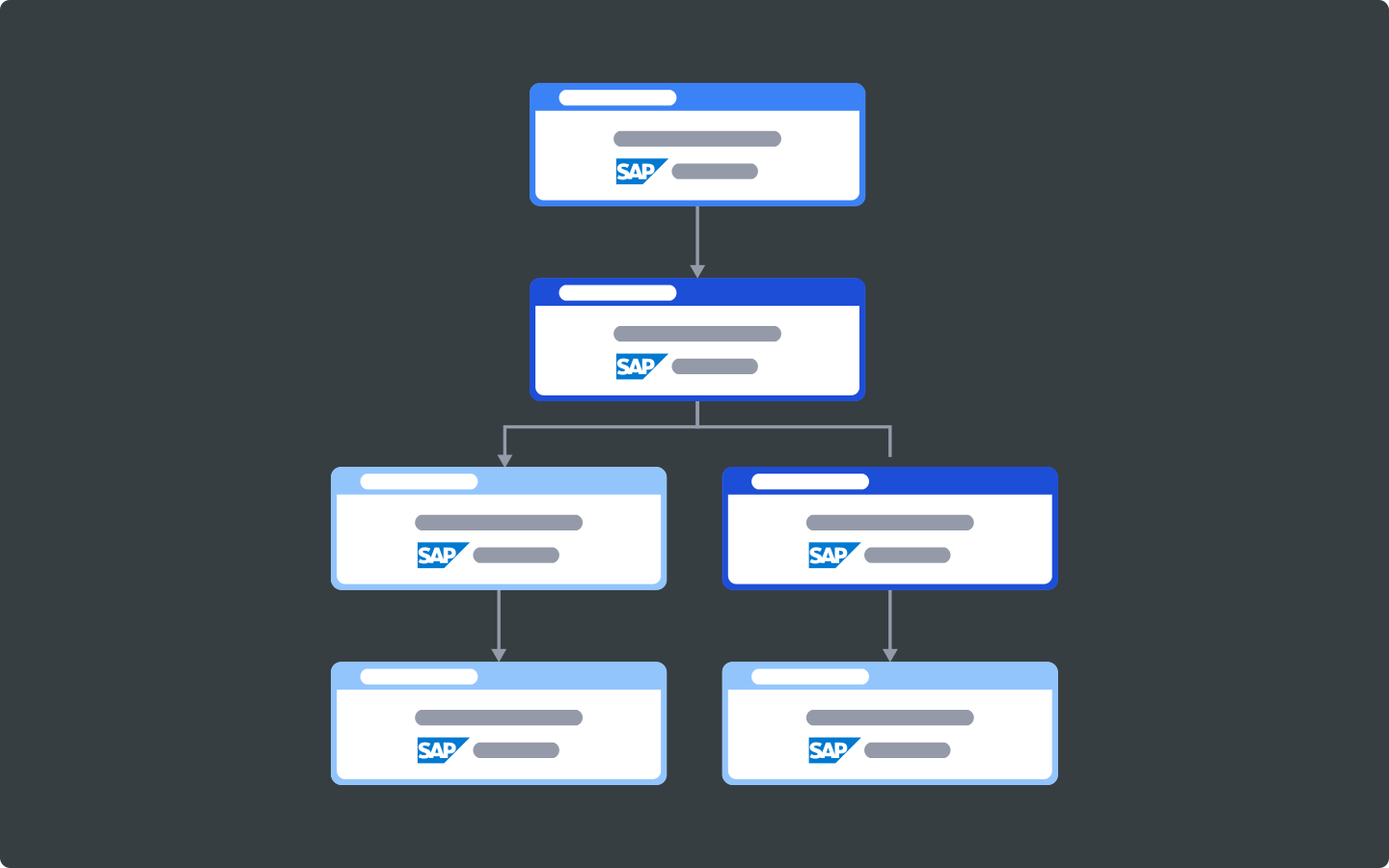
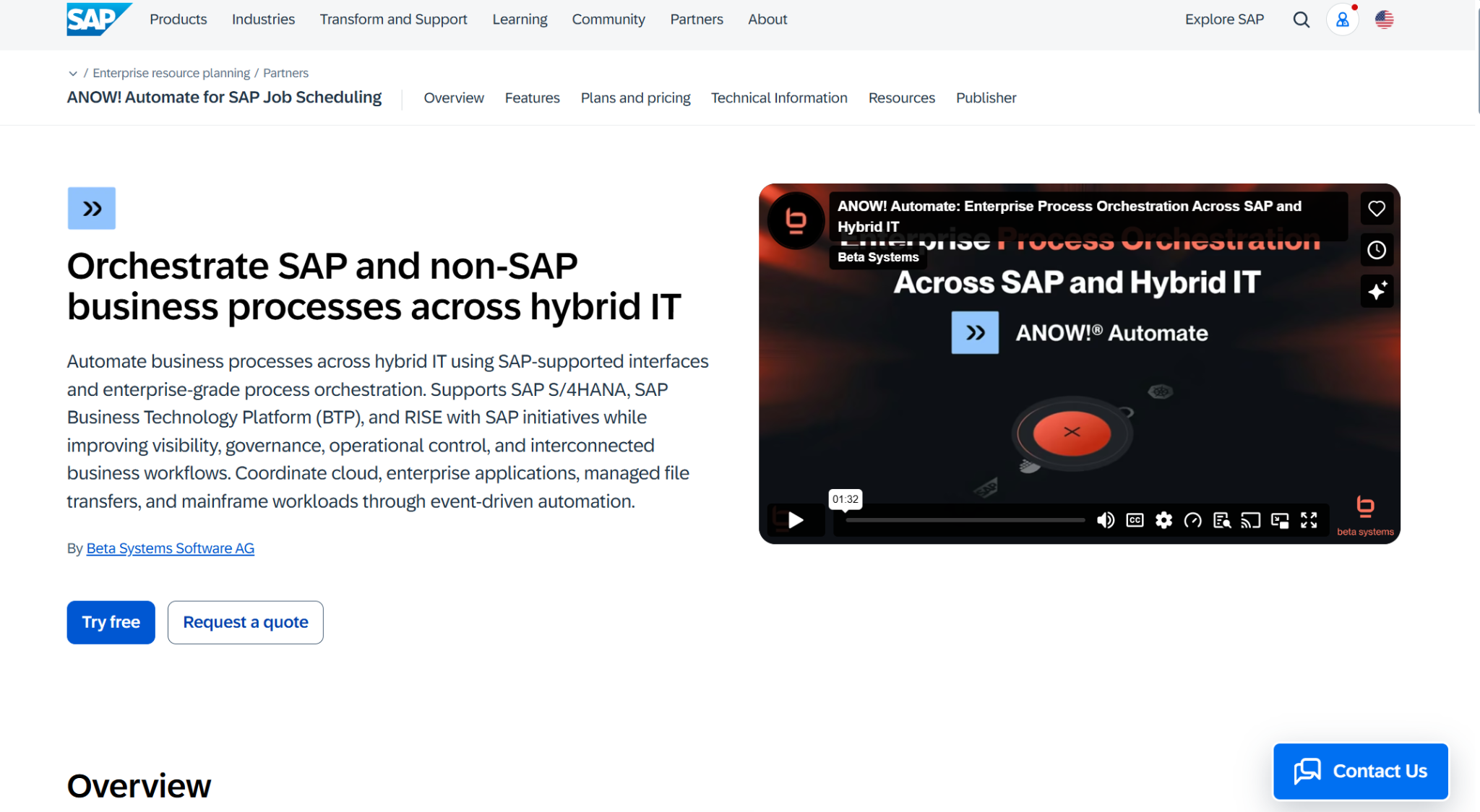
ANOW! Automate runs SAP batch across R/3, ECC, and S/4HANA, on-premises or in the cloud, and supports moves under RISE and GROW with SAP. SAP runs share a workflow with the non-SAP jobs that feed them, so an SAP job starts only after its input data lands.
Its intercept sensor monitors and controls the jobs SAP users start themselves, and ad hoc runs come under the same control as the scheduled chain. The official SAP Store lists ANOW! Automate for SAP job scheduling.
Managed File Transfer Inside the Batch Chain
File transfers run as steps in the same workflow as the jobs that produce and consume the files, so downstream jobs wait until the transfer completes.
ANOW! Automate's managed file transfer (MFT) moves files between on-premises and cloud systems on Linux, UNIX, AIX, z/OS, Windows, HP-UX, Solaris, and OpenVMS.
Phased Moves Off Control-M, AutoSys, and Automic
Beta Systems moves estates off Control-M, AutoSys, Automic, and Apache Airflow with a custom-built conversion tool that converts tasks automatically. Migrations run in cycles, one stakeholder group or application type at a time.
Beta Systems has converted over 50 million tasks across 40+ customer migrations.
Where Beta Systems' ANOW! Automate Shines
Compliance controls: ANOW! Automate carries SOC 2, ISO 27001, and PCI DSS compliance.
Custom connectors: When a system falls outside the 550+ library, teams build a custom connector themselves instead of waiting on a vendor roadmap.
Zero-downtime upgrades: New versions deploy in containers, or by another method the team picks, while scheduled jobs keep running.
Browser access: IT and non-IT users manage and monitor workflows from any browser, with no desktop client to install.
Where Beta Systems' ANOW! Automate Falls Short
Four console languages: The web console runs in English, German, Polish, and Japanese, and a redesign is underway. Operators who work in any other language have no native-language interface yet.
Beta Systems' ANOW! Automate Customer Reviews
ANOW! Suite is a G2 Leader in Workload Automation in 2026.
Daniel L. says, "As a SysAdmin, it's crucial for me to manage both legacy on-premises systems and modern cloud infrastructure, and ANOW! Suite bridges that gap beautifully. It gives me end-to-end visibility and control over all of our enterprise processes. Instead of jumping between multiple tools, I can track workflows, monitor progress in real time, and manage job scheduling from a single platform."
Sneha D. shares, "What I like about ANOW is how it centralizes workflow automation and monitoring in a single platform, and my personal favorite feature is the automation feature, which saves our time on repetitive tasks."

Who Beta Systems' ANOW! Automate Is Best For
Heads of IT operations on Control-M, AutoSys, or Automic: Teams that want batch on a cloud-native, event-driven platform, moved over in phases.
Heads of SAP and ERP operations: Manufacturing, retail, and BFSI (banking, financial services, and insurance) teams whose batch windows run through SAP and the systems around it.
Book a demo of ANOW! Automate and walk through how your current batch schedule would run on one platform.
2. BMC Control-M: Best for Enterprises Already Standardized on BMC
BMC Software sells Control-M as SaaS, self-hosted, or hybrid, with listings on the AWS, Azure, and Google Cloud marketplaces. Control-M stayed with BMC Software when BMC Helix split off in April 2025.
BMC Control-M Key Features
Service orchestration: Business-critical workflows run across mainframe, cloud, distributed, and SaaS environments.
Data pipeline orchestration: Jobs reach Snowflake, Databricks, Airflow, and Azure Data Factory for SQL jobs and transformations.
Agent access: AI agents trigger, monitor, and remediate workflows through a Model Context Protocol server.
Where BMC Control-M Shines
Jobs-as-code: Workflow definitions plug into continuous integration and continuous delivery (CI/CD) pipelines through APIs, templates, and version control.
Certified SaaS controls: The latest Control-M release adds certified controls for SaaS deployments and expanded secrets management.
Where BMC Control-M Falls Short
Managed file transfer as an add-on: Control-M Managed File Transfer and Control-M MFT Enterprise are add-ons that production installs activate from separate packages.
Integrations as agent plug-ins: Each application integration is a plug-in that teams install on a Control-M/Agent and connect through a connection profile.
BMC Control-M Customer Reviews
Ujjwal Y. says, “I like Control-M for its centralized visibility and reliability. The ability to manage complex workflows across different systems from a single interface makes operations much smoother.”
Dadaso P. adds, "It is an enterprise product, and licensing can be expensive, especially for smaller organizations,” and “Initial setup, upgrades, and maintenance often require experienced administrators."
Who BMC Control-M Is Best For
Enterprises standardized on BMC: Teams already running Control-M at scale that want to extend it into data pipelines and AI agents rather than migrate.
→ Ready to replace BMC Control-M? See how Beta Systems sets out a phased move off Control-M with ANOW! Automate’s proprietary conversion tool.
3. Redwood RunMyJobs: Best for SAP-Centric Batch Delivered as SaaS
Redwood Software built RunMyJobs as a SaaS offering, with lightweight agents that connect to on-premises systems. RunMyJobs holds SAP Endorsed App status and sits in the RISE with SAP reference architecture through SAP's managed services.
RunMyJobs Key Features
SAP coverage: Native support spans SAP S/4HANA, SAP BTP, and at least 10 other SAP solutions.
SAP templates: More than 1,000 prebuilt SAP wizards and templates shorten job builds.
Event and time triggers: Jobs start on events or schedules, with complex dependency modeling across platforms.
Where RunMyJobs Shines
Clean core support: Prebuilt integrations replace custom ABAP code, which keeps the SAP core clean.
Managed agents: Agents update automatically, with no on-site infrastructure to run.
Where RunMyJobs Falls Short
SaaS-only delivery: Redwood delivers RunMyJobs only as SaaS.
Managed file transfer in a separate product: File transfers with external partners run through JSCAPE, a separate Redwood product that integrates with RunMyJobs.
RunMyJobs Customer Reviews
On G2, Vandana S. says, "I've been using RunMyJobs Tool for a while now, and I'm genuinely impressed with how much smooth and efficient it makes managing tasks. The interface is clean, user-friendly, and easy to navigate, even for those who are new to this tool."
Srinivas T. lists "High initial learning curve, difficult setup, and complexity in configuring advanced workflows and data handling" as drawbacks.
Who RunMyJobs Is Best For
SAP-centric enterprises on SaaS: Teams running SAP S/4HANA or RISE with SAP that want batch control delivered as a managed service.
4. Stonebranch UAC: Best for Self-Service Batch Runs by Business Users
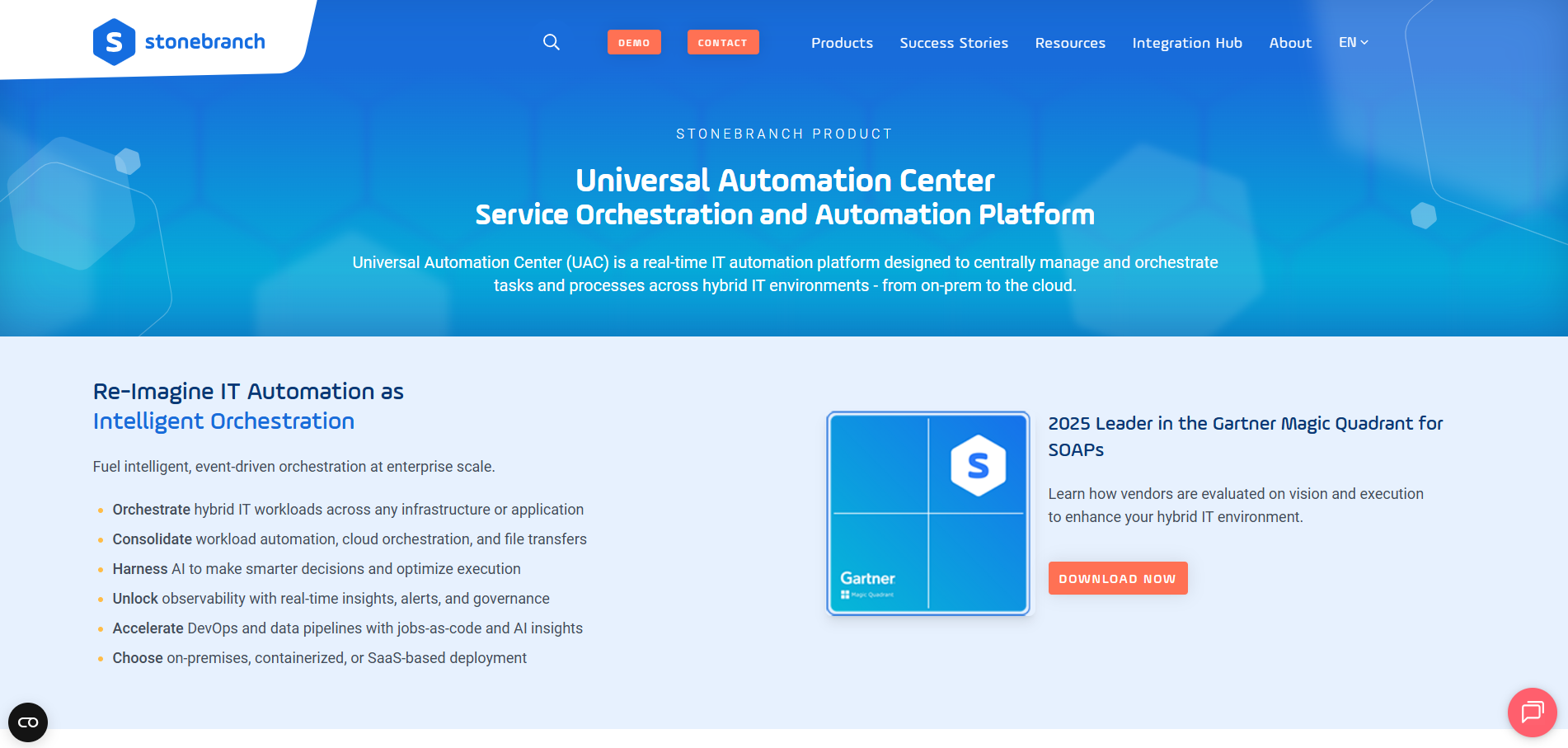
Stonebranch Universal Automation Center (UAC) combines enterprise job scheduling, managed file transfer, and data pipeline workflows for hybrid IT. It runs on-premises and across private, public, and multi-cloud environments.
Stonebranch UAC Key Features
Universal Portal: End users, developers, and business users run automations through self-service.
Enterprise job scheduling: IT teams build, schedule, and manage IT tasks and business processes centrally.
Managed file transfer: Files move between mainframe, distributed, private cloud, and public cloud environments.
Where Stonebranch UAC Shines
Multi-stream data pipelines: Workflows orchestrate the ingestion and processing of multiple data streams.
Governed AI workflows: One layer governs traditional automation, AI workflows, and autonomous agents together.
Where Stonebranch UAC Falls Short
Integrations as downloadable templates: Each integration is a Universal Template that teams download from the Stonebranch Integration Hub and import into UAC.
Integration library size: The hub lists fewer than 200 integrations.
Stonebranch UAC Customer Reviews
Jeff V. shares, "Stonebranch's easy-to-use interface allows me to manage all my IT jobs and file transfers from a single place, reducing the time spent fixing problems and increasing the time for improving automation."
Vinothkumar M. warns, "While the core functionality is excellent, the initial learning curve for a new administrator can be steep, mostly due to the sheer number of configuration options."
Who Stonebranch UAC Is Best For
Teams opening automation to business users: Enterprises that want business users to launch approved jobs on their own while IT keeps control of the schedule.
5. Broadcom AutoSys: Best for Teams Extending an Existing AutoSys Estate
Broadcom's AutoSys Workload Automation schedules work across platforms, cloud, and ERP systems such as SAP, PeopleSoft, and Oracle E-Business. Version 24, released in November 2024, added a PostgreSQL database option and a five-year support lifecycle.
AutoSys Key Features
Multi-platform scheduling: One central point of control covers platforms, clouds, and business applications.
Fault tolerance: Built-in, automated recovery keeps lights-out operations running after failures.
Dynamic workload placement: Workloads move across physical, virtualized, and cloud resources as conditions change.
Where AutoSys Shines
Single sign-on: SAML 2.0 integration secures the web UI for teams with multi-factor authentication policies.
Help desk integration: Job events connect to ServiceNow and other help desk tools.
Where AutoSys Falls Short
Cloud integrations from the support portal: Cloud integrations ship as Workload Automation Agent plug-ins that teams download from the Broadcom Support Portal, one by one or in bulk.
Integration count: Broadcom lists more than 40 AutoSys integrations across cloud, hybrid, and on-premises systems.
AutoSys Customer Reviews
Vedavikas M. shares, "We use Autosys for automation of our jobs in SAP ECC, HANA, INFA, MFT environments throughout the organization. The entire process is automated in the system, from triggering the job to retrieving the log and dependent jobs. This helped us reduce the huge workload and manpower."
Gaurav G. finds that "Simple tasks often require command‑line work or digging through documentation. Integrations exist, but they’re not always smooth, and troubleshooting can feel overly technical for what should be routine scheduling work."
Who AutoSys Is Best For
Teams staying on AutoSys: Enterprises with large AutoSys estates that want to build on them through the version 24 support window.
→ Check out our AutoSys replacement program that moves estates onto ANOW! Automate in five steps, from analysis and pilot to go-live.
6. JAMS: Best for Windows, PowerShell, and SQL Server Batch Jobs
JAMS schedules and orchestrates jobs across Windows, Linux, and cloud from one console, with native PowerShell and SQL job types. Teams run it cloud-hosted on AWS or Azure, or install it on-premises.
Best for: IT teams whose batch lives mostly on Windows servers, PowerShell scripts, and SQL Server databases.
7. AWS Batch: Best for Compute-Heavy Batch Jobs That Run Entirely on AWS
AWS Batch is a fully managed service that plans, schedules, and runs containerized batch jobs for machine learning, simulation, and analytics. It runs them on Amazon ECS, Amazon EKS, AWS Fargate, and Spot or On-Demand instances, and it targets developers, scientists, and engineers rather than IT operations teams.
That makes it a compute service more than a cross-system scheduler. Batch chains that also touch the mainframe, SAP, or another cloud need orchestration on top, and ANOW! Automate connects AWS services into that wider workflow.
Best for: Teams running large, containerized compute jobs that start and finish inside AWS.
How to Choose Batch Processing Software
Four questions separate these platforms: what starts a job, how fast a late one surfaces, what auditors can check, and how each vendor converts your current schedule.
Cross-System Dependencies and Event Triggers
A clock-based schedule starts each job at a fixed time, whether or not its input file has landed or the job before it has finished. Ask what can start a job on each platform, and whether a job on one system can wait for a job on another.
ANOW! Automate starts jobs on file arrivals, API responses, and upstream job completions, including jobs on other systems, and runs each one only when its prerequisites succeed.
Batch Window and SLA Visibility
Downtime costs Global 2000 companies $600 billion a year, according to Oxford Economics. When a batch window slips, settlement files, SAP runs, and morning reports miss the start of the business day.
Look for a live view of every running job, plus critical-path views that show which job is holding the chain up.
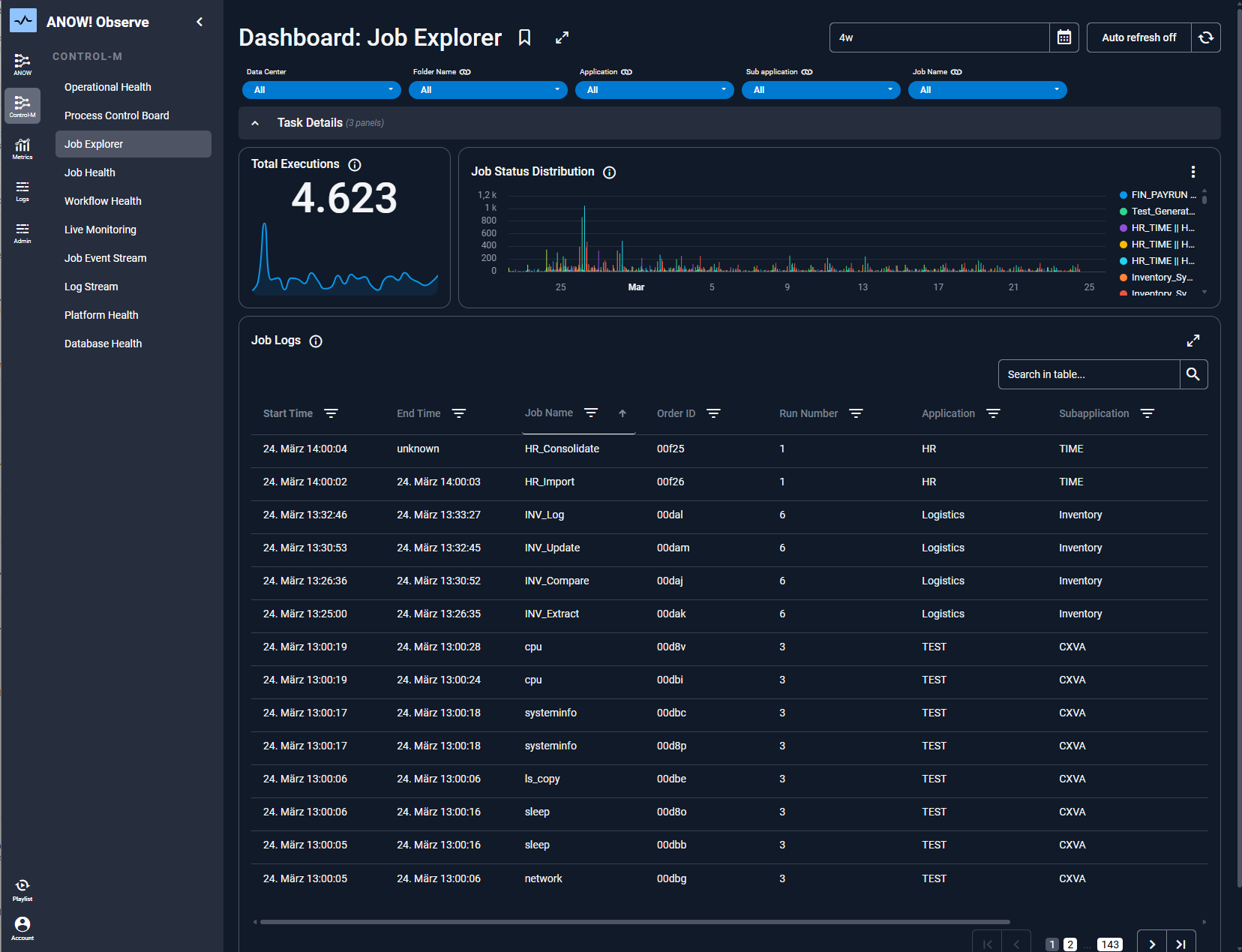
ANOW! Automate gives operators a live overview of batch jobs. For deeper analysis, ANOW!® Observe plugs into ANOW! Automate’s workflows, visualizes critical paths across jobs, and ships predefined workload automation dashboards built on OpenTelemetry.
Job Logs and Audit Trails
Regulated industries need every batch run on record. The EU's Digital Operational Resilience Act (DORA) has applied to financial entities since January 17, 2025.
Ask where each platform stores job logs, how long it keeps them, and who can change them. ANOW! Automate keeps tamper-proof audit trails for every SAP process, and ANOW! Observe adds tamper-proof storage for operational data that meets GDPR and ISO 27001 requirements.
Migration Effort From Your Current Scheduler
A team that already runs a scheduler has job definitions, calendars, and dependencies to carry over. Ask each vendor how it converts them, how many migrations it has delivered, and whether it phases the cutover.
When migrating into ANOW! Automate, Beta Systems configures its conversion tool to your workload definitions and moves a first batch of jobs into production before the rest follow.
Manage and Monitor Batch Processing Across Every Environment with Beta Systems
Every platform on this list can run a batch job. Gaps appear when a chain crosses mainframe, SAP, and cloud; when auditors want every run on record; and when renewing a legacy scheduler gets harder to justify.
If that's where your team is, ANOW! Automate runs the whole chain on an event-driven platform, with a phased migration plan and European data sovereignty from a Berlin vendor.
Talk to our team with your current job definitions in hand and see what moving them would involve.
Frequently Asked Questions
1. What Is the Difference Between Batch Processing and Real-Time Processing?
Batch processing runs groups of jobs or records on a schedule or trigger, while real-time processing handles each record as it arrives. Event-driven platforms such as ANOW! Automate narrow the gap by starting batch jobs the moment a file lands or an API responds.
2. Is Batch Processing Software the Same as RPA?
No. Robotic process automation (RPA) scripts clicks and keystrokes in a user interface.
Batch processing software runs back-end jobs, manages dependencies between them, and transfers files across servers, mainframes, and cloud services, with no screen involved. ANOW! Automate and every other platform on this list belong in that second group.
3. Can One Platform Run Batch Jobs on Mainframe and Cloud?
Yes. ANOW! Automate's 550+ native integrations cover mainframes, SAP, databases, and the major public clouds.
One workflow can chain a mainframe job, an SAP run, and a cloud data load, with every dependency tracked in the same schedule.