:quality(50))
What Is Workflow Orchestration?
Workflow orchestration is the coordination layer that sits above individual automated tasks, managing the order, timing, and dependencies between them so a process completes correctly across every system it touches.
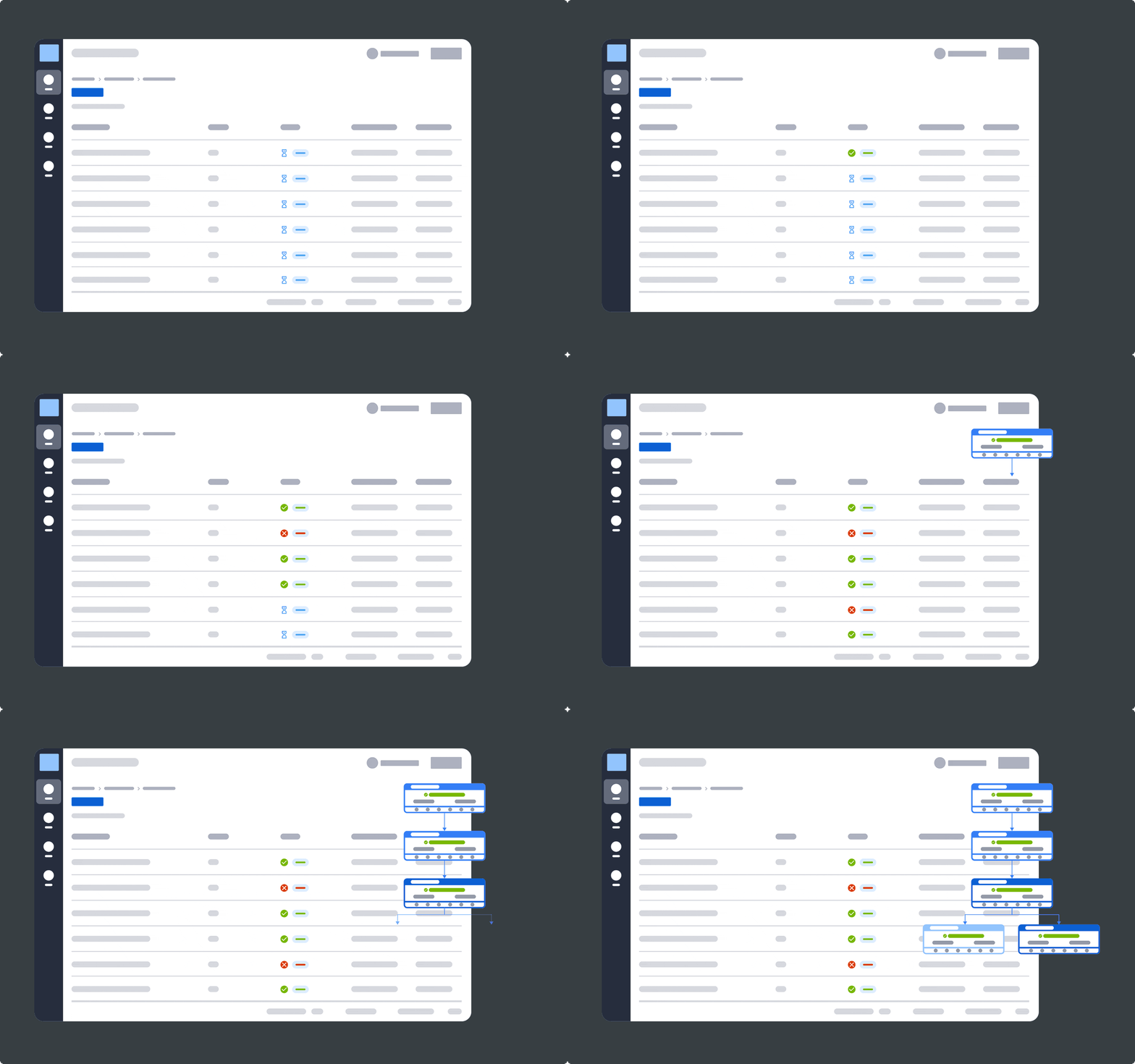
Instead of focusing on automating any single task, it governs how already automated tasks interact, handling triggers, sequencing, error handling, and data flow between them.
Where task automation eliminates manual work within one step, orchestration ensures that step happens in the right order, at the right time, relative to everything around it.
For a deeper breakdown of the fundamentals, see our guide on what workflow orchestration is.
How Workflow Orchestration Works (Step-by-Step)
Orchestration platforms vary in interface and scale, but the underlying execution flow follows a consistent pattern. Here’s what actually happens between a trigger firing and a workflow completing.
Step #1: Trigger Detection and Job Definition
Every workflow starts with a trigger such as:
A scheduled time
A file landing in a directory
A database flag changing
An API call
The completion of an upstream job
Modern orchestration platforms support all of these simultaneously rather than forcing everything onto a fixed clock, which matters because real IT operations rarely run on tidy schedules.
At definition time, each job is described declaratively (what it does, what it depends on, what resources it needs) rather than hardcoded in a script, which makes the workflow portable across environments and easier to audit.
Step #2: Dependency Resolution and Sequencing
Before anything executes, the orchestration engine builds a dependency graph. This map shows which jobs must finish before others can start, which can run in parallel, and which are mutually exclusive because they compete for the same resource.
A scheduler alone can fire jobs on time; an orchestrator knows Job C cannot start until Jobs A and B both succeed, and that if B fails, C and everything downstream must pause or reroute rather than fire blindly.
Step #3: Distributed Execution Across the Environment
Once sequencing is resolved, the platform dispatches each job to wherever it needs to run: an on-premises server, a container, a cloud service, or an ERP system, through agents, agentless APIs, or both.
At enterprise scale, this execution layer must maintain state across potentially thousands of concurrent jobs spanning cloud, on-premises, and mainframe systems without losing track of which job belongs to which business process.
Step #4: Real-Time Monitoring and Observability
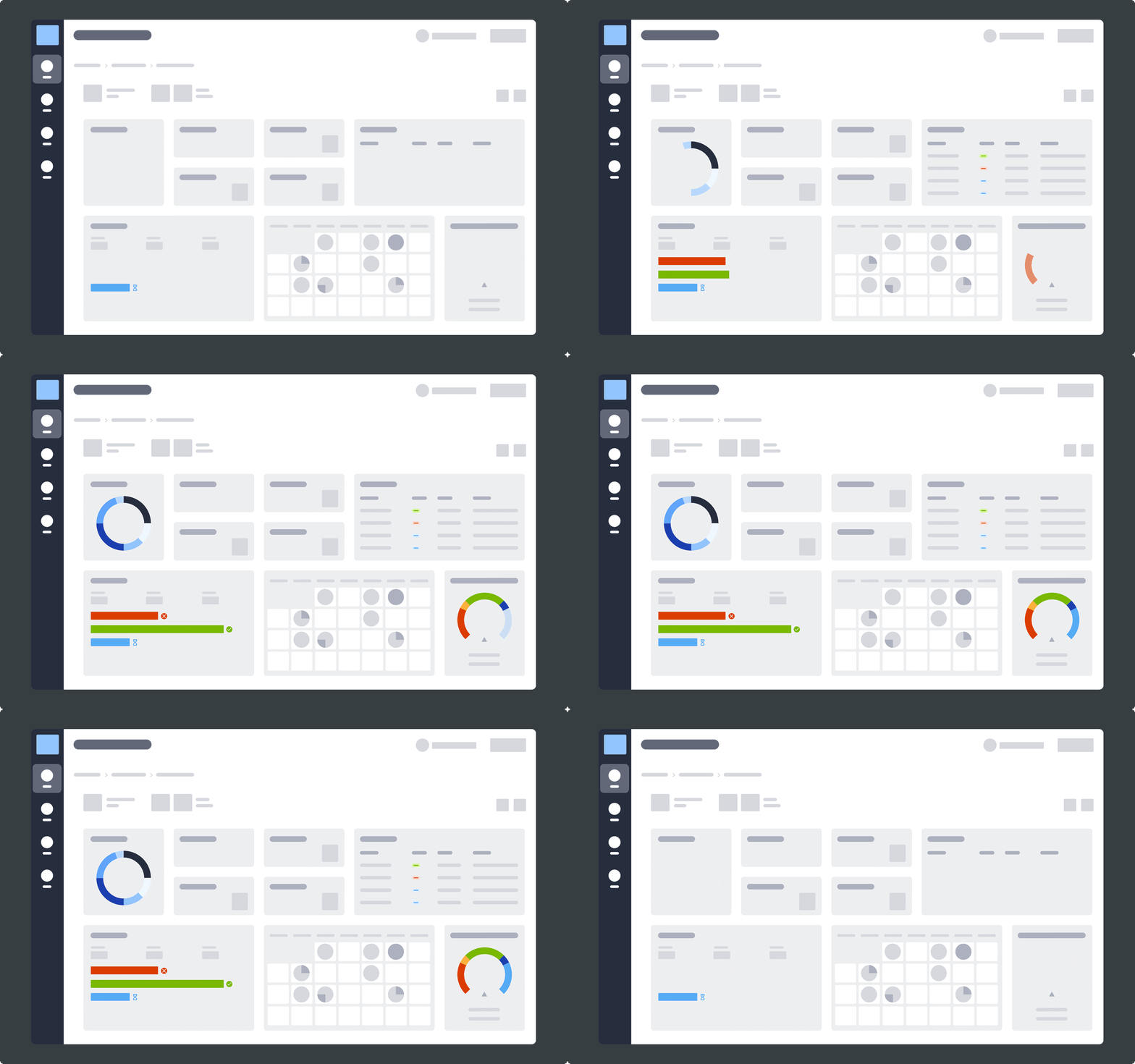
As workflows run, the platform collects metrics, logs, and traces (increasingly standardized through OpenTelemetry) to give operations teams a single, live view of workflow health instead of a separate dashboard per system.
This is also where SLA risk gets caught early: observability tuned to workflow context can flag a job trending toward a missed deadline while there’s still time to intervene rather than after the business impact has already landed.
Step #5: Automated Recovery and Remediation
When something fails, orchestration platforms apply predefined recovery logic (retries, failover paths, alerts tied to business impact) instead of waiting for a person to notice and manually rerun the job.
More advanced platforms layer AI-informed diagnostics on top, correlating the failure against historical patterns to point operators toward a root cause instead of a blank investigation.
This closed loop, from detection to remediation, is what separates orchestration from a collection of independently automated tasks.
Workflow Automation vs Orchestration: Where Most Teams Get It Wrong
Teams that treat orchestration as “automation but more of it” tend to end up with dozens of well-automated tasks that still require a human to sequence, monitor, and recover manually, which is precisely the coordination gap orchestration was supposed to close.
Here’s how the two terms differ.
Workflow Automation | Workflow Orchestration | ||
|---|---|---|---|
Scope | A single task or process | Multiple tasks, systems, and their dependencies | |
Goal | Eliminate manual effort within a step | Coordinate the sequence, timing, and handoffs between steps | |
Failure handling | Task fails; a person is usually notified | Failure triggers automated recovery, rerouting, or rollback across the workflow | |
Typical unit of work | A script, a bot, a scheduled job | An end-to-end business process spanning systems | |
Teams that only automate individual tasks tend to hit a ceiling where every new system added means another manual handoff, another point of failure, and another dashboard nobody has time to watch.
Pro Tip:
Cloud orchestration and SAP orchestration are two areas where this ceiling shows up fastest, since both routinely involve a dozen or more interdependent systems.
Common Use Cases of Workflow Orchestration
Orchestration shows up wherever a business process depends on more than one system finishing in the right order. Three of the most common enterprise patterns are below.
SAP and ERP Process Orchestration
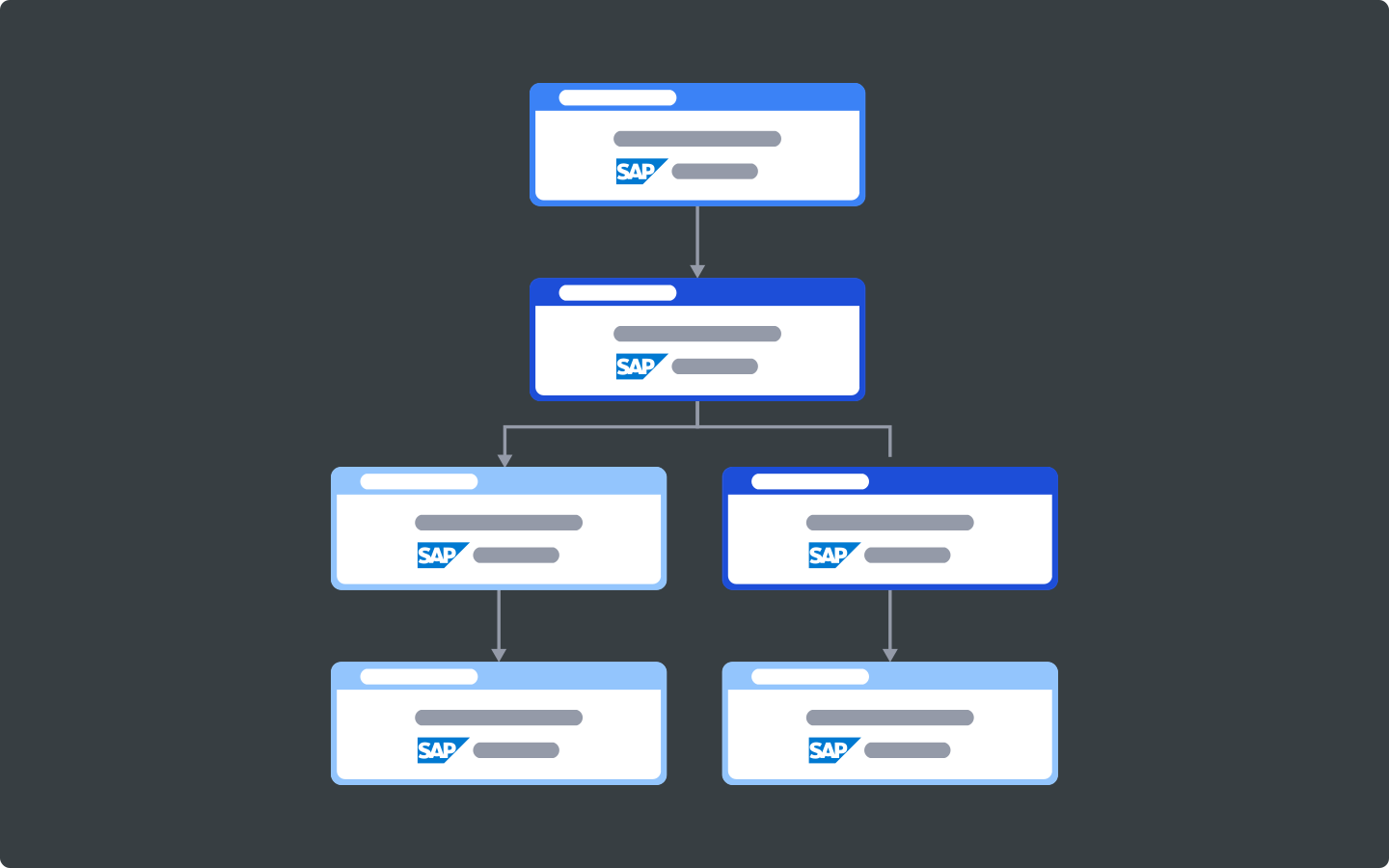
Before: A manufacturer’s SAP batch jobs (inventory updates, order processing, financial postings) run on fixed schedules disconnected from the non-SAP systems around them. When a warehouse management update runs late, nobody downstream knows until a report comes out wrong the next morning.
After: Orchestration sequences SAP job steps alongside surrounding processes such as approvals, file transfers, and downstream reporting, so a delayed step holds everything dependent on it rather than letting bad data propagate.
Did You Know?
ANOW! Automate's SAP orchestration was recently listed on the official SAP Store, reflecting growing demand for orchestration that treats SAP and non-SAP workloads as one coordinated process rather than two separate ones.
Data Pipeline Orchestration for Analytics and ML
Before: A data team pulls from operational systems into a warehouse, then feeds BI dashboards and ML models, often through a chain of scripts and cron jobs across tools like Snowflake, Databricks, and dbt. A silently failed extract doesn’t throw an error but will produce a stale dashboard nobody notices for days.
After: Orchestration coordinates ingestion, transformation, and load steps end-to-end, with anomaly detection flagging missing or malformed datasets before they reach production models or executive dashboards. This shift from “the job ran” to “the job ran, and the output is trustworthy” is what makes orchestration distinct from simple scheduling for data pipeline automation.
DevOps and CI/CD Jobs-as-Code Orchestration
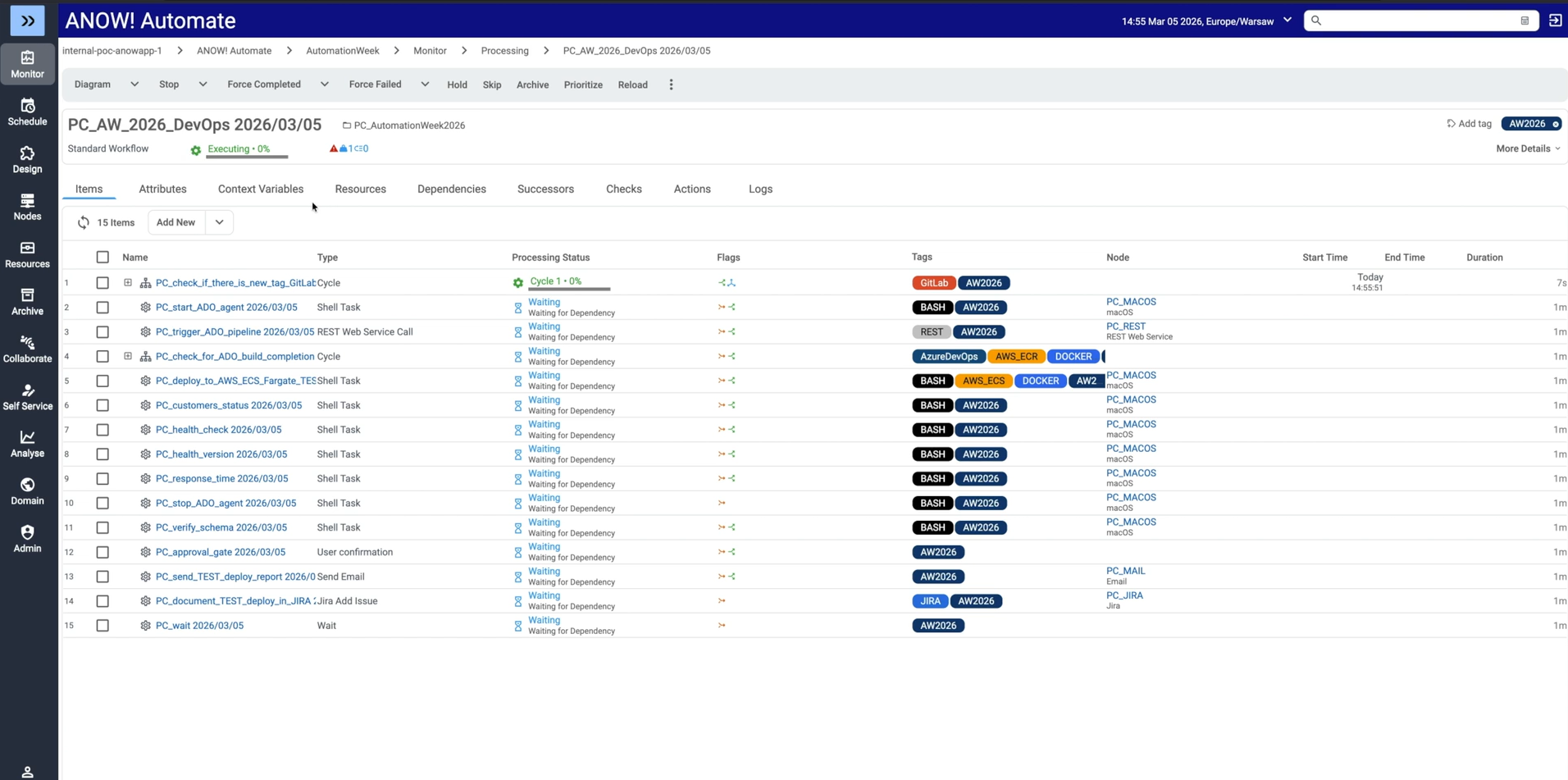
Before: DevOps teams manage build, test, and deployment steps through a patchwork of pipeline scripts, each owned by a different team, with no shared view of how a change in one repository affects downstream deployments.
After: A jobs-as-code approach manages automation artifacts as version-controlled definitions (compatible with Git-based systems like GitHub, GitLab, and Bitbucket) so branching, tagging, and diffing work the same way for infrastructure jobs as they do for application code. This gives DevOps and infrastructure teams a shared, auditable definition of how work moves through the pipeline instead of tribal knowledge scattered across scripts.
How to Implement Workflow Orchestration Without Breaking Your Stack
Rolling out orchestration across an entire IT estate at once is how projects stall. A phased approach reduces risk and builds internal confidence.
Step #1: Map Your Highest-Risk Workflows First
Start by identifying cross-system processes with the tightest SLAs or highest business impact (financial close, regulatory reporting, order fulfillment), not the easiest ones to automate.
These workflows are where a missed dependency causes real damage, making them the clearest place to prove orchestration's value early and build the case for expanding coverage.
Step #2: Migrate in Phases, Not a Single Cutover
Replacing a legacy scheduler in one move is rarely realistic once hundreds of interdependent jobs are involved.
Migrating by business unit, system, or workflow group, supported by automated migration tooling that ingests and translates existing job definitions, lets teams validate each phase before moving to the next, rather than discovering a broken dependency in production.
Step #3: Build Observability In From Day One
Visibility shouldn’t be something teams add on after the first outage.
Planning for SLA tracking, logging, and workflow-level monitoring at design time, rather than per-system dashboards added later, means problems surface while there’s still time to act.
Top Workflow Orchestration Tools and Platforms
The right platform depends heavily on who’s using it and what it needs to coordinate.
Here’s how three of the most commonly evaluated options compare.
Beta Systems (ANOW! Automate)
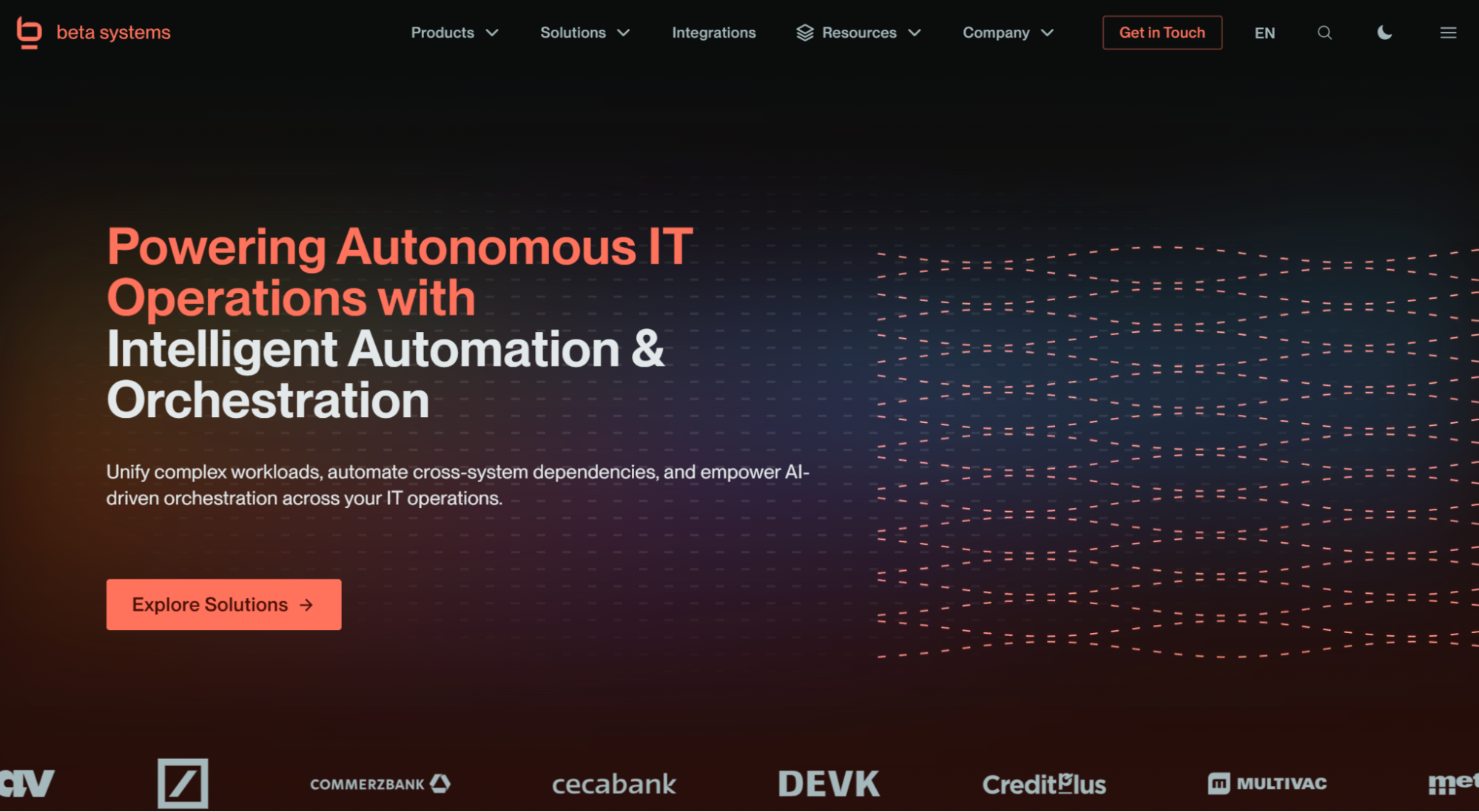
ANOW! Automate is a cloud-native workload automation and orchestration platform built specifically for enterprise IT operations, not just engineering teams. It ships with 500+ native integrations spanning cloud services, containers, databases, ERP systems, and legacy schedulers, giving it one of the broadest out-of-the-box connector libraries among enterprise workload automation vendors.
The platform’s OpenTelemetry-native observability layer, ANOW! Observe, gives teams a single, real-time view of workflow health across hybrid, mainframe, and cloud environments, and its jobs-as-code architecture keeps automation artifacts version-controlled and Git-compatible for DevOps teams.
Beta Systems Software is Recognized as a Leader in the 2026 Gartner® Magic Quadrant™
Discover why analysts trust Beta Systems to deliver enterprise-grade workload automation and observability at scale.
:quality(80))
For enterprises replacing a legacy scheduler or consolidating multiple point tools, ANOW! Automate unifies workload automation, orchestration, and observability in a single platform, with no vendor lock-in and full data sovereignty for organizations operating under European compliance requirements.
Apache Airflow
Apache Airflow is one of the most recognizable names in workflow orchestration. It’s a widely adopted, community-maintained framework built by and for data engineering teams who are comfortable writing DAGs in Python. It excels at scheduling and monitoring data pipelines where the team already has strong Python skills, and the workflows live mostly within cloud-native, engineering-owned systems.
It struggles with enterprise IT operations at scale. Airflow requires significant in-house Python expertise to build and maintain, has no built-in enterprise support model, and lacks native depth for cross-platform orchestration involving mainframes, SAP, or legacy schedulers.
For enterprises that have outgrown a DIY Airflow setup and need broader, business-critical orchestration, our Apache Airflow replacement guide breaks down what to look for.
ServiceNow
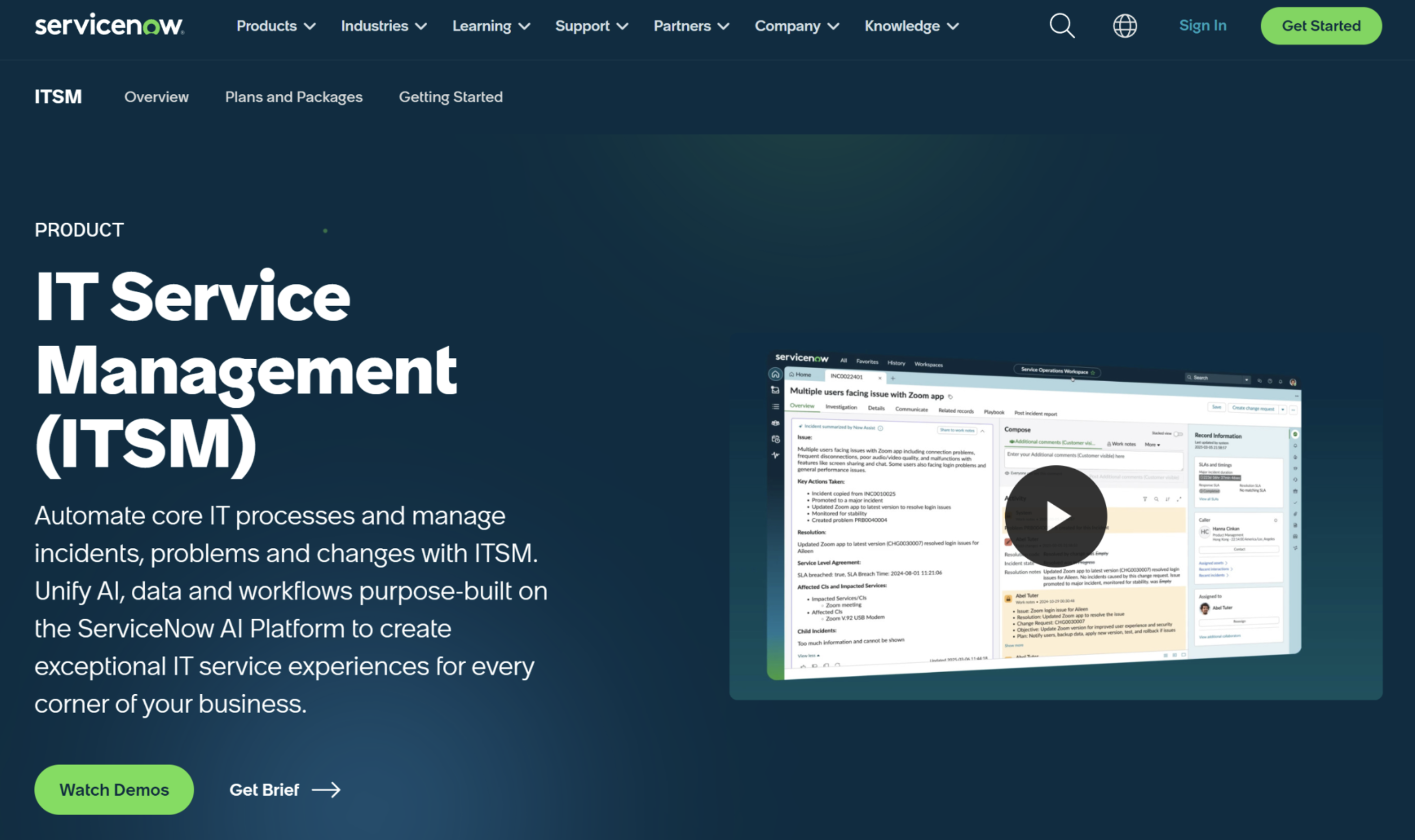
ServiceNow approaches orchestration from an IT service management angle rather than workload automation. Its Flow Designer and cross-module workflows are genuinely strong at coordinating ticketing, approval chains, and processes that span ITSM, HR service delivery, and customer service, all built on a shared data model.
That ITSM-first design is also its limitation for IT operations teams: ServiceNow was not built for the event-driven, dependency-aware orchestration of batch jobs, data pipelines, or hybrid cloud workloads that enterprise IT environments require.
Organizations often end up running ServiceNow for service management workflows alongside a dedicated workload automation platform for the technical execution layer underneath, rather than replacing one with the other.
Turn Fragmented Workflows into Scalable, Orchestrated Systems
Task automation without orchestration just moves the coordination problem onto whoever’s on call at 2 a.m. Closing that gap means treating your automated tasks as one connected process, not a collection of independent scripts and schedulers.
If your team is evaluating how to consolidate fragmented automation into a single orchestration layer, our guide on workload automation is a good next step, or you can see how ANOW! Automate approaches orchestration across hybrid, cloud, and mainframe environments firsthand.
FAQs
1. What is the difference between a workflow and an orchestrator?
A workflow is the sequence of tasks and dependencies that make up a process, such as “validate a file, load it, then trigger a report.” An orchestrator is the platform that runs and manages that sequence, triggering each step, resolving dependencies, and handling failures. The workflow is the “what,” whereas the orchestrator is the “how it runs.”
2. Do I need workflow orchestration if I already automate my individual jobs?
Sometimes not yet. If your automated jobs run independently with no cross-system dependencies or SLA risk, orchestration may be more than you need. It becomes necessary once a failure or delay in one job can silently break another downstream.
3. What are the different types of orchestration?
Enterprise orchestration generally breaks down into a few overlapping categories:
Workload orchestration (sequencing batch jobs and scheduled processes)
Data orchestration (coordinating pipelines across ingestion, transformation, and load)
Cloud orchestration (provisioning and coordinating resources across one or more cloud providers)
Container orchestration (managing containerized workloads through platforms like Kubernetes)
Service orchestration (coordinating APIs and microservices to complete a business process)
Most enterprise IT environments need several of these working together, which is why platforms increasingly converge them into a single layer.
4. What are the best workflow orchestration tools?
It depends on who’s running the workflow. Community-maintained frameworks like Apache Airflow suit engineering teams comfortable building pipelines in Python. ITSM platforms like ServiceNow suit approval-driven business processes.
Enterprise-grade platforms like Beta Systems’ ANOW! Automate suit IT operations teams that need to orchestrate mainframe, cloud, SAP, and data workloads together under one platform with enterprise support.
5. Does workflow orchestration require replacing our existing automation tools?
Not necessarily. Most enterprise orchestration platforms sit above or alongside existing schedulers and scripts, coordinating them rather than requiring an immediate rip-and-replace.
Want to know more about ANOW! Automate?
Find out how ANOW! Automate helps enterprises modernize workload automation without rebuilding critical workflows.
:quality(50))
:quality(50))
:quality(50))