:quality(50))
| Best For | Standout Features | |
|---|---|---|---|
Beta Systems ANOW! Automate | Enterprise workload automation & SAP-heavy environments | 550+ native integrations with jobs-as-code (GitOps) | |
BMC Control-M | Large, established mainframe-to-cloud estates | Broad connector library across hybrid and cloud-native stacks | |
Broadcom AutoSys | Teams already standardized on Broadcom/CA tooling | Simple JIL-based box/job scripting | |
Redwood RunMyJobs | SAP-centric enterprises on RISE with SAP | SAP Endorsed App, embedded in RISE reference architecture | |
Stonebranch UAC | Modern, API-first orchestration with data pipeline needs | Universal Portal for self-service citizen automation |
1. Beta Systems’ ANOW! Automate: Best for Enterprise Workload Automation
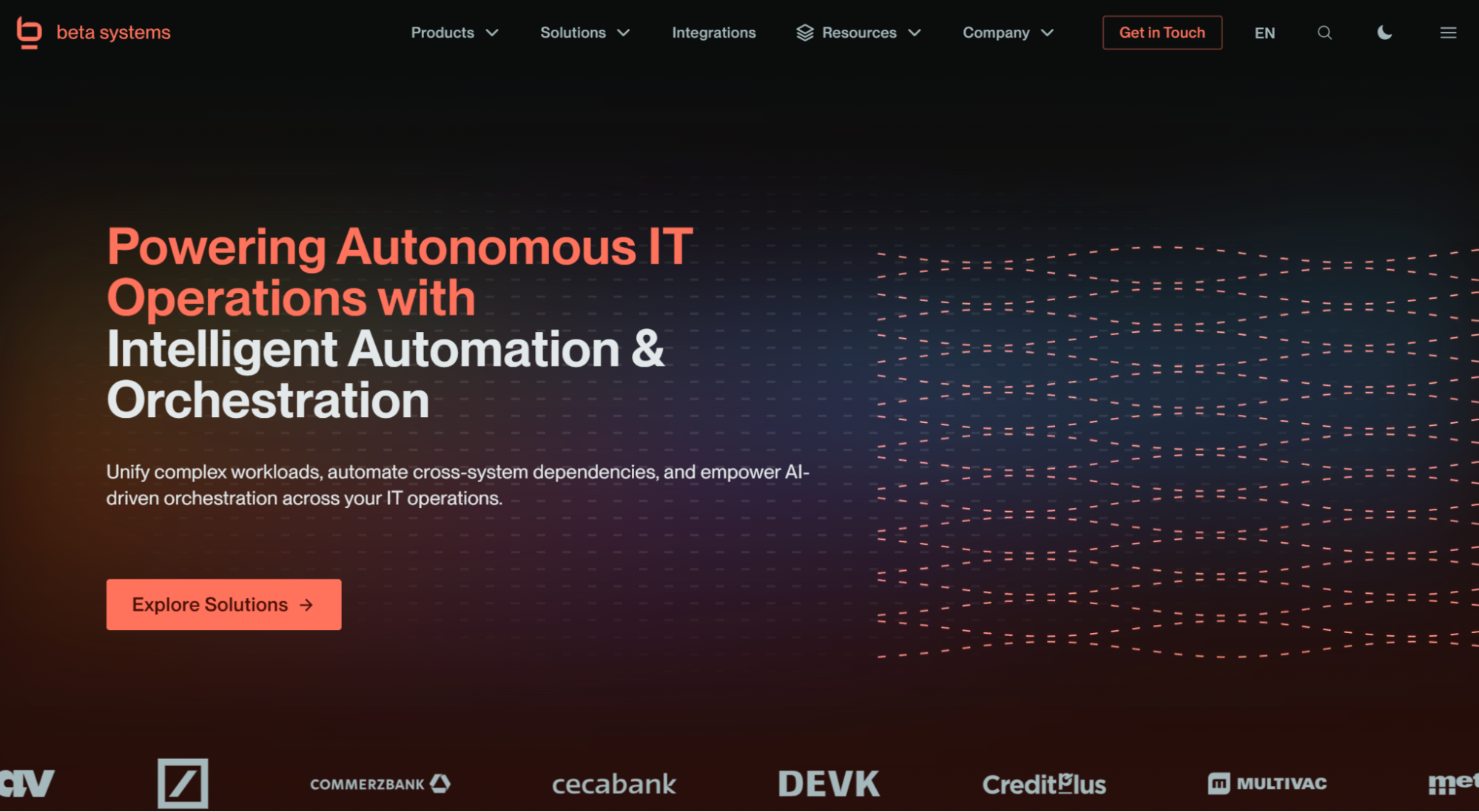
Beta Systems is a 40-year-old European software vendor with a long history in automation, whose ANOW! Automate platform was designed from the ground up as a cloud-native workload automation and orchestration system. ANOW! Automate is part of the broader ANOW! Suite, which unifies workload automation, observability, and AI-driven insights in a single platform.
Gartner also named Beta Systems a Leader in the 2026 Magic Quadrant.
Beta Systems Software is Recognized as a Leader in the 2026 Gartner® Magic Quadrant™
Discover why analysts trust Beta Systems to deliver enterprise-grade workload automation and observability at scale.
:quality(80))
Beta Systems’ ANOW! Automate Key Features
ANOW! Automate is built to replace legacy schedulers without forcing a rip-and-replace migration, and its three standout capabilities show why enterprise IT teams pick it over more established names.
Infinite Integration & Jobs-as-Code
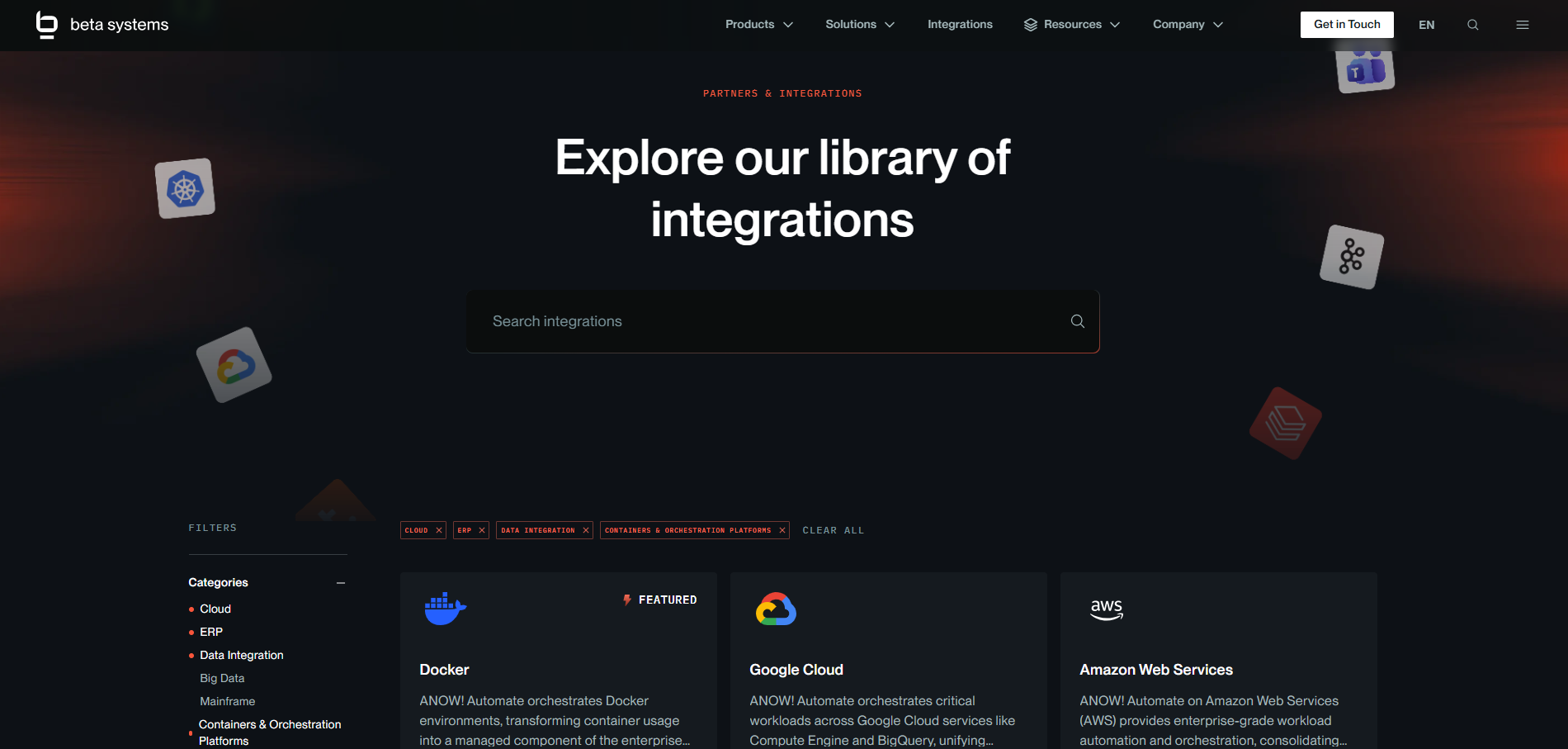
ANOW! Automate ships with over 500 native, out-of-the-box integrations spanning cloud platforms, DevOps tools, containers, databases, ERP systems, and legacy schedulers. When a connector does not exist off the shelf, its “Infinite Integration” framework lets teams build one using APIs, CLI, scripting, or JavaScript-based logic instead of waiting on a vendor roadmap.
On the DevOps side, the platform takes a jobs-as-code approach, storing all artifacts as JSON definitions that plug directly into Git-based workflows and support branching, tagging, and diffing the same way application code does. This matters most for teams running CI/CD pipelines who want their automation logic version-controlled rather than locked inside a proprietary UI.

Integration Architecture
Discover Your Integration Possibilities
Connect your Beta Systems platform with the enterprise applications, APIs, and services that you already use. Streamline data exchange and orchestrate end-to-end workflows across your IT landscape.
AI-Driven Migration and Agentic Automation
Beta Systems built a proprietary migration tool that automates ingesting and translating a competitor's existing task definitions into ANOW! structures, reducing the manual rework that normally makes legacy WLA migrations painful and expensive. On top of that, the platform now includes an AI coding assistant that converts natural language into structured automation scripts, paired with a built-in Model Context Protocol (MCP) server that governs how external AI agents interact with the platform.
Together, these features enable what Gartner’s 2026 Magic Quadrant describes as “agentic automation,” where software agents can resolve incidents autonomously based on real-time execution data.
Native SAP Orchestration
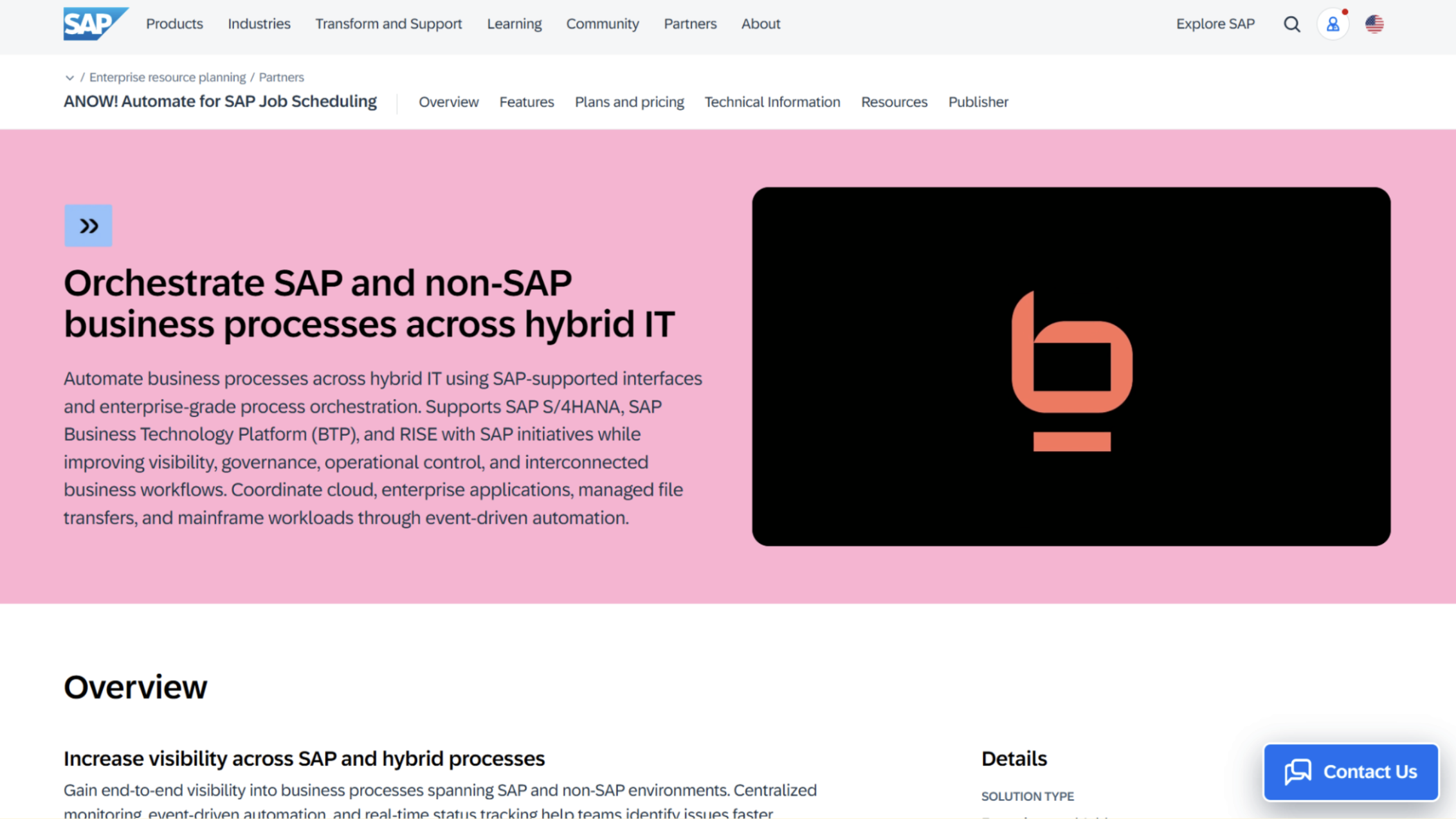
For enterprises running SAP, ANOW! Automate offers deep, bidirectional orchestration across S/4HANA and S/4HANA Cloud, SAP ERP and BW, with full support for both GROW and RISE with SAP editions. It handles dynamic variant handling and job interception, which lets teams intercept and modify running SAP jobs based on real-time conditions rather than waiting for the next scheduled run.
Did you know?
ANOW! Automate was also recently listed on the official SAP Store, a distinction most competitors on this list do not share.
Where Beta Systems Shines
No vendor lock-in: ANOW! Automate can run as SaaS, in a private cloud, or fully on-premises, and organizations can switch deployment models without re-architecting, which most legacy vendors cannot offer.
Digital sovereignty for European enterprises: As a European vendor, Beta Systems gives BFSI, public sector, and other regulated organizations a path to keep automation infrastructure within EU jurisdiction, which is increasingly relevant under regulations like DORA.
Built-in observability with compliance in mind: The platform’s OpenTelemetry-native monitoring layer includes an AI-driven PII filter that automatically redacts sensitive data from system logs, directly supporting GDPR, HIPAA, and DORA audits.
Where Beta Systems Falls Short
Brand perception still tied to mainframe heritage: Beta Systems’ 40-year history in mainframe software means some DevOps and cloud-native evaluation teams overlook ANOW! Automate during tool selection, even though the current platform is built cloud-native from the ground up.
Support footprint concentrated in Europe: Sales, marketing, and support are still heavily weighted toward Western Europe, so global enterprises with large APAC or LATAM operations may find less local field support than they would with a more globally distributed vendor.
Beta Systems’ ANOW! Automate Customer Reviews
Sneha D. praises the ANOW Suite, sharing that she likes, “how it centralizes workflow automation and monitoring in a single platform. My personal favorite is automation feature which saves our time to do repetitive tasks.”
Sameer K. shares, “I like that with ANOW! Suite, everything is centralized and easy to track, improving visibility into each order's status and keeping the team aligned. It reduces the need for manual follow-ups, saves time, and makes the entire appraisal process smoother and more efficient. I also appreciate how it integrates well with our workflow, connecting everything while allowing us to manage core appraisal operations in one place.”
Who Beta Systems’ ANOW! Automate Is Best For
CIOs replacing a legacy scheduler: Organizations currently on BMC Control-M, Broadcom Automic, Broadcom AutoSys, or Redwood/Tidal who want a modern platform with a structured, lower-risk migration path.
SAP-heavy enterprises: Manufacturing, retail, and BFSI organizations running SAP GROW or RISE editions that need native, bidirectional SAP orchestration rather than a bolt-on connector.
European and regulated organizations: Enterprises in financial services, insurance, or the public sector that need digital sovereignty and compliance-ready observability baked into the platform, not added on top.
2. BMC Control-M: Best for Large, Global Mainframe-to-Cloud Enterprises
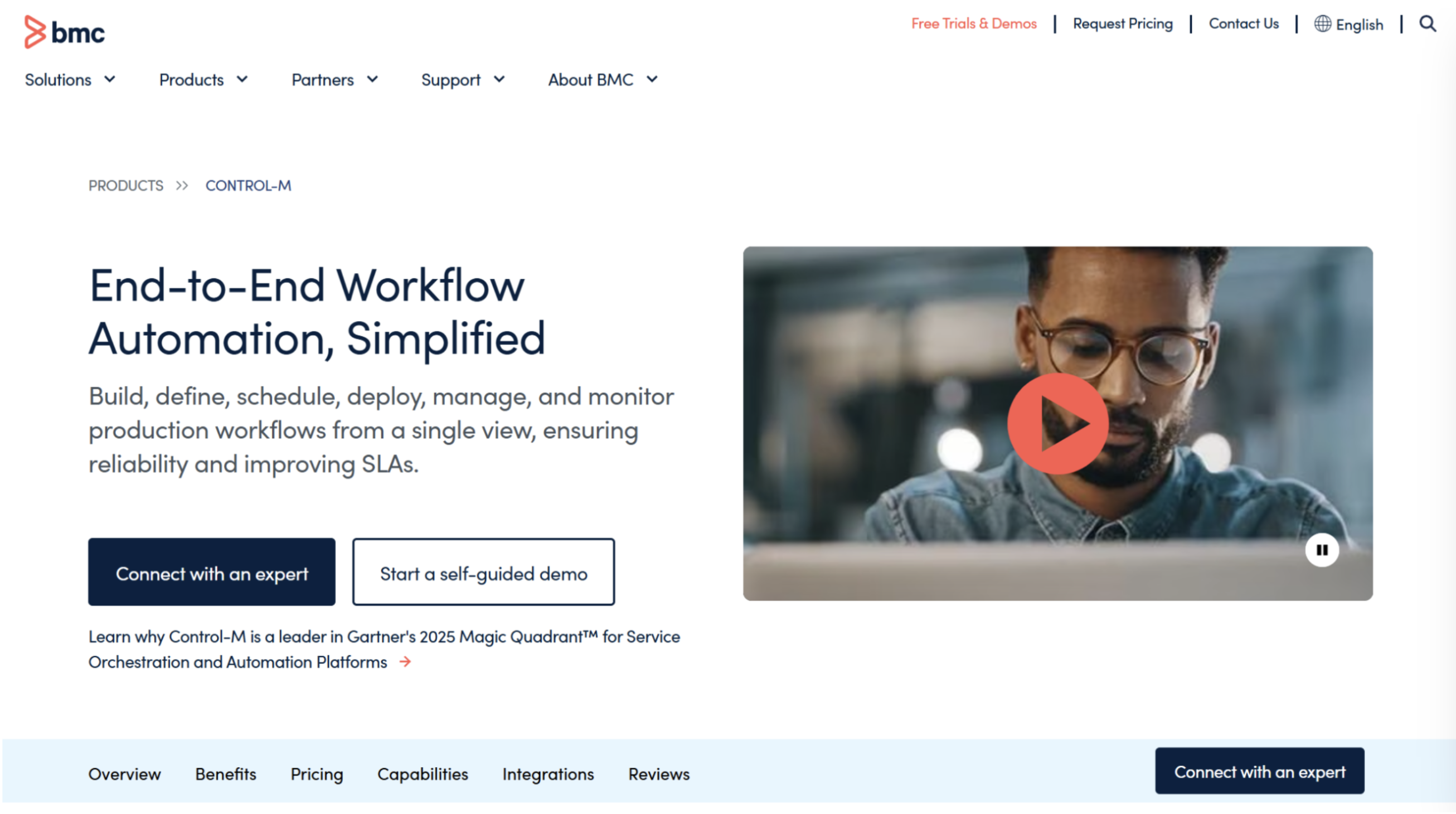
BMC Control-M is one of the most recognized names in job scheduling software, spanning mainframes, distributed systems, and cloud-native AI/ML and data pipeline workloads.
In 2026 BMC expanded its Jett AI Advisor and added Model Context Protocol support alongside deeper go-to-market partnerships with AWS and SAP. One structural note for buyers doing due diligence: in June 2026, investment firm Montagu acquired a majority stake in BMC Helix, BMC’s separate IT service management and observability line. Control-M itself remains part of BMC's core software portfolio.
Key Features
Hybrid and Cloud-Native Orchestration: Control-M can be deployed self-hosted on-premises, in a customer cloud environment, or as single- or multitenant SaaS, giving it one of the broadest deployment footprints on this list.
Global Customer Base: Control-M has a customer base across North America, EMEA, APAC, and LATAM, which suits organizations with distributed operations that need consistent local support.
Data Pipeline Quality Gating: Control-M embeds data quality validation directly inside the execution layer, letting teams configure severity-based gating rules that stop low-quality data before it reaches downstream workflows or AI/ML models. This removes the need for custom validation scripts or a separate third-party testing tool layered on top of the scheduler.
Where Control-M Shines
Widest connector ecosystem for enterprise applications: Control-M has broad integration across databases, ERP systems, cloud services, and scripting languages.
Deep vertical alignment: BMC maintains dedicated teams for financial services, retail, and manufacturing, embedding sector-specific compliance frameworks directly into the platform.
Where Control-M Falls Short
Execution-based licensing complexity: Control-M’s pricing model tracks task executions, which can create budgeting surprises for procurement teams as job volume scales.
No native OpenTelemetry support: Teams that want standardized observability need to rely on Control-M's own dashboards, APIs, or third-party monitoring integrations rather than an OpenTelemetry-native data stream.
Customer Reviews
Anaswara S. says, “Control-M has been really reliable for our batch processing. I like having everything in one place across mainframe, cloud, Hadoop, and ERP systems. The visual workflows make troubleshooting much easier, and the flexible scheduling and alerting save us a lot of manual effort. It’s not flashy, but it’s dependable and works well at scale.”
B. Shivakumar R. complains, “Licensing and pricing are a real pain point. It isn’t cheap, and the cost adds up as we scale to more jobs, so only a few people end up having access to this tool. Also, the GUI can feel a bit dated compared to newer tools like TWS which I have been using it as well for other Projects.”
Who Control-M Is Best For
Large, global enterprises: Organizations with a genuinely distributed footprint across multiple continents that need consistent local support and a mature partner network.
Mixed mainframe-and-cloud shops: Teams that need one platform spanning z/OS mainframes through to modern cloud and AI/ML pipelines.
3. Broadcom AutoSys: Best for Teams Standardized on Broadcom/CA Tooling
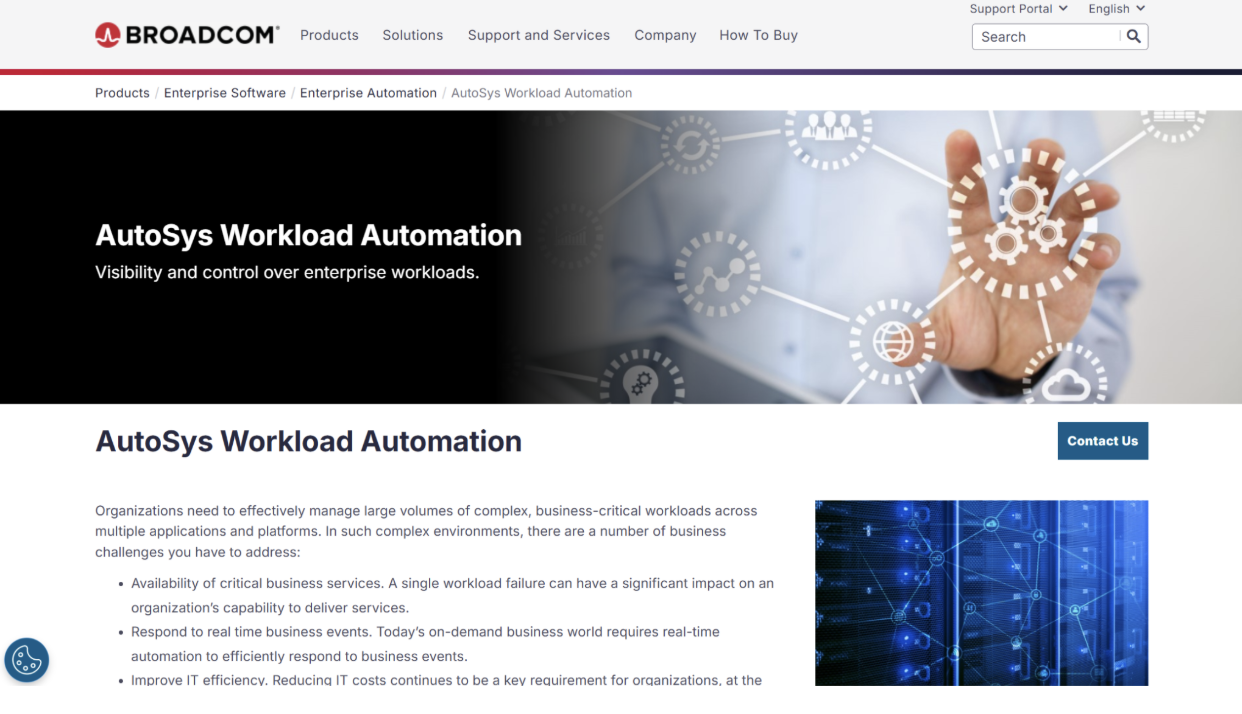
AutoSys Workload Automation traces back to CA Technologies, which Broadcom acquired in 2018. It remains a common choice for enterprises that standardized on it years ago and have not had a strong enough reason to migrate.
AutoSys uses Job Information Language (JIL) to define jobs and dependencies through a box-and-command-job structure, which many long-time users find straightforward once they learn the syntax.
Key Features
JIL-Based Job Definition: AutoSys jobs are defined through JIL scripts organized into “box” jobs (containers) and “command” jobs (individual tasks), giving administrators a readable way to manage dependencies without heavy coding.
Minimal Coding Knowledge Required: Especially compared to code-first alternatives like Apache Airflow, a community-maintained orchestration framework.
ERP and ITSM Integration: The platform integrates with ERP systems and ITSM/service desk tools to improve visibility and control across complex workloads, suiting organizations that need job scheduling tied closely to existing incident and change management processes.
Where AutoSys Shines
Approachable for technical and non-technical users alike: The interface requires a short learning curve for both developers and operations staff.
Strong fit for existing Broadcom/CA environments: Teams already running other CA/Broadcom tooling benefit from familiar administration patterns and existing support relationships.
Where AutoSys Falls Short
Limited support for dynamic, config-driven job creation: AutoSys cannot generate dynamic job dependencies from configuration or YAML files the way Airflow can, which limits its fit for modern, code-driven data pipelines.
Fragmented product portfolio: Broadcom maintains eight overlapping workload automation products, including Automic Automation, AutoSys, AppWorx, ESP dSeries, Dollar Universe, CA 7, IT Process Automation Manager, and ESP Workload Automation Intelligence, which research firm AIMultiple suggests may divert investment away from any single product's roadmap.
Customer Reviews
Kingston Joseph shares, “Autosys is easier to configure than DAGs or Airflow because its JIL configuration is much simpler and more intuitive.”
Gaurav G. warns, “The interface feels outdated and not very intuitive, which makes onboarding new team members slower than it should be. Simple tasks often require command‑line work or digging through documentation. Integrations exist, but they’re not always smooth, and troubleshooting can feel overly technical for what should be routine scheduling work.”
Who AutoSys Is Best For
Organizations already standardized on Broadcom/CA tooling: Teams that want to avoid a full platform migration and are comfortable with JIL-based scripting.
Straightforward batch scheduling needs: IT operations that do not require dynamic, config-driven data pipeline orchestration.
→ Want a deeper comparison? Read our full AutoSys Alternatives guide.
4. Redwood RunMyJobs: Best for SAP-Centric Enterprises on RISE with SAP
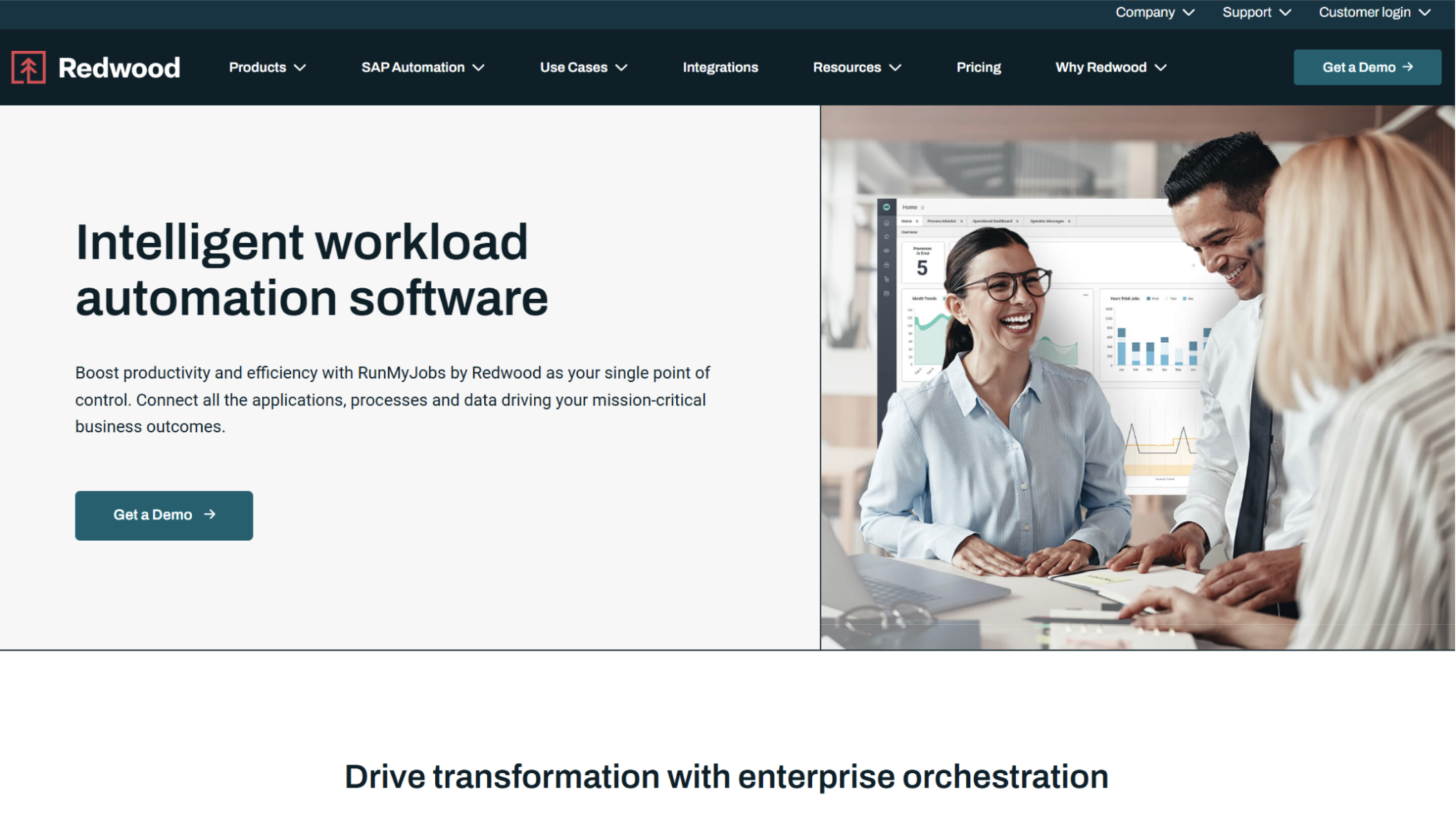
Redwood RunMyJobs is a fully managed, single-tenant SaaS platform built specifically to shine in SAP-heavy environments, though it also supports non-SAP workloads.
In 2026, the vendor added native support for the Model Context Protocol and Agent2Agent protocol, along with a new RangerAI assistant portfolio.
Key Features
SAP Endorsed App Status: Redwood is the only workload automation vendor recognized as an SAP Endorsed App and natively embedded within the RISE with SAP reference architecture, giving it a co-development relationship with SAP that no competitor on this list currently matches.
Resilient Single-Tenant SaaS Architecture: Every customer gets fully isolated cloud infrastructure and a dedicated database, with automated cross-region disaster recovery and aggressive recovery time objective SLAs bundled into standard agreements at no extra cost.
Where RunMyJobs Shines
Deepest native SAP integration on this list: For organizations already committed to RISE with SAP, Redwood’s endorsed-app status removes a layer of integration risk competitors cannot match.
Zero-maintenance SaaS model: With no on-premises infrastructure to manage, IT teams can offload patching, scaling, and disaster recovery entirely to Redwood.
Where RunMyJobs Falls Short
Renewal pricing volatility: Multiple customers cite frustration with unexpected price escalations and aggressive upsell pressure during contract renewals.
Weak native mainframe support: As a SaaS-first, cloud-native platform, RunMyJobs requires remote gateways to route mainframe or heavy on-premises job execution back to the cloud, which adds architectural complexity for organizations with a significant mainframe footprint.
Customer Reviews
Vandana S. praises, “I've been using RunMyjob Tool for a while now and I'm genuinely impressed with how smooth and efficient it makes managing tasks. The interface is clean, user-friendly, and easy to navigate, even for those who are new to this tool.”
Ankush Y. warns, “The backend programming which is not visible to us, hence makes it a bit difficult to identify the issue when there is a need to be and needs involving the support team.”
Who RunMyJobs Is Best For
SAP-centric enterprises on RISE with SAP: Organizations that want the deepest available native SAP integration and are comfortable with a SaaS-only architecture.
Teams without significant mainframe dependencies: Businesses whose critical workloads already live in the cloud or in modern distributed systems.
5. Stonebranch UAC: Best for Modern, API-First Data Pipeline Orchestration
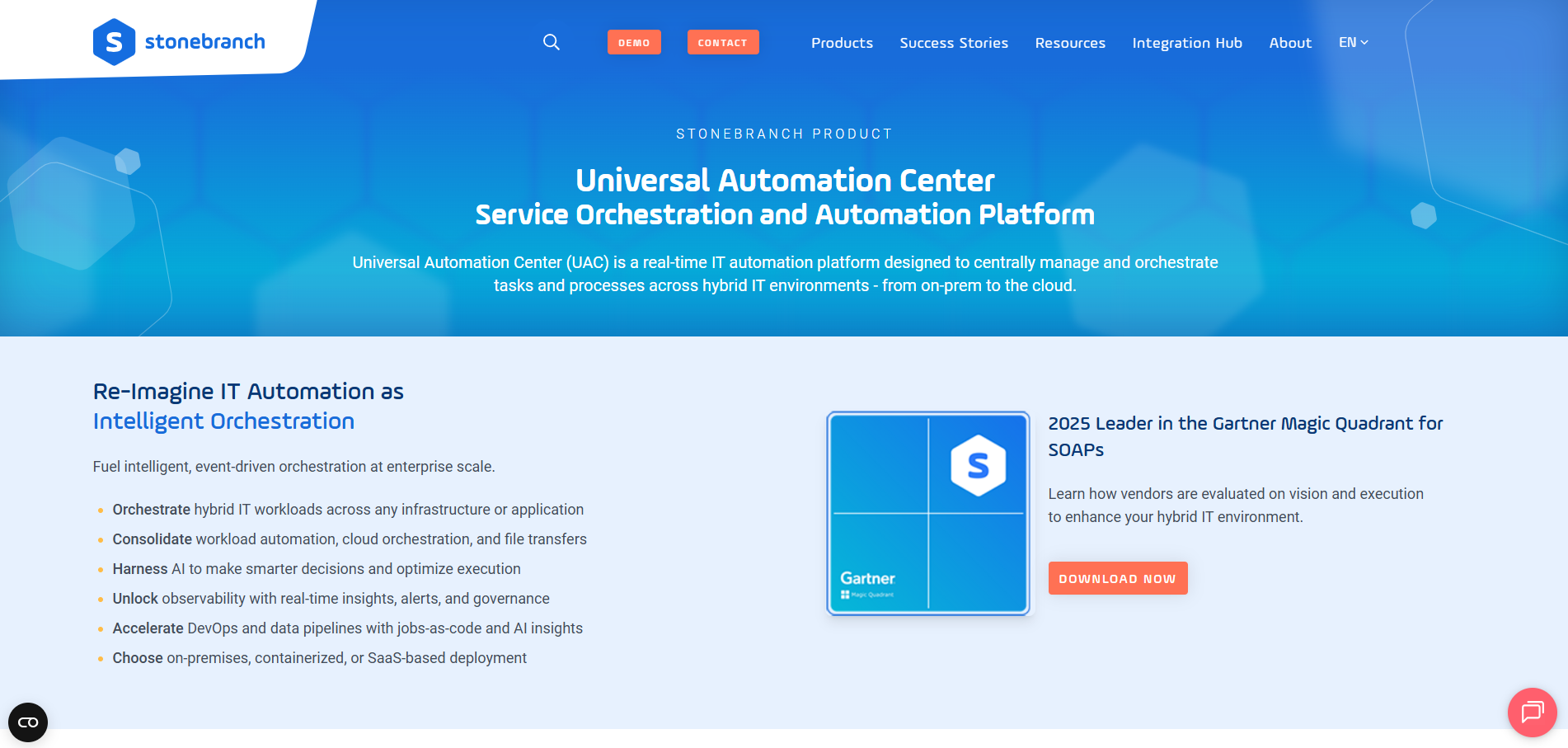
Stonebranch’s Universal Automation Center is the most cloud-native, API-first platform on this list, and Gartner has named it a Leader in the Magic Quadrant for three consecutive years.
In 2026, Stonebranch introduced Robi AI and an AI Extension Builder, added agentic AI orchestration capabilities, and completed its acquisition of Honico Systems to strengthen native SAP automation.
Key Features
Data Pipeline Orchestration with Embedded MFT: UAC provides native integrations for Snowflake, Databricks, and dbt, letting data engineering teams build, monitor, and troubleshoot pipelines within the same control plane used for traditional IT operations, combined with managed file transfer capabilities in one place.
Universal Portal for Self-Service Automation: The Universal Portal lets non-technical business users build, monitor, and trigger their own automations without writing scripts, while centralized IT retains governance and visibility over what gets deployed.
Where UAC Shines
Modern, API-first architecture: Of the legacy-adjacent names on this list, Stonebranch is the closest match to Beta Systems in terms of cloud-native design philosophy.
Strong self-service and data pipeline capabilities: The combination of the Universal Portal and native data tooling integrations makes it a strong fit for organizations trying to democratize automation beyond central IT.
Where UAC Falls Short
Limited certified partner network: A smaller ecosystem of independent global system integrators means larger transformation projects may lean more heavily on Stonebranch's own professional services team.
No native FedRAMP certification: Public sector and federal buyers need a pass-through partner to meet compliance requirements, which complicates procurement compared to platforms with built-in certification.
Customer Reviews
Stephen E. praises, “Once it’s set up, it’s very straightforward to use. The customer support is excellent; we usually get a response within an hour, and it’s not just a link to a knowledge base. I use it every day, and the interface feels very intuitive—I can find what I need right away, and when necessary, it’s easy to dig into more details.”
Jeff V. mentions, “I would improve the user interface a bit to make it even more intuitive, especially for new users. I also want more out-of-the-box reporting templates so I don't have to build everything from scratch.”
Who UAC Is Best For
Teams that want a modern, like-for-like alternative: Organizations evaluating a genuinely cloud-native competitor rather than a legacy platform with newer branding.
Data engineering-heavy IT organizations: Teams that need strong native data pipeline orchestration alongside traditional job scheduling.
How to Choose the Best Job Scheduling Software
Every platform on this list can schedule a batch job. The differences that matter show up in deployment flexibility, integration depth, and how the platform handles the workloads that keep your business running.
Deployment Flexibility
Some platforms are SaaS-only, some are on-premises-only, and a few can genuinely move between models without a re-architecture.
If your organization operates under strict data residency requirements, or if you expect your infrastructure strategy to shift over the next few years, confirm whether a vendor’s SaaS and on-premises versions are actually the same product or two separate codebases with feature gaps.
Beta Systems ANOW! Automate is built to keep the platform consistent across SaaS, private cloud, and on-premises deployments, letting organizations switch models without disruption.
→ Talk to our automation experts about deployment options
SAP and ERP Orchestration Depth
If SAP sits at the center of your operations, look past the marketing claim of “SAP integration” and ask specifically whether the platform handles dynamic variant handling, job interception, and bidirectional communication with S/4HANA, or whether it just triggers jobs from the outside.
ANOW! Automate supports both GROW and RISE with SAP editions natively and is listed on the official SAP Store, reflecting the depth of that integration.
Observability and Intelligent Remediation
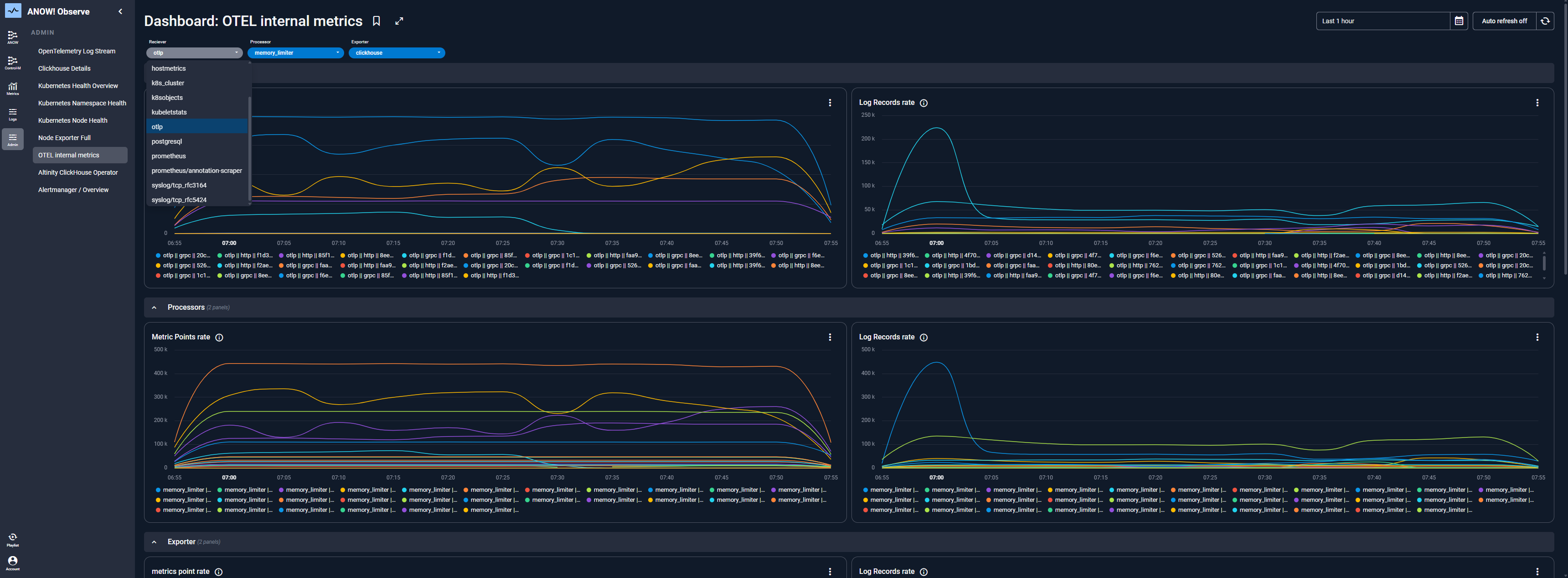
Modern platforms increasingly build AI directly into the orchestration layer rather than bolting it on as a separate dashboard. Look for OpenTelemetry-native monitoring, since it standardizes how metrics, logs, and traces flow out of the platform rather than locking you into a proprietary format.
ANOW! Automate's OpenTelemetry-native layer includes an AI-driven PII filter that automatically redacts sensitive data from logs, which directly supports GDPR, HIPAA, and DORA audit requirements.
Integration Breadth and Extensibility
A long list of native connectors matters less than what happens when you need one that is not on the list. Ask vendors how custom integrations get built: through a low-code interface that requires platform-specific training, or through open APIs, CLI, and scripting your existing developers already know.
ANOW! Automate ships with 500+ native integrations and an Infinite Integration framework built on standard APIs, CLI, and JavaScript-based logic, so teams are not stuck waiting on a vendor roadmap for a connector to a niche or proprietary system.
→ See how ANOW! Automate handles your integration requirements
Simplify Complex Scheduling and Orchestration With Beta Systems
Every platform on this list can run a batch job on time. The real question is which one can grow with your environment as it shifts across cloud, on-premises, and SAP systems without locking you into a single vendor's roadmap or a licensing model that punishes growth.
Beta Systems ANOW! Automate was built for exactly that shift: a modern, cloud-native platform that still speaks fluently to mainframes and SAP estates, backed by a European vendor that takes data sovereignty seriously.
If you are currently on a legacy scheduler and starting to feel renewal price hikes or support slowdowns that usually trigger a re-evaluation, it is worth seeing what a modern migration path looks like before you sign another multi-year contract.
FAQs
1. What is the difference between job scheduling and workload automation?
Job scheduling triggers tasks based on time or simple dependencies. Workload automation goes further, coordinating complex, interdependent jobs across hybrid environments with event-driven triggers, SLA monitoring, and built-in error handling.
2. Can job scheduling software handle SAP environments?
Yes, though the depth varies significantly by vendor. Platforms like Beta Systems ANOW! Automate and Redwood RunMyJobs offer native, bidirectional SAP orchestration, while others rely on more generic connectors that trigger jobs without deeper visibility into SAP-specific processes.
3. How much does enterprise job scheduling software cost?
Most enterprise vendors, including Beta Systems, BMC, Broadcom, Redwood, and Stonebranch, use custom or consumption-based pricing rather than public list prices. Expect a quote-based sales process, and ask each vendor directly whether their model charges per execution, per node, or a flat platform fee.
4. Do I need to replace my legacy scheduler all at once?
No. Most enterprise migrations happen in phases, moving one system or business unit at a time. Look for a vendor with a proven migration toolkit, since automated ingestion of your existing job definitions significantly reduces the manual rework a phased migration usually requires.
:quality(50))
:quality(50))
:quality(50))