:quality(50))
In this guide, we’ll break down what hybrid workload automation means, why it matters for modern IT operations, how it works in practice, and where it tends to get tricky, so you can assess whether your environment needs it.
What Is Hybrid Workload Automation?
Hybrid workload automation is the practice of scheduling, triggering, and monitoring work across both on-premises infrastructure and one or more public or private clouds, from a single platform. It spans scheduled batch jobs, event-driven processes, workflow orchestration pipelines, business workflows, and the cross-system dependencies connecting them. Rather than running separate tools for the mainframe, the data warehouse, and the cloud, teams get a single orchestration and automation layer that understands how work flows across all three.
→ Read more: Our breakdown of what workload automation is for the underlying fundamentals.
Why Hybrid Workload Automation Matters for Modern IT Operations
Most enterprises don’t start off with the choice to be hybrid. It happens gradually, as cloud migrations are layered atop mainframes and legacy schedulers that were too risky to retire outright.
Hybrid workload automation matters because it turns that accidental complexity into something manageable, connecting systems that were never designed to talk to each other.
Reason #1: Operational Complexity Keeps Compounding
IT estates tend to add systems rather than retire them. Teams run cloud-native pipelines in parallel with mainframe batch processes, often without a clear picture of how many cross-system dependencies exist between the two.
Gartner’s research on the future of workload automation and the service orchestration and automation platform (SOAP) market points to these platforms increasingly unifying workflow orchestration, workload automation, and resource provisioning into one layer of control, which is exactly the consolidation hybrid environments need.
Did you know?
Gartner estimates the SOAP market reached roughly $3.8 billion in 2024 and projects it will grow to about $4.9 billion by 2028, a 7.7% CAGR: a sign of how central this category is becoming to enterprise IT operations.
Reason #2: Manual Handoffs Carry Real Operational Risk
When a job on one system depends on the completion of another job elsewhere, manual coordination becomes a liability.
A delayed file transfer or a failed mainframe step can cascade into a missed SLA hours later if nobody catches it in time.
Dependency-aware automation tracks these relationships directly, triggering downstream work only once upstream conditions are met, and surfacing exceptions before they turn into outages.
→ See what modern workload automation software looks like in practice.
Reason #3: Compliance and Governance Get Harder Without Centralization
Hybrid environments span more systems, which means more places where sensitive data, credentials, and access rights can be mismanaged.
Centralized automation lets teams apply consistent access controls, audit logging, and the principle of least privilege across all connected systems from a single place, rather than maintaining a different policy for each tool.
That consistency matters more every year under frameworks like the EU's DORA, which raises the bar for IT resilience and oversight in regulated industries.
Hybrid complexity doesn’t resolve itself; it compounds.
ANOW! Automate from Beta Systems gives IT teams a single orchestration layer to reduce dependency risk, enforce governance, and automate across legacy and cloud environments.
Hybrid Workload Automation vs Cloud Workload Automation vs Orchestration
These terms are used interchangeably, but their scopes differ.
Cloud workload automation typically focuses on a single provider’s native services.
Orchestration is the broader discipline of coordinating systems, services, and data generally.
Hybrid workload automation specifically bridges on-premises and cloud, regardless of how many providers are involved.
The lines often blur in vendor language, so the distinction is more about emphasis than about rigid boundaries.
Primary Scope | Best Fit For | |
|---|---|---|
Hybrid Workload Automation | On-premises systems plus one or more clouds, unified under one platform | Enterprises running mainframe or legacy infrastructure alongside cloud systems |
Cloud Workload Automation | Cross-system coordination of services, workflows, and data more broadly | Organizations standardizing automation across their entire IT estate |
Workflow / Service Orchestration | On-premises systems plus one or more clouds, unified under one platform | Enterprises running mainframe or legacy infrastructure alongside cloud systems |
How Hybrid Workload Automation Works
Most platforms in this category follow a similar operating model, regardless of vendor. Here’s the typical flow from control to recovery.
Step #1: A Centralized Control Plane
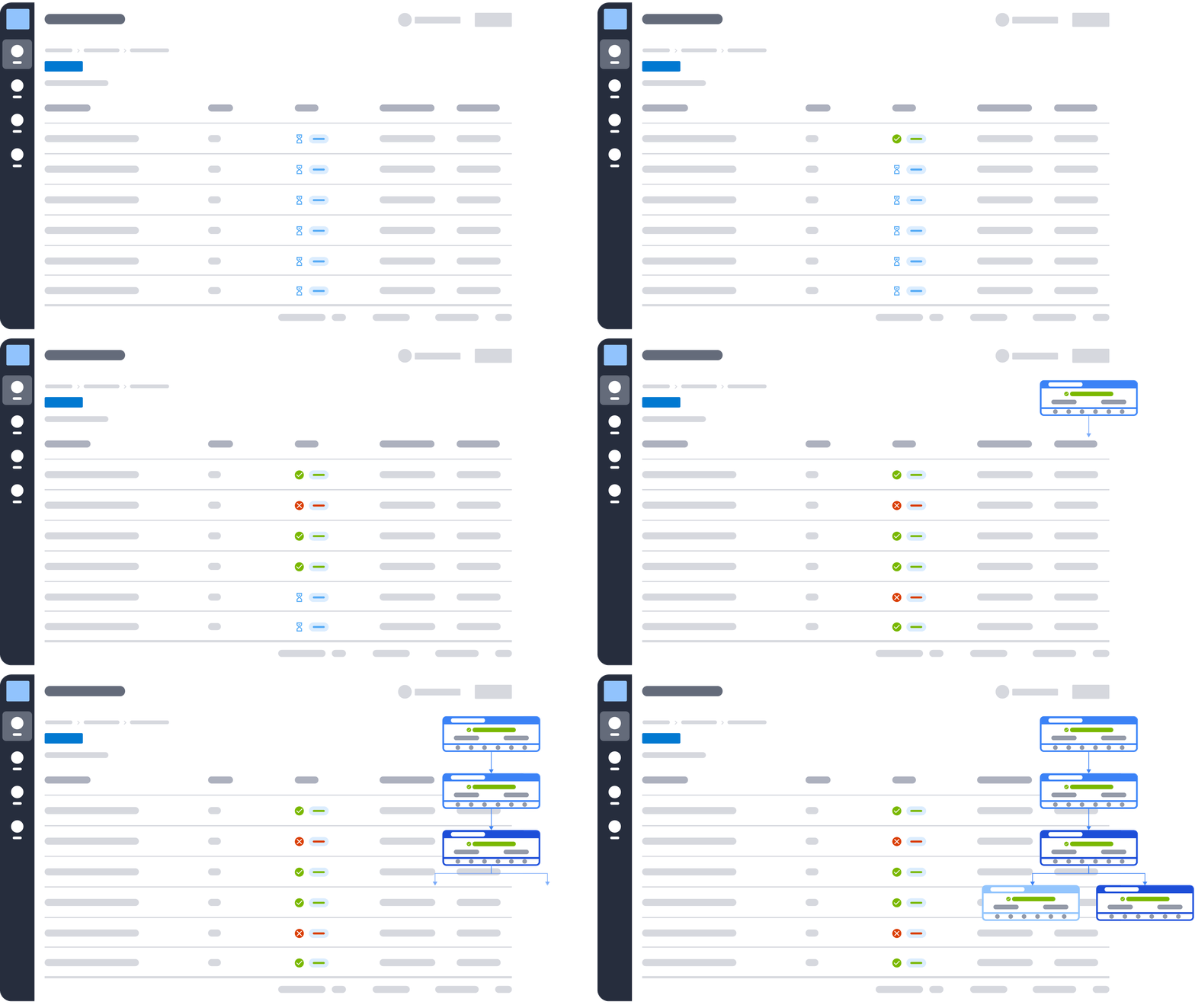
Everything starts with a single point of control, usually a web-based interface, that gives operations teams visibility into every job, regardless of where it runs.
Instead of switching among a mainframe console, a cloud scheduler, and a handful of point tools, teams manage schedules, dependencies, and exceptions from a single place. ANOW! Automate is built around exactly this model.
Step #2: Integrations and Agents
The platform connects to source and target systems through agents, agentless APIs, or both, depending on what each system supports. Integration breadth matters here: ANOW! Automate ships with more than 500 native, out-of-the-box integrations spanning cloud services, databases, ERP systems, containers, and legacy schedulers.

Integration Architecture
Discover Your Integration Possibilities
Connect your Beta Systems platform with the enterprise applications, APIs, and services that you already use. Streamline data exchange and orchestrate end-to-end workflows across your IT landscape.
Step #3: Triggers and Dependency Mapping
Jobs are linked through dependencies, conditions, and triggers rather than running on fixed clocks alone.
A workflow might wait for a file to arrive, a database flag to change, or several upstream jobs to finish before it starts, keeping sequencing correct even when individual systems operate on their own schedules.
See how an automation orchestration platform connects complex workflows.
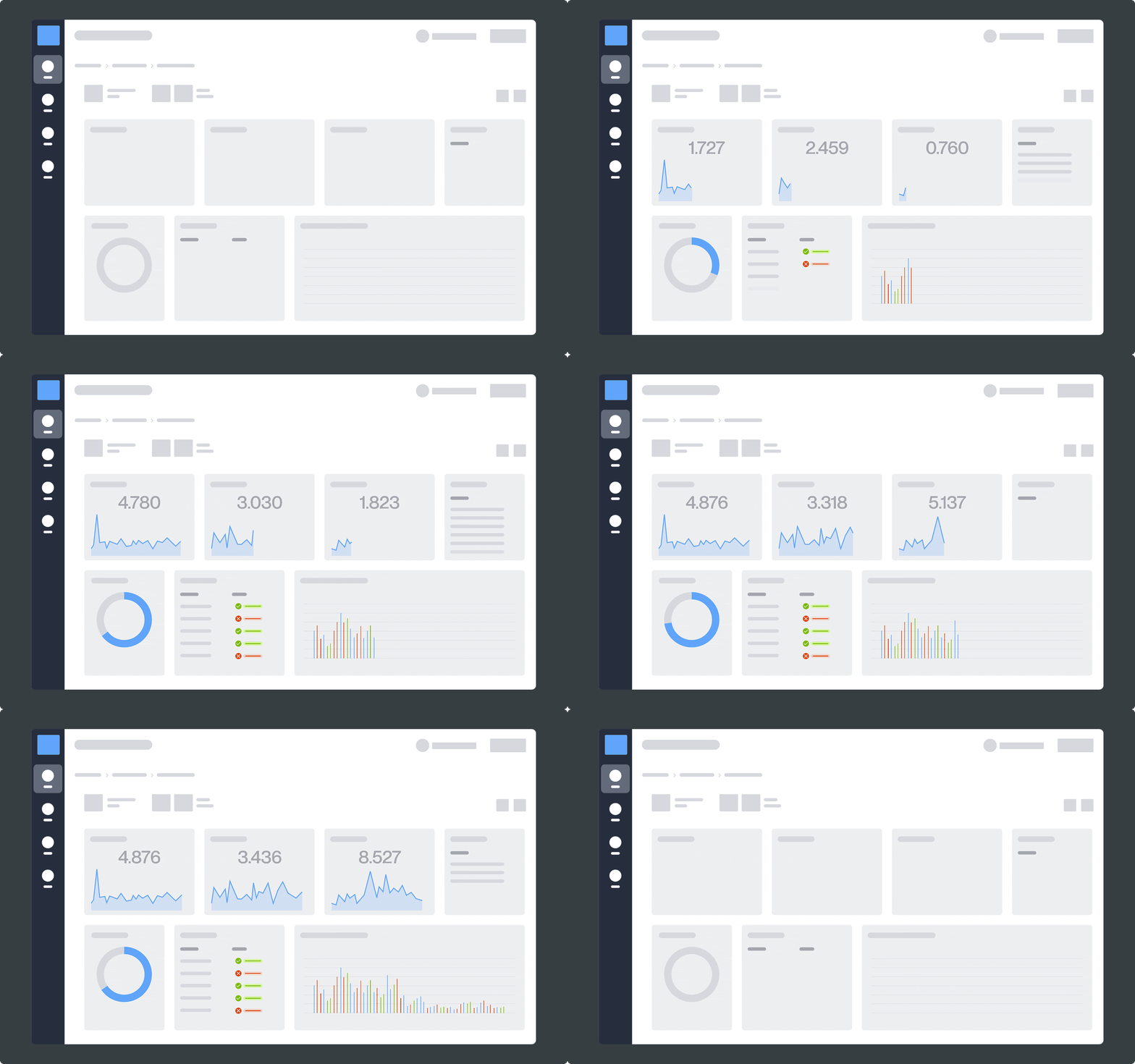
Step #4: Monitoring and Observability
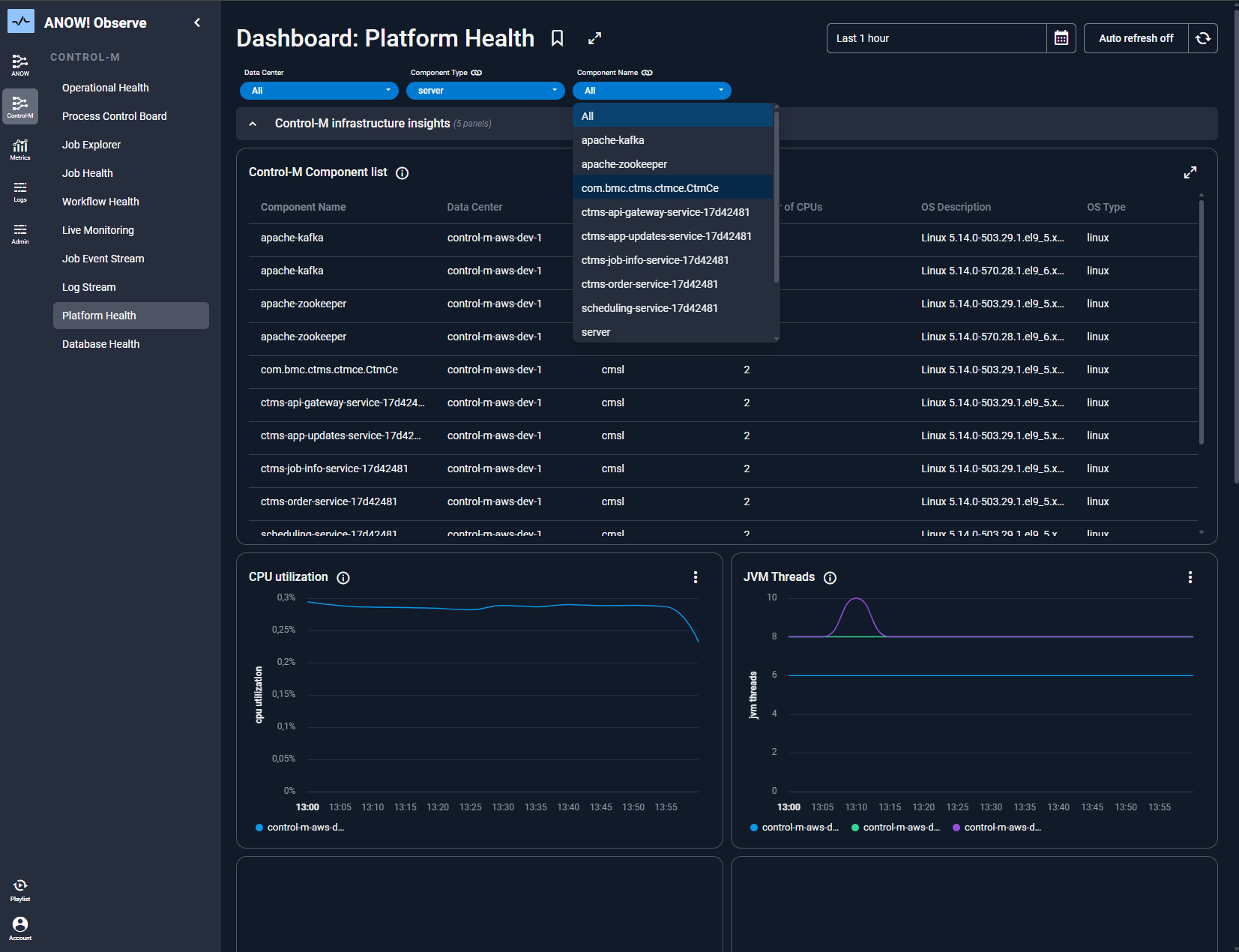
Once workflows are running, real-time observability becomes the safety net.
Platforms increasingly rely on OpenTelemetry-based metrics, logs, and traces to surface SLA risks and anomalies before they cause downstream failures, giving teams a single view of health across the entire hybrid landscape rather than a dashboard per system.
Read more: Learning what observability means for IT operations can help build a deeper understanding of it.
Step #5: Recovery and Remediation
When something fails, automated recovery options such as restart rules, failover paths, and alerts tied to business impact rather than raw error codes reduce the amount of manual intervention is needed.
Some platforms layer AI-informed diagnostics on top, helping teams identify the root cause faster instead of starting the investigation from a blank slate.
Common Use Cases for Hybrid Workload Automation
Hybrid workload automation shows up anywhere a business process touches more than one environment. A few of the most common patterns are covered below.
Batch Processing Across Mainframe and Cloud
Banks and insurers often keep core processing on the mainframe while running analytics, reporting, or customer-facing services in the cloud.
Hybrid workload automation sequences the nightly batch run on the mainframe with downstream cloud jobs, ensuring that reconciliation, regulatory reporting, or settlement processes are completed in sequence without manual handoffs between teams.
Data Pipeline Orchestration
Modern data pipelines pull data from operational systems, land it in a warehouse, and feed it to BI or ML tools, often spanning platforms like Snowflake, Databricks, and dbt.
Hybrid automation coordinates these steps end-to-end, including anomaly detection, so a delayed extract doesn't silently produce stale dashboards or broken models downstream.
Managed File Transfer Between Environments
Many cross-system workflows depend on files moving reliably between on-premises servers, partners, and cloud storage.
Hybrid workload automation treats file transfer as part of the broader workflow (with retries, encryption, and audit logging) instead of a separate process disconnected from the jobs that depend on it.
SAP and ERP Orchestration
Enterprises running SAP alongside non-SAP systems need orchestration that understands both.
Hybrid automation can sequence SAP job steps alongside surrounding processes such as file transfers, approvals, and downstream reporting, giving operations teams a single view of business-critical workflows rather than separate SAP and non-SAP monitoring tools.
Pro tip:
If your use case spans both data pipelines and file movement, look for a platform with native data ecosystem orchestration rather than stitching together a scheduler and a separate MFT tool.
Best Practices for Implementing Hybrid Workload Automation
Implementation success usually comes down to sequencing and governance more than the technology itself.
A few practices consistently separate smooth rollouts from stalled ones.
Start With the Workflows That Carry the Most Risk
Rather than automating everything at once, prioritize the cross-system workflows with the tightest SLAs or highest business impact, such as financial close, regulatory reporting, and order processing.
Early wins here build the case for expanding coverage and give teams a realistic sense of what the rest of the migration effort will look like.
Build in Observability From the Start
Visibility shouldn't be an afterthought bolted on once something breaks.
Teams that plan for monitoring, logging, and SLA tracking while designing workflows catch problems earlier and spend less time reconstructing what happened after an incident.
Plan Migration in Phases, Not a Single Cutover
Replacing a legacy scheduler all at once is rarely realistic when hundreds of interdependent jobs are involved.
Migrating in phases, such as by business unit, system, or workflow, with zero-touch migration tooling reduces risk and gives teams room to validate each stage before moving to the next.
What Makes Hybrid Workload Automation Difficult?
Hybrid workload automation solves real problems, but instead of erasing complexity, it relocates it.
Organizations adopting it still have to deal with systems that weren't built to be observed centrally, access policies that vary by team, and the practical reality that legacy infrastructure doesn't disappear just because a new orchestration layer sits on top of it.
None of this makes hybrid automation a bad investment; it just means the rollout needs to account for the same complexity it's trying to manage.
The three challenges below come up most often.
Challenge #1: Fragmented Visibility
Before consolidation, most hybrid estates have monitoring spread across multiple tools, each showing only its own slice of the environment.
Stitching that into a single, trustworthy view requires real integration work, and coverage gaps can hide dependency issues until they cause an outage.
Challenge #2: Legacy System Constraints
Mainframes and older schedulers weren't designed with modern APIs or event-driven triggers in mind.
Connecting them into a hybrid automation layer often requires agents, adapters, or custom scripting, and teams need to plan for systems that can only be touched in specific, carefully tested ways.
Challenge #3: Access Control and Compliance Complexity
Centralizing automation means centralizing access to everything it touches, which raises the stakes on getting permissions right.
Enforcing segregation of duties, least-privilege access, and detailed audit trails across every connected system takes deliberate design. Keep in mind, it doesn't happen automatically just because the platform is unified.
Ready to Simplify Hybrid Workload Automation with Beta Systems?
Hybrid IT isn't going away, and ignoring it just means more manual coordination, greater SLA risk, and more late-night calls when something breaks silently across systems.
ANOW! Automate was built for exactly this reality. It’s a single platform with 500+ native integrations, OpenTelemetry-based observability, and full digital sovereignty for organizations that need control over both legacy and cloud workloads.
Explore ANOW! Automate
See how ANOW! Automate handles orchestration across hybrid environments. Request a demo or learn more about who's behind the platform.
:quality(50))
:quality(50))
:quality(50))